15 MUST-KNOW Notion tips for Productivity!
TL;DR
Learn unconventional notion tips for productivity, including shortcuts, database navigation, customizations, templates, and AI integration.
Transcript
all right you already know the drill diving right into the first unconventional notion tip for productivity is instead of downloading an image saving it locally then uploading it as a page icon what you can do is right click on the image copy image address go back to your notion page click your icon custom paste the image address enter and boom sup... Read More
Key Insights
- 🤗 Notion provides unconventional tips for increased productivity, such as pasting image addresses, using shortcuts to open tabs, and efficiently navigating and editing databases.
- 🎁 Customizing column icons and wrapping specific columns can enhance the aesthetics and usability of Notion databases.
- ⌛ Utilizing recurring templates and filters for time frames can save time and improve organization in Notion.
- 😀 Toggles can be used on Notion's mobile app for easy navigation to specific sections on long pages.
- 👋 Organizational best practices include creating master databases, using relevant filters for different views, and keeping useful information sections within project pages.
- 👻 The integration of AI blocks in Notion allows for automatic summarization and fact-checking of saved articles.
- 🆕 The new buttons feature in Notion simplifies the creation of default tasks and enhances workflow efficiency.
Install to Summarize YouTube Videos and Get Transcripts
Explore YouTube Video Summarizer or Get YouTube Transcript Extractor
Questions & Answers
Q: How can I customize icons for columns in a Notion database?
To customize column icons, click on the column header, click the default icon, and select a new icon. You can even leave the property name empty for a clean look.
Q: How can I use recurring templates in Notion?
Create recurring templates for actions like weekly meetings, generating new pages at specific times. Set templates to generate shortly before a meeting so you can start taking notes right away.
Q: Can I filter Notion databases to show only pages within a specific time frame?
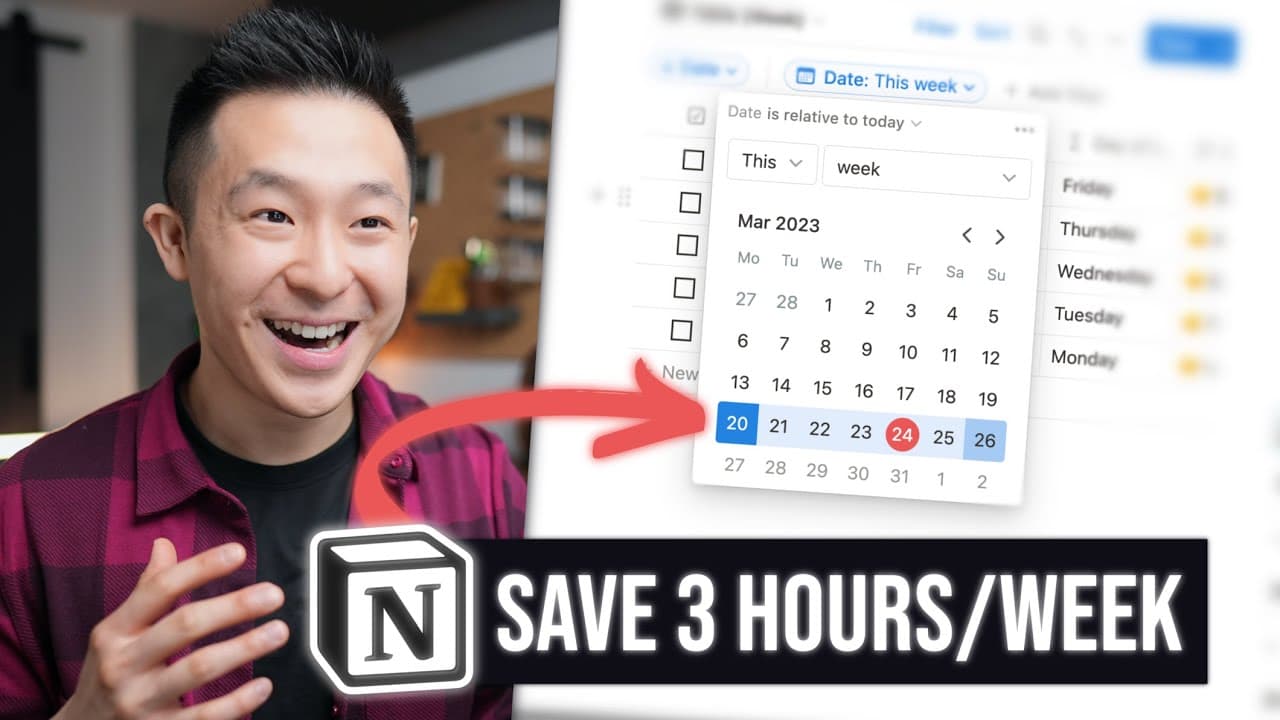
Yes, for databases with a date property, you can create a view with a filter for relative dates, like "date is relative to today this week." You can also set your start week to Monday for a Monday to Sunday view.
Q: How can I create toggles for easy navigation on Notion's mobile app?
Include a toggle block at the beginning of pages you frequently refer to. Copy the link to the block and paste it where you want to create a shortcut.
Summary & Key Takeaways
-
Instead of downloading and uploading images as icons in Notion, you can directly paste the image address for a quick and cool customization.
-
Command clicking on a page or using shortcuts can save time by opening additional tabs and easily navigating throughout your Notion workspace.
-
Notion's database functionality mimics Excel and Google Sheets, allowing for efficient navigation, editing, and pasting values. Customizations like column wrapping and minimalistic looks are also possible.
Read in Other Languages (beta)
Share This Summary 📚
Summarize YouTube Videos and Get Video Transcripts with 1-Click
Try YouTube Summary with ChatGPT & Claude or YouTube Transcript Generator
Explore More Summaries from Jeff Su 📚






Summarize YouTube Videos and Get Video Transcripts with 1-Click
Try YouTube Summary with ChatGPT & Claude or YouTube Transcript Generator