How to use Anthropic's 13 Claude skills?
TL;DR
The main takeaway is that downloading new Claude skills is not enough; you must design how to run them. Utility skills perform end to end tasks, while orchestration skills stitch multiple utilities in the right order. Focus on category priorities, enable connectors, and consider routing collisions to optimize your Claude setup.
Transcript
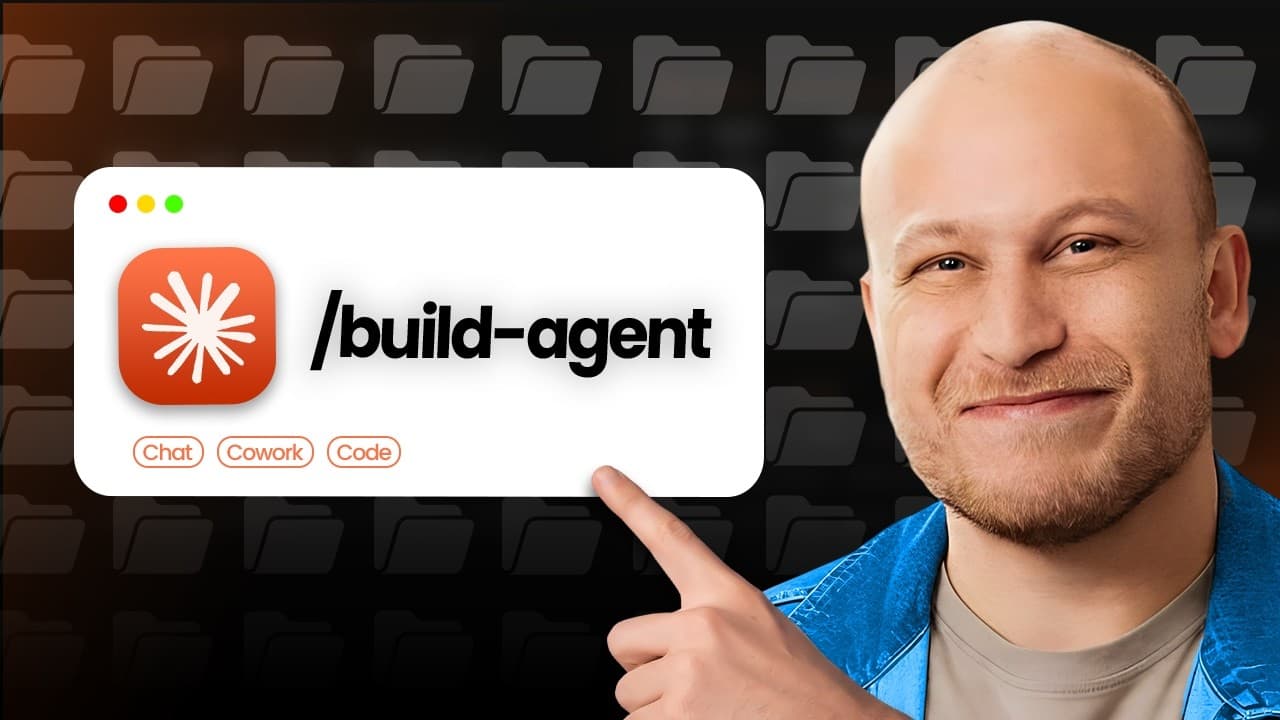
Anthropic just released 13 new skills designed specifically to help people work faster in their day-to-day. But the reality is, even though downloading new skills is simple, that alone doesn't give you speed. What really matters is how you use them. So, in this video, I'm going to break down the 13 new skills Anthropic released, tell you which are ... Read More
Key Insights
- Utility skills do a single end-to-end task and do not require the full workflow to operate, acting like a specialized crew member in a project.
- Orchestration skills do not perform work directly but coordinate and sequence multiple utility skills to achieve a final outcome.
- Anthropic added 13 new skills to its Claude for Small Business plugin, expanding the total to 44 and organizing them by department.
- The video stresses the importance of applying the right skills in the right order, similar to hiring a contractor where the contract defines the sequence of work.
- Routing collisions occur when more than one skill could handle a request, requiring careful design to avoid conflicts and ensure correct outputs.
- Enhancement skills focus on quality of life improvements for the AI system and user experience, including connectors, agents, and brand styling for outputs.
- Sales and leads category expands to eight skills, with grow pipeline and speed to lead aimed at finding prospects and quickly following up on inbound leads.
- Marketing category discusses rearranging customer feedback into a growth asset and explains the value of routing decisions in skill orchestration.
Install to Summarize YouTube Videos and Get Transcripts
Explore YouTube Video Summarizer or Get YouTube Transcript Extractor
Questions & Answers
Q: A real search query question about the video (e.g. 'How to...', 'What is...', 'Why does...', 'When should...'). Question 1
What is the difference between utility skills and orchestration skills, and why does it matter when building a Claude based workflow? Utility skills perform a single end to end task they are like individual crew members doing specific work. Orchestration skills, by contrast, do not perform work themselves but coordinate calls to multiple utility skills in the correct order to produce a final result. Understanding this distinction helps you design smoother, faster, and more reliable automation while keeping maintenance manageable. Applying this distinction allows you to pick the right tool for the job, avoiding bottlenecks and ensuring outputs stay cohesive across the entire process.
Q: Question 2
How can you practically begin using the 13 new Claude skills in a small business setup? Start by identifying repetitive, high impact tasks that could benefit from automation. Use enhancement skills to create connectors and brand style to ensure outputs match your system. Then implement an orchestration plan that sequences these utilities to handle end to end processes. Finally, test, monitor for routing collisions, and iterate to improve reliability and speed.
Q: Question 3
Which categories were expanded in the Claude plugin and what does that imply for sales and marketing workflows? The video notes six categories including enhancement, sales and leads, marketing, customers and proposals, finance, and operations. The expansion, particularly in sales and marketing, shows Anthropic’s focus on growth enablement. This implies you can automate prospecting, outreach, and customer communications more effectively, while ensuring outputs align with your brand and business rules.
Q: Question 4
What is routing collision in Claude skills and how can you mitigate it? Routing collision happens when two or more skills are capable of handling the same request, risking conflicting outputs. To mitigate this, define clear priority rules and sequencing for skill calls, and implement tests that simulate varied inputs to detect conflicts early. This keeps your automation predictable and reliable across different scenarios.
Q: Question 5
What practical advice does the video give about shipping new skills and not overthinking? The host emphasizes that action produces information, and you should ship ideas even if not perfect. Start with small, repeatable tasks, then scale by adding more skills. The key is to turn repeated tasks into skills, connect external tools as needed, and iterate quickly based on feedback from real usage.
Q: Question 6
How does the video suggest using customer feedback within Claude skills? Customer feedback is treated as a growth asset that can be acted upon directly from the plugin. By rearranging feedback related skills into marketing, you can use reviews to influence growth strategies and outputs. This approach demonstrates the value of closing the loop between customer input and automated responses or assets.
Q: Question 7
What role does Clay play in enhancing Claude based workflows according to the video? Clay integrates with Claude to provide data from 250 plus sources, helps assemble lead lists, and creates automated workflows. It can continuously monitor for new data, update lists, and run prompts inside Claude Code, extending the capability to generate timely, relevant outreach with up to date information.
Q: Question 8
What is the practical takeaway regarding how to structure and ship a Claude based system? Start with a minimal viable setup by selecting a few high impact skills, ensure you have solid connectors, and define a clear orchestration flow. Then test for routing collisions, gather user feedback, and iterate. The aim is to automate prep and decision making while staying adaptable as needs evolve.
Summary & Key Takeaways
-
The video explains the 13 new Claude skills and how they’re categorized, emphasizing the distinction between utility and orchestration skills and how to apply them effectively in a business context.
-
It covers six skill categories with examples like enhancement, sales, marketing, customers and proposals, finance, and operations, and offers practical steps to implement and optimize the plugin in a real workflow.
-
The host highlights practical takeaways such as not overthinking, shipping quickly, and listening to customer needs, plus how to detect routing collisions and use supporting tools like Clay for lead generation.
Read in Other Languages (beta)
Share This Summary 📚
Summarize YouTube Videos and Get Video Transcripts with 1-Click
Try YouTube Summary with ChatGPT & Claude or YouTube Transcript Generator
Explore More Summaries from Austin Marchese 📚



Summarize YouTube Videos and Get Video Transcripts with 1-Click
Try YouTube Summary with ChatGPT & Claude or YouTube Transcript Generator