How to Quickly Find Villages in Minecraft
TL;DR
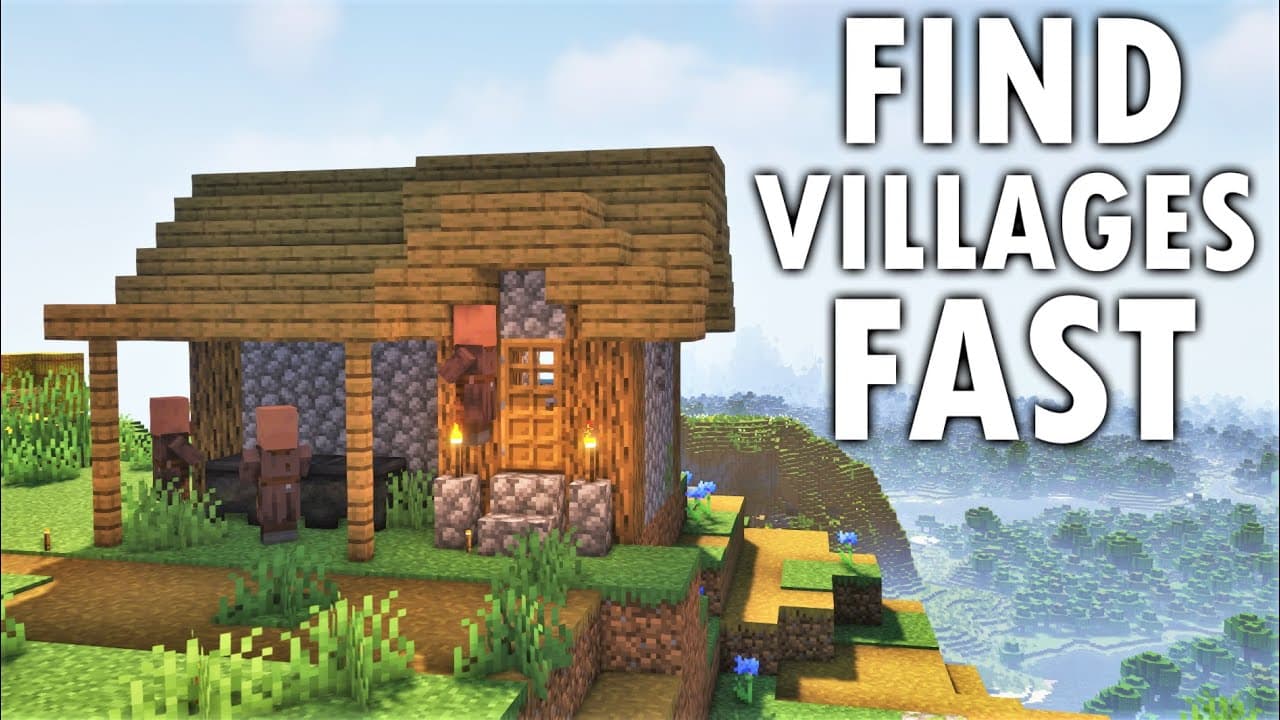
To quickly find villages in Minecraft, start by ascending to a high point and adjusting your render distance and FOV for better visibility. You can also copy your world seed and create a new creative world to explore it, or use a village finder website like Chunkbase for precise locating based on your seed.
Transcript
hello youtube i'm matt video productions and welcome back to another video today's tutorial is how to find villages the fastest and best way possible for both bedrock and java versions of minecraft i am making this tutorial because i was looking back at my old tutorials and some other people's tutorials and i just thought there were some things tha... Read More
Key Insights
- 🖐️ Minecraft players can find villages efficiently by utilizing different methods based on the edition they are playing.
- 😥 Climbing to high points, adjusting settings, and scanning the world are effective strategies for finding villages in both Bedrock and Java Editions.
- 🌍 Using an outside world with the same seed and exploring creative worlds can help players locate villages more easily.
Install to Summarize YouTube Videos and Get Transcripts
Explore YouTube Video Summarizer or Get YouTube Transcript Extractor
Questions & Answers
Q: What is the first method for finding villages in Minecraft's Bedrock Edition?
The first method involves climbing to a high point, adjusting settings such as field of view (FOV) and render distance, and scanning the world for villages.
Q: How can players use an outside world to find villages in Bedrock Edition?
By taking note of the seed in their current world, creating a new creative world with the same seed, and adjusting settings to improve visibility, players can fly around and locate villages in specific areas.
Q: What is the recommended method for finding villages in Java Edition?
In Java Edition, players can climb to high points, adjust settings like FOV and render distance, and scan the world for villages. They can also use the seed and create a new world with the same seed to explore and find villages.
Q: How can players use the village finder website to locate villages in Java Edition?
By entering the seed of their world into the village finder website, players can view a map with dots representing villages. They can then use their coordinates in the game to locate specific villages.
Summary & Key Takeaways
-
The tutorial provides strategies for finding villages in Minecraft's Bedrock Edition and Java Edition.
-
In Bedrock Edition, players can find villages by climbing to high points, adjusting settings to improve visibility, and using an outside world with the same seed to locate villages.
-
In Java Edition, players can use similar methods, such as climbing to high points and adjusting settings, but can also utilize the seed and a village finder website to locate villages.
Read in Other Languages (beta)
Share This Summary 📚
Summarize YouTube Videos and Get Video Transcripts with 1-Click
Try YouTube Summary with ChatGPT & Claude or YouTube Transcript Generator
Explore More Summaries from MattVidPro AI 📚





Summarize YouTube Videos and Get Video Transcripts with 1-Click
Try YouTube Summary with ChatGPT & Claude or YouTube Transcript Generator