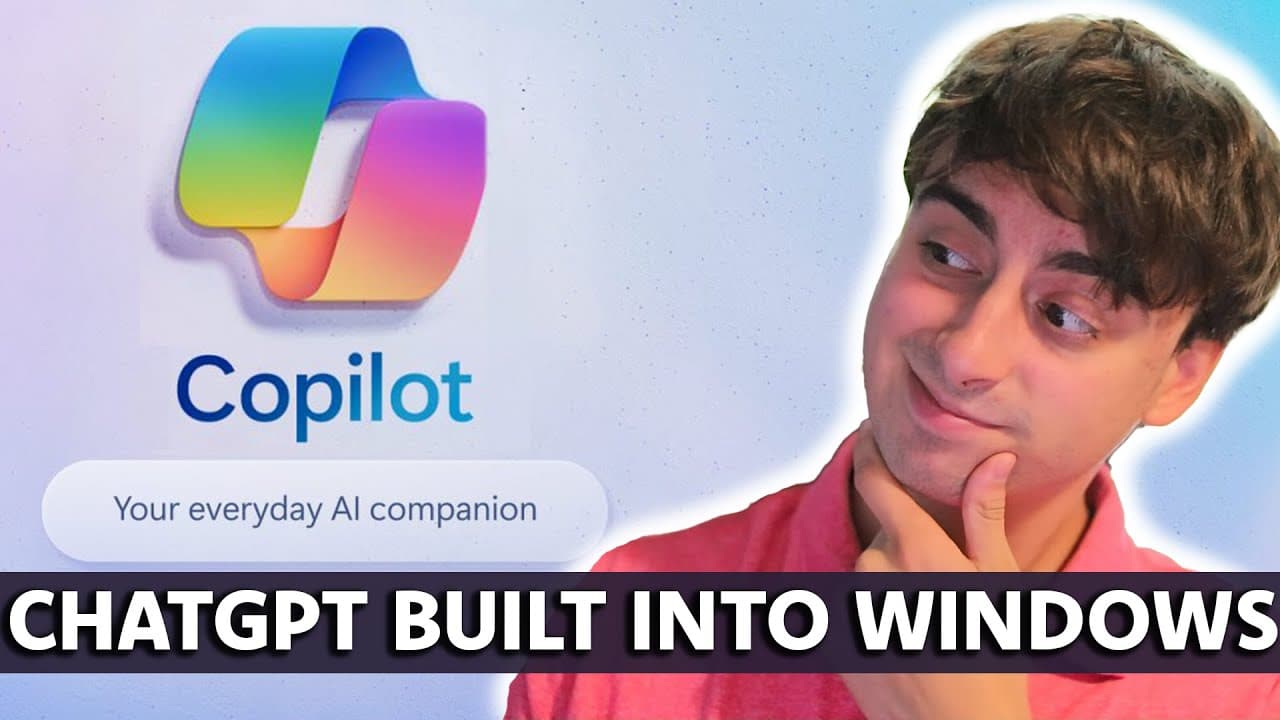
Windows 11 Copilot AI is Here - First Look
TL;DR
Microsoft has released Windows Co-pilot, an AI assistant built into Windows 11 that can help with tasks, manage files, and more.
Transcript
hello everyone welcome back to the matvid pro AI YouTube channel if you like what you see today please consider subscribing and if you've been watching me for a while why don't you check and see if you are subscribed anyways in yesterday's video we took a look at Windows co-pilot it was one of the many huge and awesome AI announcements but if you g... Read More
Key Insights
- 🚀 Windows co-pilot, an AI assistant built into Windows 11, has been released and is ready to use, offering help with tasks and file management. It appears to still be in a beta stage with potential future updates.
- 🎶 Co-pilot can integrate with Spotify to open the app and play specific playlists, showcasing its AI agent-like capabilities. The level of integration, whether with Spotify or other apps, is still unclear and requires further testing.
- 💼 Microsoft 365 co-pilot, set to release on November 11th, offers more complex functions and plugins for various applications, making it a valuable tool for productivity and work management. Its ability to analyze data from different Microsoft 365 apps is a winning strategy.
- 🌐 Co-pilot's chat GPT-esque features, similar to Bing chat, allow users to ask questions, search the web, and provide assistance with tasks such as turning on dark mode or organizing windows. It may be powered by GPT4 in creative mode, showing potential for advanced capabilities in the future.
- 📇 Co-pilot's integration with Microsoft Edge browser allows it to summarize text, rewrite content, and explain images, showcasing its potential for productivity and research tasks. However, the full extent of its image viewing capabilities, such as using DALL-E 3, remains uncertain.
- ⚙️ While co-pilot's functionalities are promising, there are limitations, such as its inability to interact with certain applications or use the Chrome browser for searches. Development is still ongoing, and updates may provide further capabilities in the future.
- 📅 Co-pilot can assist with calendar management by opening the calendar app, but it requires further testing to determine its full range of capabilities.
- 🔒 Overall, co-pilot shows potential as a helpful AI assistant but may still be in the early stages of development. Its integration with Microsoft 365 apps and future updates could make it a valuable tool for productivity and efficiency.
Install to Summarize YouTube Videos and Get Transcripts
Explore YouTube Video Summarizer or Get YouTube Transcript Extractor
Questions & Answers
Q: How does Windows Co-pilot work?
Windows Co-pilot is an AI assistant built into Windows 11 that appears in the taskbar and can be interacted with through a chat-like interface. It can help with tasks, manage files, and interact with applications on the computer.
Q: What are some of the features of Windows Co-pilot?
Some features of Windows Co-pilot include searching the web, turning on dark mode, organizing windows, creating drafts, summarizing text, and more. It can also integrate with Microsoft 365 apps for more advanced tasks.
Q: Can Windows Co-pilot interact with third-party applications?
Windows Co-pilot's ability to interact with third-party applications is limited. While it can open certain apps like Spotify and set up focus sessions, it may not be able to perform advanced tasks or access certain settings within those applications.
Q: Is Windows Co-pilot fully released?
Windows Co-pilot is still in a preview stage and not fully released. It is continuously being developed and updated with new features and capabilities.
Summary & Key Takeaways
-
Microsoft has released Windows Co-pilot, an AI assistant built into Windows 11.
-
Windows Co-pilot can help with tasks, manage files, and interact with applications on the computer.
-
The AI assistant is still in a preview stage, with future updates and capabilities expected.
Read in Other Languages (beta)
Share This Summary 📚
Summarize YouTube Videos and Get Video Transcripts with 1-Click
Try YouTube Summary with ChatGPT & Claude or YouTube Transcript Generator
Explore More Summaries from MattVidPro AI 📚





Summarize YouTube Videos and Get Video Transcripts with 1-Click
Try YouTube Summary with ChatGPT & Claude or YouTube Transcript Generator