How to Create Animated Videos with Music on Your Phone
TL;DR
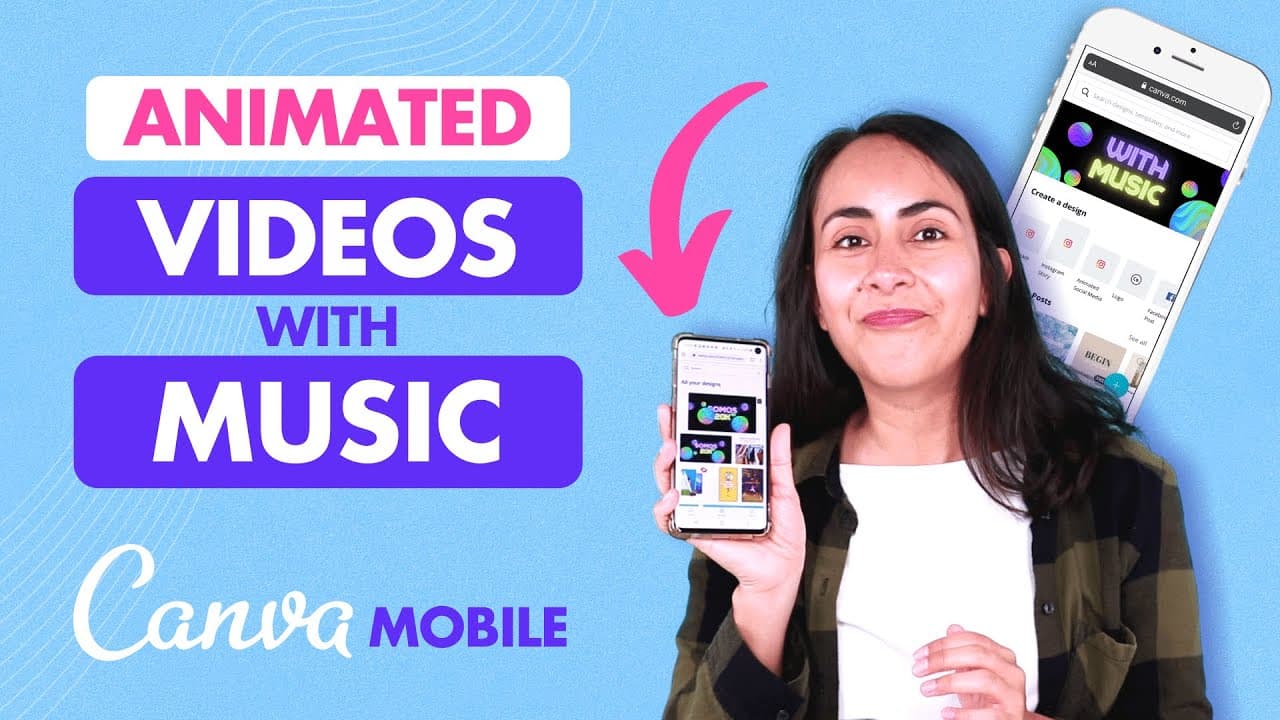
To create animated videos with music on your phone using Canva, access the browser version, not the app. Start with a dark background, add modern text and a gradient sticker for depth, and include animations like the Tumblr effect. Finally, choose your desired music from Canva's free options and ensure your YouTube account is properly linked to avoid copyright issues.
Transcript
today i'm going to show you step by step how to create an animated video with music and a 3d effect from canva mobile and you can follow this tutorial if you have a canva free account and a pro account by the way i love seeing you guys comment in the videos and i want to especially thank solomon because i got the idea for this tutorial after readin... Read More
Key Insights
- 🎧 Canva's browser version allows users to access the music option for creating videos on mobile phones.
- 🎮 A well-designed video includes a dark background, modern font combinations, and a gradient sticker for a 3D effect.
- 🎮 Animations, like the Tumblr animation, bring movement and visual interest to the video.
- 🗯️ Choosing the right music enhances the overall experience of the animated video.
- 🥶 Canva offers both free and premium font options, with premium fonts denoted by a crown symbol.
- 👤 Users can create explainer videos with text animations and music for social media platforms like Facebook, Instagram, and YouTube.
- 🎮 Properly connecting your YouTube account is crucial before downloading videos to avoid copyright strikes.
Install to Summarize YouTube Videos and Get Transcripts
Explore YouTube Video Summarizer or Get YouTube Transcript Extractor
Questions & Answers
Q: How can I use Canva's browser version to access the music option for creating videos on my phone?
By using Canva's browser version rather than the app, you can access the music option and create videos with music on your phone.
Q: What elements should I include in the design to make it visually appealing?
To make the design visually appealing, select a dark or black background, use modern font combinations for the text, and add a gradient sticker for a 3D effect.
Q: How can I add animation to my design?
After creating the design, click on the background and select the animate button. Choose an animation style, such as the Tumblr animation, to add movement to the elements.
Q: How can I add music to my video?
Open the menu and go to the music section. Select a song, such as "Trust Me," from the free options available in Canva. Make sure to properly connect your YouTube account before downloading to avoid copyright strikes.
Summary & Key Takeaways
-
Use Canva's browser version instead of the app to access the music option for creating videos on your phone.
-
Create a design by selecting a dark background, adding text with modern font combinations, and using a gradient sticker for a 3D effect.
-
Add animation, such as the Tumblr animation, and include music to enhance the video.
Read in Other Languages (beta)
Share This Summary 📚
Summarize YouTube Videos and Get Video Transcripts with 1-Click
Try YouTube Summary with ChatGPT & Claude or YouTube Transcript Generator
Explore More Summaries from Design with Canva 📚






Summarize YouTube Videos and Get Video Transcripts with 1-Click
Try YouTube Summary with ChatGPT & Claude or YouTube Transcript Generator