What Are the Best Productivity Apps for Windows Users?
TL;DR
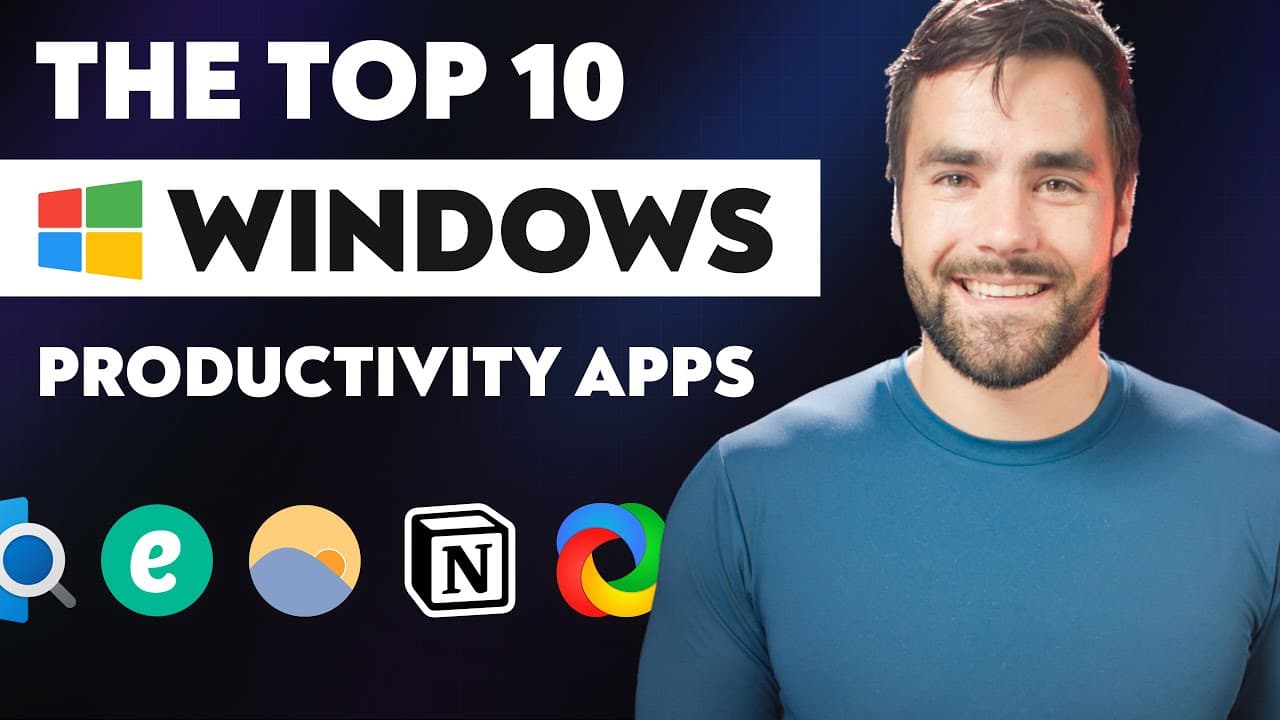
The best productivity apps for Windows include ShareX for powerful screenshot capabilities, Quick Look for file previews, and Notion for note-taking and task management. Additional recommendations are Microsoft Edge for browsing efficiency, the Windows Clipboard Manager for enhanced copy-pasting, and F.lux for reducing blue light exposure. Each app contributes to increased productivity and effective workflow management.
Transcript
- I have a central tenant that I follow for any kind of work that I'm doing. And it's this. If I find myself doing something repeatedly, there is a process I have to follow all the time over and over again, then anything I can do to make that process more efficient either by making it faster, removing steps or automating steps, I should do. And wit... Read More
Key Insights
- 💻 Automating repetitive processes can increase efficiency in work tasks, making them faster and more streamlined.
- 💡 The speaker shares their top 10 favorite productivity apps for Windows, emphasizing their preference for Windows over Mac OS.
- 🖥️ Sharex is a valuable screenshot tool for Windows, offering optical character recognition for extracting text from images and videos.
- 📸 The editor within Sharex is more powerful than the built-in Windows screenshot tool, Snip and Sketch, allowing for annotations and blurring sensitive information.
- 🌐 Quick Look is an app that brings the Mac OS function of previewing files without opening them to Windows.
- 📝 Notion is a highly regarded note-taking application, favored by the speaker for its speed and recent bug fixes, and used extensively in their content creation process.
- 🌐 Microsoft Edge is praised as a faster and resource-efficient browser alternative to Chrome, with the added benefit of being compatible with Chrome extensions.
- 📋 The Windows Clipboard Manager's ability to remember multiple copied items and sync across devices enhances the copy-paste functionality of the operating system.
- ⚙️ Flow Launcher and Espanso work together to boost productivity by providing text-based shortcuts and text expansion capabilities, respectively.
- 🔍 Everything is a utility app that enables quick searching of files and folders on Windows, offering a faster and more efficient alternative to the native search feature.
- ☁️ Google Drive is recommended for its generous storage space and ability to create a customized file system for efficient file organization.
- ⏰ F.lux, a screen-dimming utility, reduces blue light exposure to promote better sleep and align with circadian rhythms.
- 🎥 Story Blocks is a valuable resource for video creators, offering unlimited access to a vast library of creative assets, including B roll, sound effects, and After Effects templates.
Install to Summarize YouTube Videos and Get Transcripts
Explore YouTube Video Summarizer or Get YouTube Transcript Extractor
Questions & Answers
Q: What makes Sharex different from other screenshot tools?
Sharex stands out among other screenshot tools because it offers optical character recognition, allowing users to extract text from images and videos and paste it directly into note-taking applications or other documents. This feature adds another level of efficiency and convenience to the app.
Q: How does Quick Look enhance the file preview experience in Windows?
Quick Look is an app that replicates the file preview functionality from macOS on Windows. By installing Quick Look, users can quickly preview files without opening them, saving time and system resources. It's particularly advantageous for files like Photoshop documents or animated GIFs.
Q: Why is Notion considered a top-tier note-taking application?
Notion is a highly versatile note-taking application that offers numerous features and customization options. It allows users to capture, organize, and collaborate on ideas, manage tasks, and even create a complete content creation pipeline. Notion's recent updates have improved its speed and resolved previous annoyances, making it a favorite among Windows users.
Summary & Key Takeaways
-
The video presents the top 10 productivity apps for Windows users.
-
The apps include Sharex, a versatile screenshot tool with optical character recognition.
-
Quick Look brings the file preview functionality from macOS to Windows.
-
Notion is a comprehensive note-taking application for managing tasks and content creation.
-
F.lux is a screen dimming tool that reduces blue light emission.
-
Flow Launcher and Espanso work together to provide fast access to files, directories, and text snippets.
-
Microsoft Edge is a browser alternative to Chrome, offering similar functionalities.
-
The Windows Clipboard Manager extends the default clipboard functionality.
-
Everything is a file search utility that provides instant results.
-
Google Drive offers cloud storage with ample free space.
Read in Other Languages (beta)
Share This Summary 📚
Summarize YouTube Videos and Get Video Transcripts with 1-Click
Try YouTube Summary with ChatGPT & Claude or YouTube Transcript Generator
Explore More Summaries from Thomas Frank 📚




Summarize YouTube Videos and Get Video Transcripts with 1-Click
Try YouTube Summary with ChatGPT & Claude or YouTube Transcript Generator