How to Manage Google Webmaster Office Hours
TL;DR
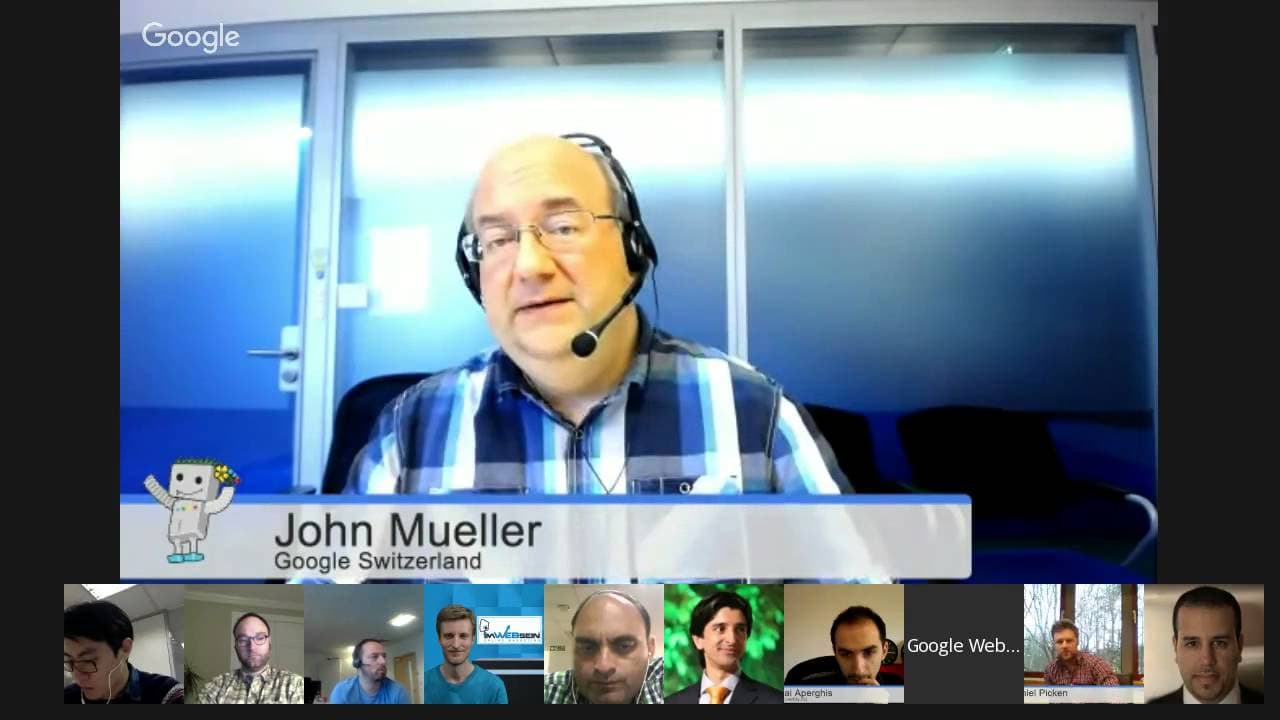
John Mueller, a Google webmaster trends analyst, hosts a Google Webmaster Central office hours hangout. Webmasters can ask questions related to crawling, indexing, and other webmaster-related topics. The session includes discussions on site links, canonicalization, hreflang, and handling duplicate content.
Transcript
JOHN MUELLER: OK. Welcome, everyone, to today's Google Webmaster Central office hours Hangouts. My name is John Mueller, and I'm a webmaster trends analyst here at Google in Switzerland, and part of what we do is talk with webmasters and publishers, like the ones here in the Hangouts, or the ones that submitted lots of questions. As always, those w... Read More
Key Insights
- Site links can be managed using the demotion tool, but changes may take up to two months to reflect.
- Canonical tags help Google identify the main version of a page, but Google might still show non-canonical pages if they have unique content.
- Geotargeting settings in Search Console can influence how a website is shown in different countries.
- Hreflang tags should be used correctly to ensure the right language version is shown to users.
- Google may rewrite titles and snippets in search results based on the query and page content.
- 404 errors do not negatively impact a site’s quality, especially if they occur due to expired content.
- The fetch and submit tool in Search Console allows quick indexing of updated content.
- Handling duplicate content across multiple location-based sites requires careful use of canonical tags and hreflang.
Install to Summarize YouTube Videos and Get Transcripts
Explore YouTube Video Summarizer or Get YouTube Transcript Extractor
Questions & Answers
Q: How to manage site links effectively?
Site links can be managed using the demotion tool in Google Search Console. However, demotions may take up to two months to reflect in search results. If certain URLs should not appear as site links, consider using 'noindex' to remove them completely from search.
Q: What happens if Google doesn't respect canonical tags?
Google might show non-canonical pages if they contain unique content not found on the canonical page. This can occur when the pages differ significantly or when a specific URL is searched for. Ensure that canonical tags are set correctly and that duplicate pages are minimized.
Q: How does geotargeting affect search results?
Geotargeting settings in Google Search Console can influence how a website is shown in different countries. Selecting a specific country can help target users in that region, while leaving it unset allows Google to determine the best audience based on various signals.
Q: How should hreflang tags be used for multilingual sites?
Hreflang tags should be used to specify language and regional targeting for different versions of a page. Ensure that tags are correctly implemented to prevent Google from showing the wrong language version. Use x-default for pages with no specific language targeting.
Q: Why does Google rewrite titles and snippets in search results?
Google may rewrite titles and snippets based on the user's query and the content of the page to provide the most relevant information. This is done to improve user experience by highlighting the most pertinent parts of a page.
Q: Do 404 errors affect a site's quality?
404 errors do not negatively impact a site's quality, especially if they occur due to content that naturally expires, like job listings or event pages. It's important to ensure that 404 pages provide a good user experience by offering alternative content or navigation options.
Q: How can I expedite indexing of updated content?
Use the fetch and submit tool in Google Search Console to request indexing of updated content. This tool is especially useful for quickly reflecting important changes in search results. However, the initial ranking may adjust as more signals are gathered.
Q: How to handle duplicate content across multiple locations?
Handling duplicate content across multiple location-based sites requires careful use of canonical tags and hreflang to ensure the correct version is indexed and shown to users. Consider consolidating content where possible and using location-specific pages for unique information.
Summary & Key Takeaways
-
John Mueller discusses various aspects of managing a website's presence in Google Search, focusing on site links, canonicalization, and hreflang tags. He emphasizes the importance of using these tools correctly to ensure Google indexes and displays the right content for users. Additionally, he addresses concerns about duplicate content and how to handle expired pages effectively.
-
The session provides insights into Google's approach to indexing and ranking, highlighting the significance of geotargeting and proper use of canonical tags. Mueller also touches on the challenges of managing multilingual sites and the impact of 404 errors on website quality.
-
Webmasters are encouraged to use tools like the fetch and submit feature in Search Console to expedite indexing of important updates. The discussion also covers the handling of hacked content and the role of NOODP tags in controlling search snippets.
Read in Other Languages (beta)
Share This Summary 📚
Summarize YouTube Videos and Get Video Transcripts with 1-Click
Try YouTube Summary with ChatGPT & Claude or YouTube Transcript Generator
Explore More Summaries from Google Search Central 📚






Summarize YouTube Videos and Get Video Transcripts with 1-Click
Try YouTube Summary with ChatGPT & Claude or YouTube Transcript Generator