What Are the 5 Best Methods for Taking Notes in Class?
TL;DR
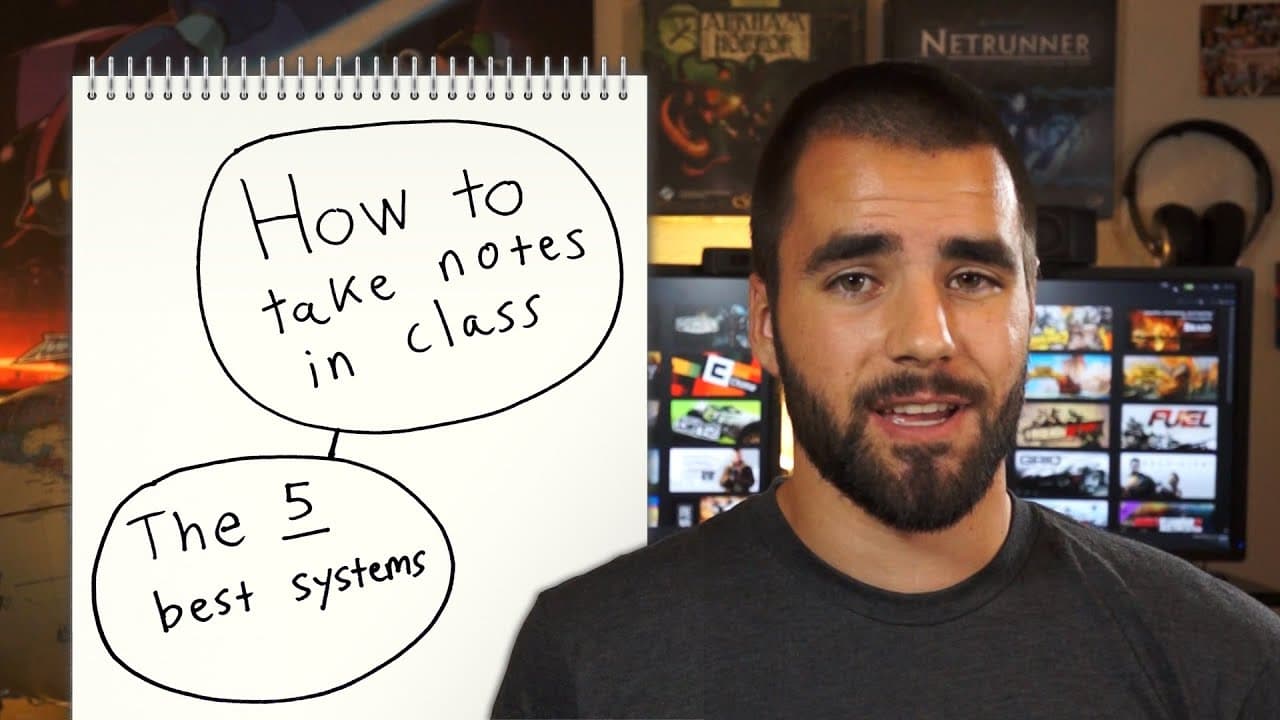
The five best note-taking methods for class are the outline method, Cornell method, mind map method, flow method, and write on the slides method. Each system offers unique benefits, such as the outline method's hierarchical structure, the Cornell method's three-section format for review, and the personalized understanding promoted by the flow method.
Transcript
What is the best system for taking notes in class? Luckily for you, I did the research and it turns out that there are five different note taking systems that are generally accepted to be pretty darn good. Of course, I will be representing these note taking systems with Street Fighter characters because, why not. The five note taking systems I’m go... Read More
Key Insights
- 💦 The outline method is a straightforward and hierarchical system that works well for organizing information.
- 👻 The Cornell method utilizes a three-section format, allowing for efficient note review and summarization.
- 🤯 The mind map method provides a visual approach to note taking, ideal for brainstorming and organizing ideas.
- 👻 The flow method prioritizes understanding over transcription, allowing students to create personalized notes.
- 🫵 The write on the slides method provides convenience and a timeline view for note taking.
- 🥡 Different note-taking systems cater to different learning preferences and subjects.
- 🛀 Digital note-taking offers additional formatting and editing options compared to paper note-taking.
Install to Summarize YouTube Videos and Get Transcripts
Explore YouTube Video Summarizer or Get YouTube Transcript Extractor
Questions & Answers
Q: How does the outline method work for note taking?
The outline method involves creating bullet points for main points and subpoints, allowing for easy organization and hierarchy of information. It is suitable for both paper and digital note taking, providing flexibility in formatting and editing.
Q: What is unique about the Cornell method?
The Cornell method divides the note-taking page into three sections: cue column, note-taking column, and summary. By adding questions or cues in the cue column and summarizing the lecture in the summary section, students can create reviewable notes without the need for extensive reworking.
Q: What are the advantages of using the mind map method?
The mind map method visually organizes information, making it easier to see relationships between different topics. It can help with brainstorming, organizing thoughts, and creating comprehensive lists or outlines for writing projects.
Q: How does the flow method differ from other note-taking systems?
The flow method focuses on learning and understanding rather than transcribing information. Students are encouraged to create their own notes, adding details, arrows, and offshoots to represent their understanding. It promotes active engagement and accelerates learning.
Summary & Key Takeaways
-
The video discusses five note taking systems commonly used in class: outline method, Cornell method, mind map method, flow method, and write on the slides method.
-
The outline method involves creating hierarchical bullet points for main points and supporting details.
-
The Cornell method divides the page into three sections: cue column, note taking column, and summary, helping students create reviewable notes.
-
The mind map method visually organizes information with a central topic and branching subtopics.
-
The flow method emphasizes learning in class rather than transcribing, encouraging students to create their own understanding of the subject.
-
The write on the slides method involves annotating lecture slides, utilizing the slide's layout and timeline view for note taking.
Read in Other Languages (beta)
Share This Summary 📚
Summarize YouTube Videos and Get Video Transcripts with 1-Click
Try YouTube Summary with ChatGPT & Claude or YouTube Transcript Generator
Explore More Summaries from Thomas Frank 📚





Summarize YouTube Videos and Get Video Transcripts with 1-Click
Try YouTube Summary with ChatGPT & Claude or YouTube Transcript Generator