How to Create a Zoom Out Effect with Midjourney and ChatGPT
TL;DR
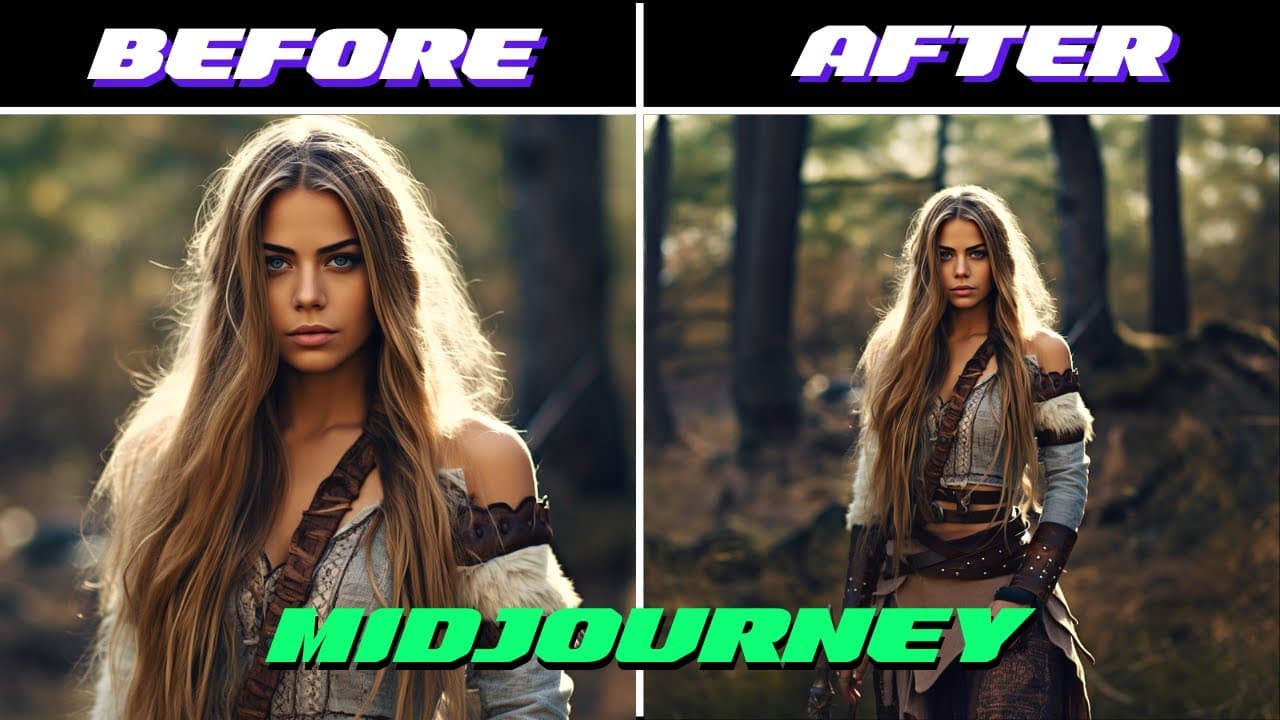
To create a zoom out effect using Midjourney and ChatGPT, start by generating prompts with ChatGPT to create image sequences. Then, import these images into video editing software and apply the zoom out effect for a dynamic visual experience. This technique allows for endless creative possibilities with different themes and styles.
Transcript
in this video I'm gonna show you how to create this to create this we used a new zoom out feature on mid-journey version 5.2 I also like to use chat TPT to create the prompts and we will also need a video editing software let's get started the first thing we want to do is start over on chat GPT to create the prompts for mid-journey so I'm just gonn... Read More
Key Insights
- 🎮 The zoom out effect can be achieved by using Chat GPT to generate prompts and a video editing software to apply the effect.
- 🔍 The tutorial provides step-by-step instructions for creating the zoom out effect.
- 🎮 The effect offers versatility as different prompts, styles, and themes can be used to create unique and engaging videos.
- 👻 The video editing software allows for further customization and enhancement of the zoom out effect.
- 🎮 Adding music to the video can enhance the overall impact of the zoom out effect.
- 👻 The zoom out effect can be scaled indefinitely, allowing for a wide range of creative possibilities.
- 🤗 The tutorial highlights the importance of hands-on learning and suggests using Brilliant.org for further learning in AI and tech.
Install to Summarize YouTube Videos and Get Transcripts
Explore YouTube Video Summarizer or Get YouTube Transcript Extractor
Questions & Answers
Q: What software is used in the tutorial to create the zoom out effect?
The tutorial utilizes Chat GPT for generating prompts and a video editing software like Adobe Premiere Pro for applying the zoom out effect to the sequence of images.
Q: How many times does the zoom out effect occur in the video?
The tutorial demonstrates applying the zoom out effect two times in the sequence of images.
Q: Can different prompts be used to create the zoom out effect?
Yes, the tutorial suggests using intriguing and interesting prompts to create a unique and engaging zoom out effect.
Q: Is it possible to change the theme or style of the images during the zoom out sequence?
Yes, the tutorial encourages users to experiment with different styles and themes as they zoom out, allowing for creative freedom in the video.
Summary & Key Takeaways
-
The video tutorial demonstrates how to create a zoom out effect using Chat GPT and video editing software.
-
The process involves generating prompts on Chat GPT and using the responses to create a sequence of images.
-
The images are then imported into a video editing software where the zoom out effect is applied to create a visually engaging video.
Read in Other Languages (beta)
Share This Summary 📚
Summarize YouTube Videos and Get Video Transcripts with 1-Click
Try YouTube Summary with ChatGPT & Claude or YouTube Transcript Generator
Explore More Summaries from All About AI 📚
Summarize YouTube Videos and Get Video Transcripts with 1-Click
Try YouTube Summary with ChatGPT & Claude or YouTube Transcript Generator