How to make an INSTAGRAM PUZZLE feed with Canva - FREE, fun and easy!
TL;DR
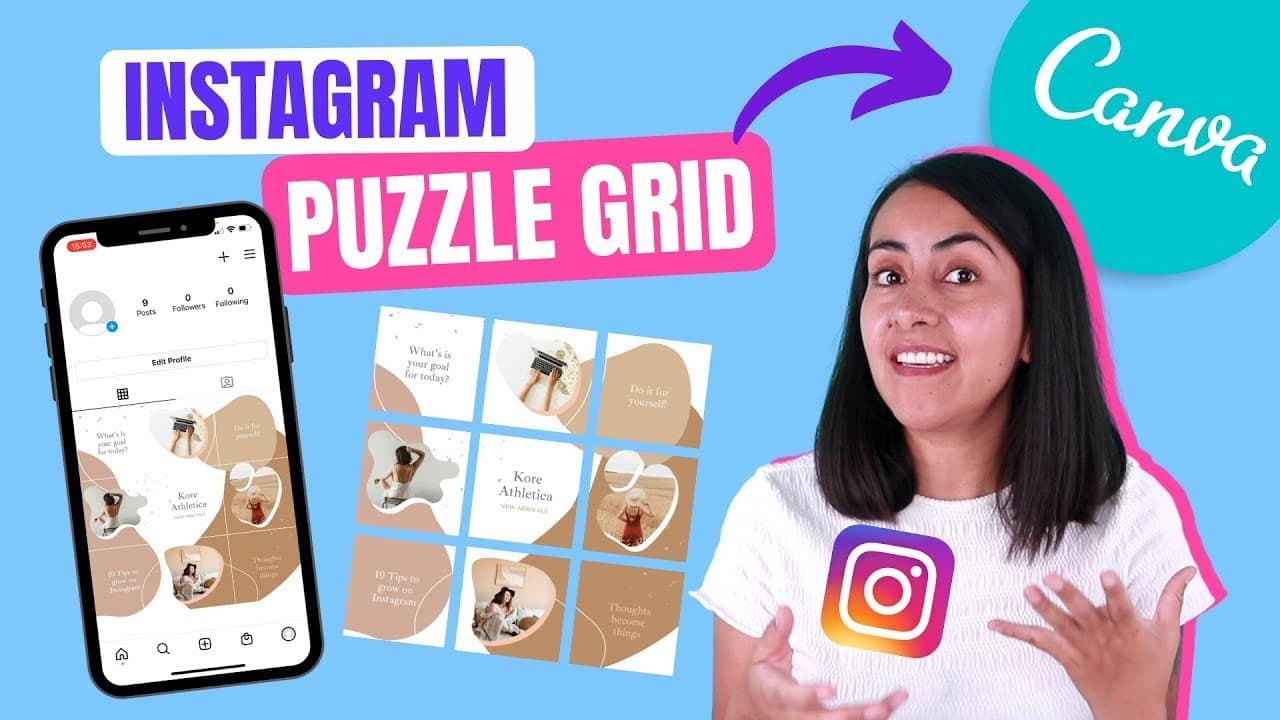
Learn how to design and create an Instagram puzzle in Canva, split it into individual images, and post it on your Instagram feed.
Transcript
hi and welcome to our channel the best place to learn how to use and master canva today we have a special tutorial because i'll show you how to create an instagram puzzle how to download it and how to split it this has been one of the most requested videos in a while so i'm really happy to be here today giving you this tutorial and all the tricks t... Read More
Key Insights
- 🧩 Instagram puzzles are a popular trend for displaying cohesive and captivating visual content on social media.
- 👤 Canva is a user-friendly platform that allows users to create Instagram puzzles effortlessly, regardless of their account type (free or paid).
- 🎨 The tutorial emphasizes the importance of creating an aesthetically pleasing design by utilizing templates, frames, and appropriate color palettes.
- 🤱 Splitting the puzzle into individual images using tools like Find Tools ensures a visually appealing presentation on the Instagram feed.
- 🏣 It is crucial to maintain the correct order of posting to showcase the puzzle as intended.
- 😑 Personalization options, such as adding your own images and text, allow for creative expression and brand representation.
- 🏪 The tutorial offers a downloadable template for the demonstrated puzzle design, providing convenience for those interested in replicating it.
Install to Summarize YouTube Videos and Get Transcripts
Explore YouTube Video Summarizer or Get YouTube Transcript Extractor
Questions & Answers
Q: What is the purpose of creating an Instagram puzzle?
An Instagram puzzle is a visually appealing way to showcase a larger image or message by dividing it into multiple posts on your feed. It encourages users to stay engaged and increases the visual impact of your content.
Q: Can I use Canva for free to create an Instagram puzzle?
Yes, the tutorial emphasizes that all the tricks and techniques demonstrated are applicable to both Canva's free and paid (Canva Pro) accounts. You can create stunning Instagram puzzles without any additional cost.
Q: How do I ensure the correct order of posting the puzzle on my Instagram feed?
To maintain the sequence of the puzzle, you need to be organized and rename the files accordingly. Pay attention to the order of the images and refer back to the design layout without cropping to ensure they are posted in the correct sequence.
Q: Can I customize the puzzle design and add my own images or text?
Absolutely! The tutorial encourages users to personalize the design by selecting different templates, adding frames for images and text, adjusting colors, and experimenting with various elements. You can make it unique to your brand or personal style.
Summary & Key Takeaways
-
The tutorial demonstrates how to create an Instagram puzzle using Canva, starting with the dimensions and setting up the grid.
-
It explains how to select a template, add frames for images and text, customize colors, and adjust elements for aesthetics.
-
The tutorial also covers downloading the puzzle as a PNG file, splitting it into separate images using a tool called Find Tools, and ensuring the correct order when posting on Instagram.
Read in Other Languages (beta)
Share This Summary 📚
Summarize YouTube Videos and Get Video Transcripts with 1-Click
Try YouTube Summary with ChatGPT & Claude or YouTube Transcript Generator
Explore More Summaries from Design with Canva 📚






Summarize YouTube Videos and Get Video Transcripts with 1-Click
Try YouTube Summary with ChatGPT & Claude or YouTube Transcript Generator