How to Set Up a Samba Server on Proxmox
TL;DR
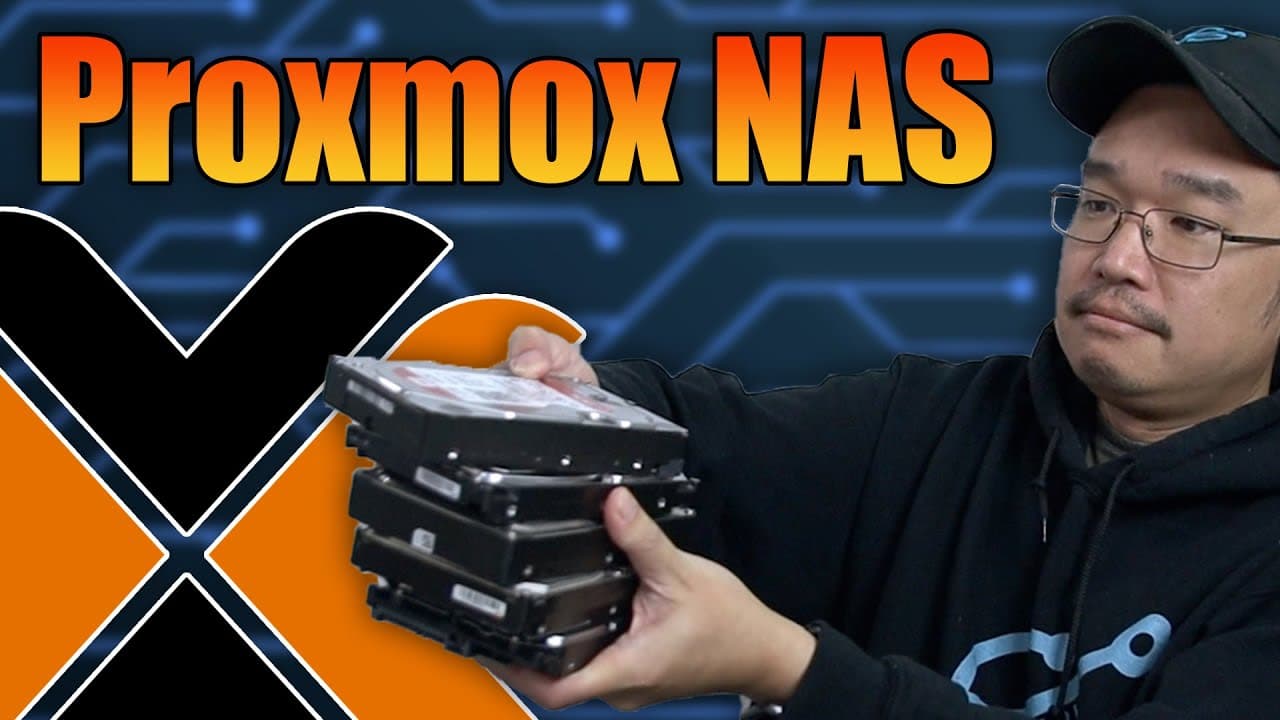
To set up a Samba server on Proxmox, create a ZFS pool for storage, then download a Debian container template. Use Docker to install Samba, ensuring to configure proper permissions for file sharing, and leverage Proxmox's live resizing feature for efficient resource management without downtime.
Transcript
hey guys what's going on it's Don here from Nova Spirit Tech and welcome back to the channel and it's time to start adding stuff to our proxmox server that we just put together so let's get started now today we're going to be building ourselves some way of storing data which is a sambas server now we're going to need this for a lot of other project... Read More
Key Insights
- 👪 Proxmox enables efficient multi-service setups with limited resources, ideal for small-scale home lab environments.
- ❓ Using ZFS for redundancy provides both data protection and enhanced performance through features like snapshots.
- 😒 Container templates in Proxmox offer a resource-effective way to manage lightweight applications like Samba, ensuring efficient memory use.
- 👤 The importance of proper user permissions and access control is highlighted for secure file sharing in a Samba server setup.
- 👻 Live resizing of containers is an impressive feature, allowing for dynamic resource management without downtime.
- 🤐 Networking configurations, such as DHCP versus static IPs, are crucial for maintaining seamless connectivity and accessibility.
- 👻 Samba's flexibility allows for easy sharing options, enabling remote access for multiple users while maintaining control over data integrity.
Install to Summarize YouTube Videos and Get Transcripts
Explore YouTube Video Summarizer or Get YouTube Transcript Extractor
Questions & Answers
Q: Why is using a Samba server beneficial for projects like Plex and Jellyfin?
A Samba server allows for centralized data storage that can be accessed across a network, making it ideal for media applications like Plex and Jellyfin which require streaming content stored in a shared location. This setup facilitates easy file management and sharing between multiple devices.
Q: What hardware components are used in this Proxmox server setup?
The server utilizes a mini PC configured with two 2 TB drives for storage and an NVMe card for additional speed. The operating system is installed on the eMMC storage, although it's recommended to use the NVMe for better performance. This combination helps balance storage capacity and resource efficiency.
Q: How does the creator manage resources effectively on the Proxmox server?
Given the limited 8 GB RAM, the creator opts for container templates instead of full VMs to minimize resource usage. Containers share resources with the host and consume significantly less memory, enabling smoother operation of multiple services without overwhelming the system.
Q: How does Proxmox handle storage expansion dynamically?
Proxmox allows users to resize storage volumes on-the-fly, enabling quick adjustments without requiring reboots. This flexibility means that as storage needs increase, users can simply allocate more space to their containers or VMs in real-time, enhancing overall convenience.
Q: What configurations are needed for the Samba Docker setup?
Users must set Docker to run on startup with specific port mappings for SMB. The configuration involves creating a shared volume directory with correct permissions, ensuring guest access for easy network browsing, and allowing for data updates without restrictions on the shared folder.
Q: What operating system is used for the container, and why is it chosen?
The operating system chosen for the container is Debian 12, primarily due to the creator's familiarity with it, and because it requires minimal storage. However, users have the flexibility to select from various lightweight alternatives such as Arch Linux or Alpine depending on their preferences.
Summary & Key Takeaways
-
The video introduces the process of creating a Samba server on a Proxmox server setup, essential for networked data storage used in various applications like Plex and Jellyfin.
-
The creator discusses the hardware and software configuration, emphasizing resource management and the advantages of using container templates for efficiency on limited-resource systems.
-
Detailed instructions are provided on setting up the Samba server through Docker, demonstrating how to ensure proper permissions and connectivity for file sharing across the network.
Read in Other Languages (beta)
Share This Summary 📚
Summarize YouTube Videos and Get Video Transcripts with 1-Click
Try YouTube Summary with ChatGPT & Claude or YouTube Transcript Generator
Explore More Summaries from Novaspirit Tech 📚






Summarize YouTube Videos and Get Video Transcripts with 1-Click
Try YouTube Summary with ChatGPT & Claude or YouTube Transcript Generator