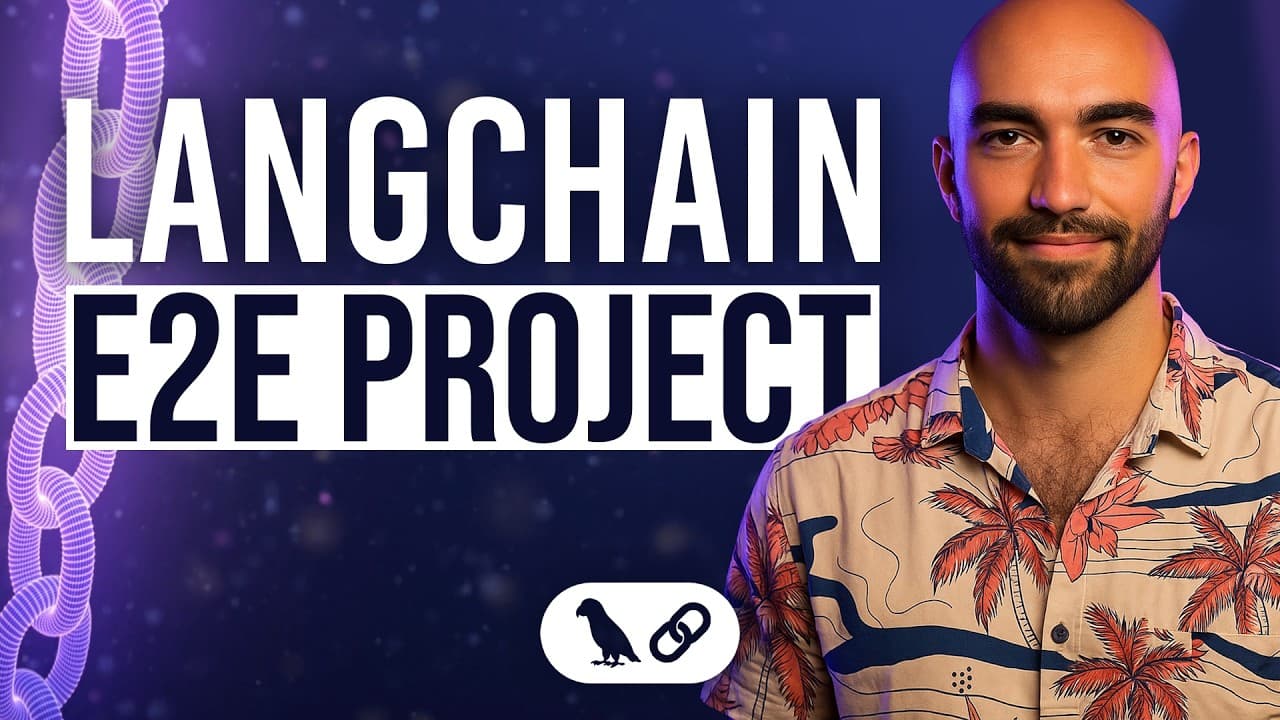
How to Build a Streaming LangChain AI Agent
TL;DR
Build the agent backend with Python, LangChain, and a FastAPI POST endpoint that returns an asynchronous StreamingResponse. A queue callback handler supplies tokens, while a token generator labels tool calls, parameters, step boundaries, and the final answer so the frontend can render each element appropriately and support conversational follow-up questions.
Transcript
Now we're on to the final capstone chapter. We're going to be taking everything that we've learned so far and using it to build a actual chat application. Now the chat application is what you can see right now. And we can go into this and ask some pretty interesting questions. And because it's an agent, because it has access to these tools, it will... Read More
Key Insights
- The capstone is a conversational AI application that integrates LangChain agents, tools, streaming, structured output, parallel execution, and follow-up questions. The walkthrough concentrates on the FastAPI backend that powers the interface, while the repository includes frontend code for readers who want to inspect it separately.
- The local environment is managed with UV, which installs Python, creates the virtual environment, and synchronizes the required packages. After activating the environment, developers must supply OpenAI, LangChain, and SER API credentials through environment variables before running the backend and application.
- The backend is a FastAPI application with a POST endpoint named invoke. It accepts content as a string, initializes asynchronous execution and a queue callback handler, then returns a StreamingResponse configured with the text/event-stream media type and headers that provide instructions to the API.
- The streaming test uses a requests session and iterates through response content as it arrives. Each available token is printed with flushing enabled, making it possible to observe incremental output that the standard interactive API documentation displays only as a completed response.
- The token stream contains special markers that identify the beginning and end of steps, step names, parameters, and the final answer. These markers allow one continuous response stream to carry both interface metadata and ordinary answer text without requiring separate backend responses.
- The frontend treats the final-answer step differently from tool-use steps. Tool calls and their parameters appear as structured activity, while tokens following the final-answer marker stream into the conventional chat area. Tool names from the structured result are also displayed beneath the answer.
- Parallel tool execution is used when independent questions can be answered simultaneously. Requests for the current date and time in Dubai, Tokyo, and Berlin are sent concurrently to the SER API search tool, after which their results are combined into one final response.
- Dependent tool execution occurs after prerequisite results are available. In the demonstrated compound question, weather lookup and arithmetic are executed in parallel, then the multiply tool uses their returned values. The agent streams the intermediate activity and final result through the same response connection.
Install to Summarize YouTube Videos and Get Transcripts
Explore YouTube Video Summarizer or Get YouTube Transcript Extractor
Questions & Answers
Q: How do you build a streaming LangChain AI agent backend?
Create a FastAPI application with a POST endpoint that accepts the user's content as a string. Inside the endpoint, initialize the asynchronous agent execution and queue callback handler, then return a StreamingResponse driven by a token generator. Configure the media type as text/event-stream so tokens, tool activity, structured metadata, and the final answer can be delivered incrementally.
Q: How do you set up the LangChain capstone project locally?
Clone the Aurelio Labs LangChain course repository and follow the setup instructions in its README. Install UV, use it to install Python, create a virtual environment with the selected Python version, and activate that environment. Run the UV synchronization command to install packages, then configure the required OpenAI, LangChain, and SER API keys as environment variables.
Q: How do you run and inspect the FastAPI agent API?
Navigate to the chapter 09 capstone API directory after loading the required environment variables. Start the application with UV and Uvicorn using the main module and app object, optionally enabling reload while modifying code. The API then runs on localhost port 8000, and its interactive documentation is available through the docs path, where the invoke endpoint can be tested.
Q: How does the API stream an AI agent response?
The invoke endpoint returns FastAPI's StreamingResponse instead of waiting to assemble one ordinary response. Its token generator loops through items received from the queue callback handler and yields output as each item becomes available. The stream uses text/event-stream and carries answer tokens alongside special markers that describe tool calls, parameters, step names, and step boundaries.
Q: Why does the agent stream special step tokens?
Special tokens give the frontend enough information to decide how each part of a single stream should be displayed. Start and end markers identify individual steps, while step-name and parameter markers describe tool activity. When the frontend detects the final-answer step name, it stops rendering a tool-use panel and begins placing subsequent tokens directly into the normal chat response.
Q: How can you test whether the API is truly streaming?
Use the streaming test notebook rather than relying only on FastAPI's interactive documentation. The notebook opens a requests session, sends a POST request, and iterates through response content as it arrives. When a received token is not empty, it prints the token with output flushing enabled, revealing incremental answer text and the special control markers embedded in the stream.
Q: How does the agent execute multiple tools in parallel?
The modified agent code can launch independent tool requests concurrently. For example, separate questions about the current date and time in Dubai, Tokyo, and Berlin are sent to the SER API search tool in parallel. Once all three results return, the agent combines them into a final answer, while the application streams the associated tool steps and output metadata.
Q: How does the agent handle dependent tool calls and follow-up questions?
The agent can first execute independent operations in parallel, then pass their results into another tool that depends on them. In the demonstrated compound request, it obtains weather information and an arithmetic result before using the multiply tool on those values. The conversational application also supports follow-up questions, such as requesting weather for cities identified in the preceding exchange.
Summary & Key Takeaways
-
The project combines earlier course concepts into a conversational application powered by an AI agent. The agent can answer questions requiring tools, execute independent searches in parallel, perform dependent tool calls afterward, preserve conversational context for follow-up questions, and return both a final answer and structured information identifying the tools that were used.
-
Local setup begins by cloning the course repository and following its README. UV manages the Python installation, virtual environment, and package synchronization. The application also requires environment variables for OpenAI, LangChain, and SER API keys. The walkthrough then focuses on the FastAPI backend in the chapter 09 capstone directory rather than frontend implementation.
-
The FastAPI invoke endpoint accepts string content, initializes asynchronous processing and a queue callback handler, and returns a text event stream. A token generator iterates through streamed messages and yields special markers for step names, parameters, step endings, and final output, allowing the frontend to distinguish tool activity from normal chat text.
Read in Other Languages (beta)
Share This Summary 📚
Summarize YouTube Videos and Get Video Transcripts with 1-Click
Try YouTube Summary with ChatGPT & Claude or YouTube Transcript Generator
Explore More Summaries from James Briggs 📚

Summarize YouTube Videos and Get Video Transcripts with 1-Click
Try YouTube Summary with ChatGPT & Claude or YouTube Transcript Generator