How to learn Java for beginners using Replit?
TL;DR
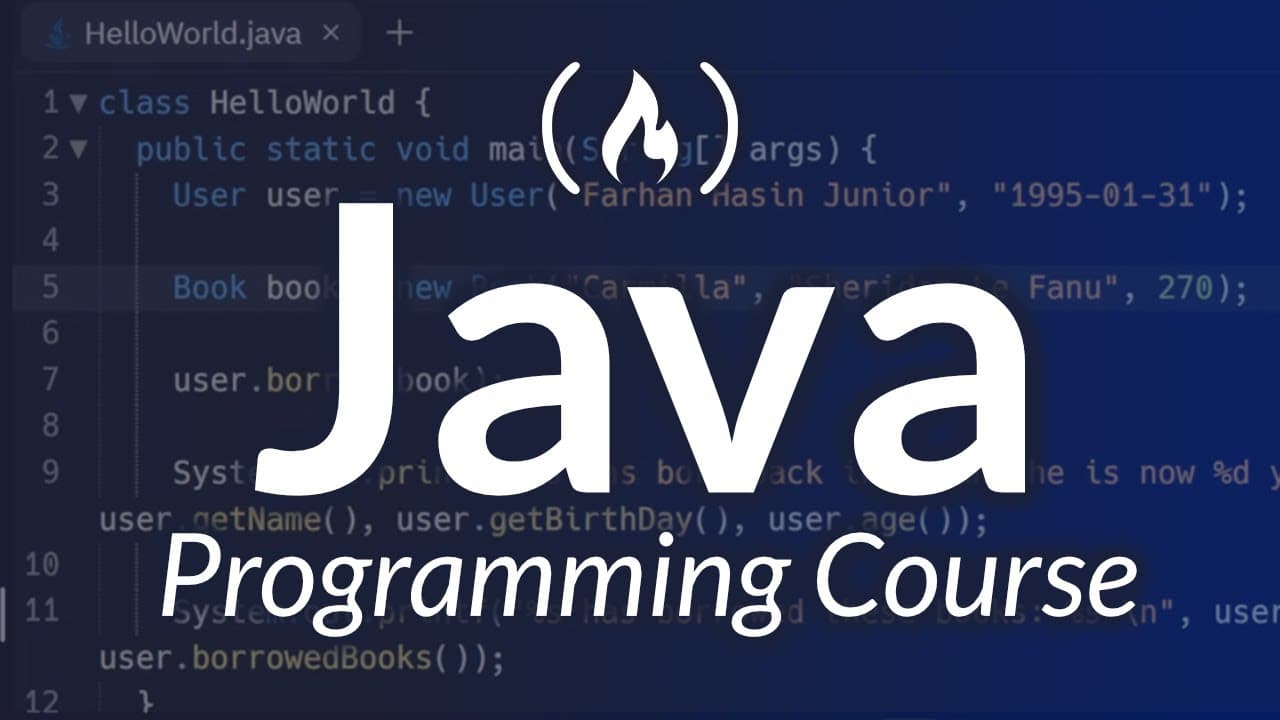
The video teaches Java fundamentals for beginners, showing how to use Replit as an online IDE to write, run, and debug Java programs. It covers the Hello World example, variables, data types, and introduces core concepts like the main method and static context, preparing learners to build simple Java applications.
Transcript
you're about to learn how to program in Java from Farhan hassin chod Farhan is an experienced software developer here at free camp and he is great at breaking down concepts for beginners this is a great course if you want to learn Java and you can follow along with the whole course from within your web browser Farhan will teach you the basics of ja... Read More
Key Insights
- Java courses teach beginners through a browser IDE called Replit, avoiding local installations.
- Hello World serves as the simplest executable Java program to illustrate classes, main methods, and printing output.
- Variables must be declared before use, and semicolons are required to terminate statements in Java.
- Java uses static main methods as entry points for program execution.
- Java has eight primitive data types, including int, long, float, double, and boolean.
- Default values are assigned to class-level variables when not explicitly initialized.
- Variable scope is determined by where a variable is declared, with local versus class-level visibility.
- Camel case naming conventions and avoiding reserved keywords help maintain readable Java code.
Install to Summarize YouTube Videos and Get Transcripts
Explore YouTube Video Summarizer or Get YouTube Transcript Extractor
Questions & Answers
Q: What is the first Java program you should run in a browser based IDE like Replit?
The first program is the Hello World example. It lives inside a Java class with the same name as the source file, and a public static void main(String[] args) method serves as the entry point. The program prints a string to the console, demonstrating basic syntax, class structure, and how to execute Java code in Replit.
Q: Why do you need a static main method in Java?
The static main method is required because it is the entry point that the Java Virtual Machine looks for when starting a program. It must be public, static, and accept a String array parameter. This enables the program to run without creating an instance of the class, which is essential for a basic runnable application.
Q: What is the difference between declaring and initializing a variable in Java?
Declaring a variable introduces its name and type to the compiler, while initializing assigns it a value. You can declare and initialize in one line, or declare first and assign later. Java enforces that variables must be initialized before use, otherwise the code will fail to compile due to uninitialized local variables.
Q: How do you print dynamic values in Java?
Printing dynamic values is commonly done by printing variables within a string using concatenation with the plus operator. You can also print a variable directly or combine text and numbers to create informative output. Semicolons terminate statements, and missing them will cause compilation errors.
Q: What are the two broad data type categories in Java, and how do they differ?
Java divides data into primitive types and non-primitive (reference) types. Primitive types store actual values, such as int or boolean, while reference types store memory addresses pointing to objects. This distinction affects how values are stored, accessed, and manipulated in memory and influences performance and behavior in programs.
Q: What is the role of a class in Java source files?
A Java source file can contain one top level public class, and the class name must match the file name. Classes group related code blocks, and inside a class you can have methods and variables. The main method typically resides inside this public class and serves as the program's entry point.
Q: What is a variable scope in Java and how does it affect accessibility?
Variables declared inside a method are local to that method and cannot be accessed outside it. Class level variables are accessible to all methods within the class, but to use them inside static methods you must declare them as static. This scope rules ensure predictable lifetimes and visibility of data within code.
Q: What topics are covered in the early sections of this Java course for beginners?
The early sections cover Hello World, Variables, and Data Types. They introduce how to write and run code in a browser based IDE, the syntax of declaring and initializing variables, and the eight primitive data types. These foundations set the stage for learning operators, strings, user inputs, conditionals, loops, and data structures in later lessons.
Summary & Key Takeaways
-
This section explains how to run a first Java program in a browser-based IDE, including creating a new project, selecting Java, and running the Hello World example. It also highlights how Replit mirrors familiar IDE layouts and how to access hidden files when needed.
-
The course emphasizes variable declaration, initialization, and scope, detailing how to declare types, assign values, and print results, with emphasis on public static void main and command line arguments semantics.
-
The latter parts introduce primitive data types, data type ranges, and the distinction between primitive and reference types, setting the stage for deeper exploration of Java syntax, memory, and program structure in subsequent lessons.
Read in Other Languages (beta)
Share This Summary 📚
Summarize YouTube Videos and Get Video Transcripts with 1-Click
Try YouTube Summary with ChatGPT & Claude or YouTube Transcript Generator
Explore More Summaries from freeCodeCamp.org 📚





Summarize YouTube Videos and Get Video Transcripts with 1-Click
Try YouTube Summary with ChatGPT & Claude or YouTube Transcript Generator