What Do ChatGPT MCP Tools and New AI Updates Do?
TL;DR
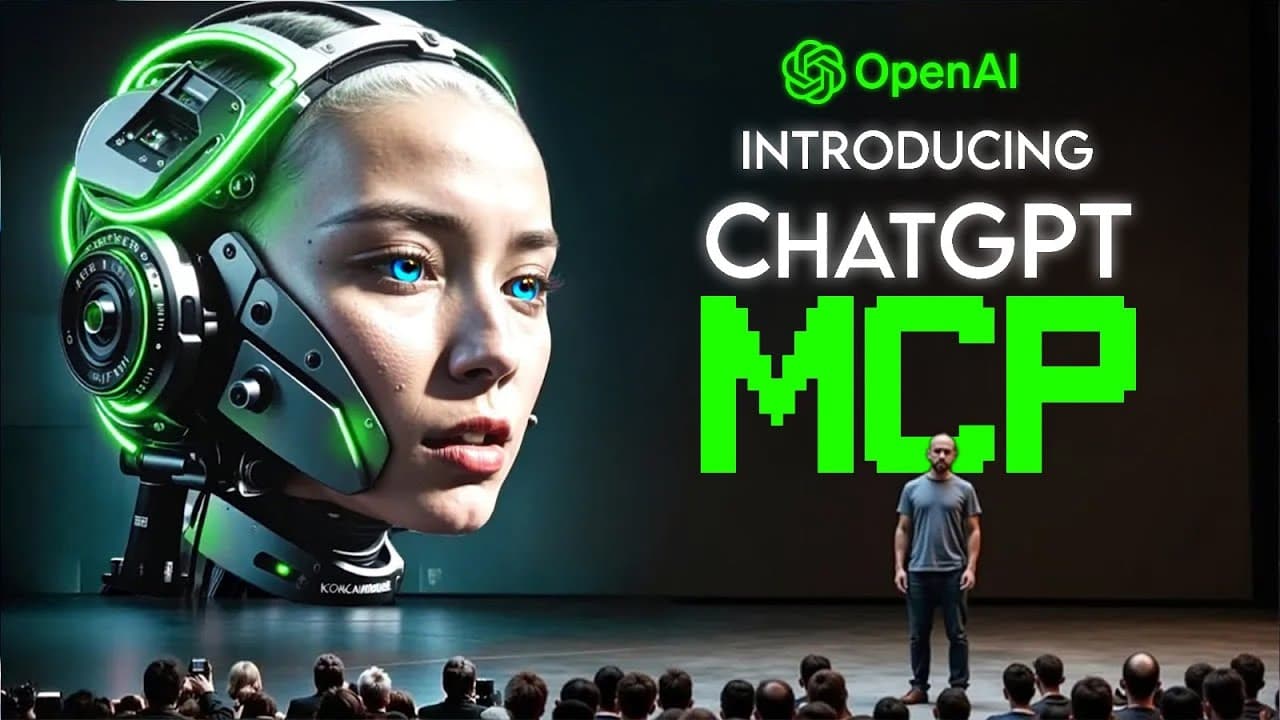
OpenAI added full MCP tool support to ChatGPT's developer mode, letting it take real write actions like updating a Jira ticket or firing a Zapier workflow, not just fetch information. Every tool call shows its full JSON input and output and needs your approval before running. ByteDance, DeepAgent, Adobe, and Claude also shipped major updates.
Transcript
OpenAI just unlocked full MCP tool support in Chat GPT's developer mode, which is the update people have been waiting for because it means Chat GPT can finally go beyond answering questions and start taking real actions. Also, Bite Dance is challenging Google's nano banana with a model that's faster and cheaper. Deep Agent is letting anyone spin up... Read More
Key Insights
- ChatGPT developer mode now has full MCP tool support, meaning it can act on systems directly, such as updating a Jira ticket, firing a Zapier workflow, or tweaking a CRM without leaving the conversation window.
- Enabling it works by going into settings, then connectors, then advanced, and flipping on developer mode, after which you plug your own MCP servers into the connectors tab so they appear in ChatGPT's composer.
- ChatGPT can use any tool a connector exposes, not just read-only fetch or search but full write actions, so how you prompt matters more, including telling it which overlapping connector is the source of truth.
- OpenAI added a safety bar where every tool call shows the full JSON input and output before anything runs, and write actions always need your approval unless you choose to let it remember.
- ByteDance's Seedream 4.0 image model targets Gemini 2.5 Flash Image, nicknamed Nano Banana, and ByteDance claims it beats it on their internal Magic Bench across prompt adherence, alignment, and aesthetics, though no formal technical report is out yet.
- Seedream 4.0 pricing is around 0.03 cents per image on Fal.AI for global hosting, while Gemini 2.5 Flash Image sits closer to 0.039, and ByteDance says raw image inference is over 10 times faster versus earlier versions.
- DeepAgent can now generate a real app from a single prompt and wire Stripe payments as a first-class part of the flow, with the agent asking for product names, prices, and inclusions, then scaffolding checkout so sales settle straight to your account.
- Claude can now create and edit Excel, PowerPoint, Word, and PDF files from natural language, handling files up to around 30 megabytes and doing bulk context-aware edits like currency conversion while preserving the original layout.
Install to Summarize YouTube Videos and Get Transcripts
Explore YouTube Video Summarizer or Get YouTube Transcript Extractor
Questions & Answers
Q: What does full MCP tool support in ChatGPT developer mode let it do?
It lets ChatGPT go beyond pulling information and act on systems directly from chat. You can update a Jira ticket, fire off a Zapier workflow, tweak something in your CRM, or link multiple services into a chain of actions without leaving the conversation window. ChatGPT can use any tool a connector exposes, including full write actions, not just read-only fetch or search operations.
Q: How do you enable developer mode with MCP tools in ChatGPT?
You head into settings, then connectors, then advanced, and flip on developer mode. After that, you plug in your own MCP servers right inside the connectors tab, and they appear in ChatGPT's composer once you are in developer mode. ChatGPT talks to those servers through protocols like SSE and streaming HTTP, with authentication options like OAuth if your tools require it. It is rolling out in beta for Plus and Pro users on the web.
Q: What safety measures did OpenAI add for write actions in ChatGPT?
OpenAI put a big safety bar across the flow because write access is risky. Every tool call shows you the full JSON input and output before anything runs, and write actions always need your approval unless you choose to let it remember. OpenAI is clear that prompt injections, model slip-ups, or shady connectors could mess things up fast, so the flow is designed so nothing runs without your visibility and consent.
Q: How does ByteDance Seedream 4.0 compare to Google's Nano Banana?
ByteDance says Seedream 4.0 beats Gemini 2.5 Flash Image, nicknamed Nano Banana, on their internal Magic Bench across prompt adherence, alignment, and aesthetics, but they have not shipped a formal technical report, so treat that as a claim, not settled fact. On public leaderboards, Gemini 2.5 Flash Image still holds the top slot for both generation and editing, and Seedream 4.0 has not been scored there yet.
Q: How much does ByteDance Seedream 4.0 cost?
The domestic sticker price stays the same as Seedream 3.0 at $30 per 1,000 generations. On Fal.AI for global hosting, it is around 0.03 cents per image, while Gemini 2.5 Flash Image sits closer to 0.039. ByteDance also says raw image inference is over 10 times faster versus earlier versions, and early user feedback online has been positive about editing accuracy and faithful changes from text prompts without mangling composition.
Q: What can DeepAgent build with Stripe payments?
DeepAgent can generate a real app from a single prompt and wire Stripe payments as a first-class part of that flow, with live payments rather than just a code step. It delivers three practical funnels: a product page with visuals and Stripe checkout, a workshop page where people can book and pay, and a consultation page that locks payment before someone gets on your calendar. You can also prompt for a mini CRM, a Notion-style workspace, a marketplace, or an X-style micro blog.
Q: What are Adobe's new AI agents and where do they live?
Adobe made its AI agents generally available across the Experience Cloud, powered by the Adobe Experience Platform Agent Orchestrator, which uses decision science plus language models to interpret intent and activate the right agents toward a business goal. The lineup covers audience building, customer journey orchestration, experimentation analysis, site optimization, data insights, and product support. These agents sit inside Journey Optimizer, Customer Journey Analytics, Experience Manager, and the real-time CDP.
Q: What office files can Claude now create and edit?
Claude can now create and edit Excel files, PowerPoint decks, Word documents, and PDFs directly from natural language and large uploads, handling files up to around 30 megabytes on upload or download. It can convert CSV or TSV into structured reports, generate charts, and make bulk context-aware edits without you opening the file, such as replacing every ABC with XYZ or converting USD prices to EU, while preserving the original layout. Microsoft reportedly has a deal to bring Claude into Office 365.
Summary & Key Takeaways
-
OpenAI unlocked full MCP tool support in ChatGPT's developer mode, rolling out in beta for Plus and Pro users on the web. ChatGPT can now take write actions across connected systems through protocols like SSE and streaming HTTP, with OAuth authentication, turning it from a passive dashboard into an active control center for real-time workflows.
-
ByteDance launched Seedream 4.0, merging the text-to-image strength of Seedream 3.0 with the editing power of SeedEdit 3.0 to challenge Gemini 2.5 Flash Image. Pricing is aggressive at $30 per 1,000 generations domestically, and it is available through Jimeng, Doubao, and Volcano Engine, though Gemini still tops public leaderboards.
-
DeepAgent builds paid apps from one prompt with Stripe checkout baked in, delivering funnels like product pages, workshop booking, and paid consultations. Adobe made AI agents generally available across its Experience Cloud, and Claude added direct creation and editing of Office files, with Microsoft reportedly set to bring Claude into Office 365.
Read in Other Languages (beta)
Share This Summary 📚
Summarize YouTube Videos and Get Video Transcripts with 1-Click
Try YouTube Summary with ChatGPT & Claude or YouTube Transcript Generator
Explore More Summaries from AI Revolution 📚
Summarize YouTube Videos and Get Video Transcripts with 1-Click
Try YouTube Summary with ChatGPT & Claude or YouTube Transcript Generator