How to Improve Performance in Next.js Apps Using Caching
TL;DR
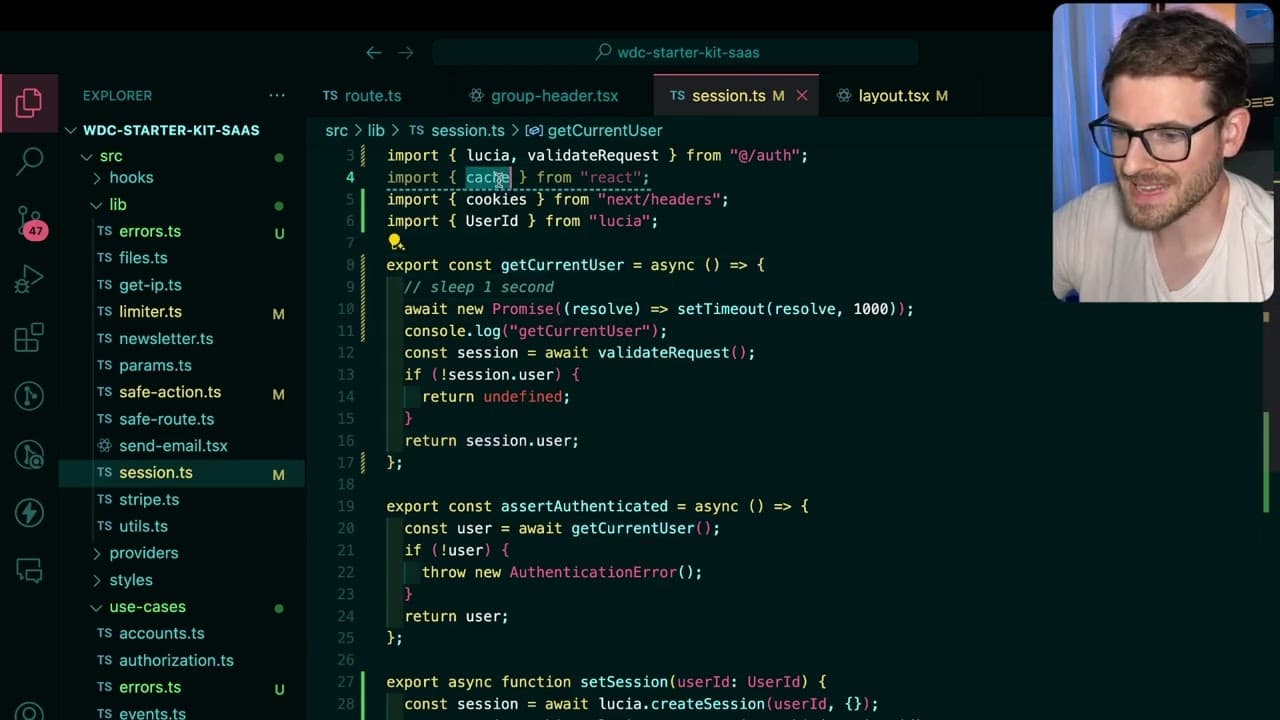
To enhance the performance of Next.js applications, utilize the caching method from React to prevent multiple calls to the 'get current user' function. This approach reduces unnecessary database requests by allowing components to share the same cached promise, significantly improving response times. Be aware of the differences between the regular cache method and the unstable cache function, as they serve distinct purposes.
Transcript
so if you're building out a nextjs application there is one hook that you definitely need to understand if you want your applications to be as performant as you possibly can make them so we have this application here this is my uh nextjs starter kit I've been working on that I'll never finish but if I go ahead and refresh the page I want to show yo... Read More
Key Insights
- 🤙 Efficient data fetching is crucial in Next.js applications to avoid performance pitfalls due to excessive database calls.
- 🤙 Understanding the component tree and how components interact can help identify unnecessary calls to functions like get current user.
- 👻 React server components enhance performance by allowing finer control over data fetching but require careful handling to avoid over-fetching.
- 👤 Using caching methods effectively can greatly reduce server load and improve response times in applications, favoring user experience.
- ❓ The regular cache method is typically sufficient for most scenarios in Next.js, while unstable cache should be used with caution.
- 🥺 Properly implementing caching can lead to significant performance improvements, especially in applications with complex user authentication requirements.
- 🈸 Developers should monitor and analyze their application’s performance regularly to identify areas where caching could provide benefits.
Install to Summarize YouTube Videos and Get Transcripts
Explore YouTube Video Summarizer or Get YouTube Transcript Extractor
Questions & Answers
Q: What is the main problem with repeatedly calling the get current user function?
The main problem is inefficiency; calling get current user multiple times results in multiple unnecessary database requests, leading to slower performance and wasted resources. This issue occurs especially in complex component trees, where many components may need user authentication, thus exacerbating the problem and impacting the overall application speed.
Q: How does the cache method improve performance in Next.js applications?
The cache method allows for the caching of function responses, enabling different components to share the same resolved value instead of making separate calls to the database. This results in a single call to get the current user, which significantly reduces load times and enhances application performance, especially during component rendering.
Q: What happens to the cached value when a request is made in Next.js?
The cached value from the cache method is only valid for the duration of a single request. Upon refreshing or initiating a new request, the cache is cleared, meaning that the next call to get current user will be made again. This ensures the application retrieves up-to-date information without retaining stale data across multiple requests.
Q: Can you explain the difference between the cache and unstable cache methods?
The cache method caches responses per request, optimizing performance by minimizing redundant function calls. In contrast, the unstable cache method caches responses across multiple requests and allows developers to set a revalidation period, meaning the data can remain cached for a specified duration, which could lead to potential stale data if not managed carefully.
Summary & Key Takeaways
-
The content discusses the inefficiencies of repeatedly calling the get current user function in Next.js applications, which leads to performance issues due to multiple database requests.
-
It introduces the cache method from the React library, emphasizing its use to minimize redundant calls by allowing components to share the same cached promise after the initial resolution.
-
It highlights the distinction between the regular cache method and the unstable cache function, warning against confusing the two and explaining their different caching behaviors.
Read in Other Languages (beta)
Share This Summary 📚
Summarize YouTube Videos and Get Video Transcripts with 1-Click
Try YouTube Summary with ChatGPT & Claude or YouTube Transcript Generator
Explore More Summaries from Web Dev Cody 📚





Summarize YouTube Videos and Get Video Transcripts with 1-Click
Try YouTube Summary with ChatGPT & Claude or YouTube Transcript Generator