How Can Google Webmaster Tools Help SEO? English Google Webmaster Central Office-Hours Hangout
TL;DR
Google Webmaster Tools can reveal manual actions and help remove unwanted pages from Google’s index. John Mueller explains why new sites may need time to rank, how an old domain’s link-spam history can matter, and why no-index pages must remain crawlable. For roughly 1.2 million unwanted URLs, removal may otherwise take three quarters of a year. Read on for the available cleanup options.
Transcript
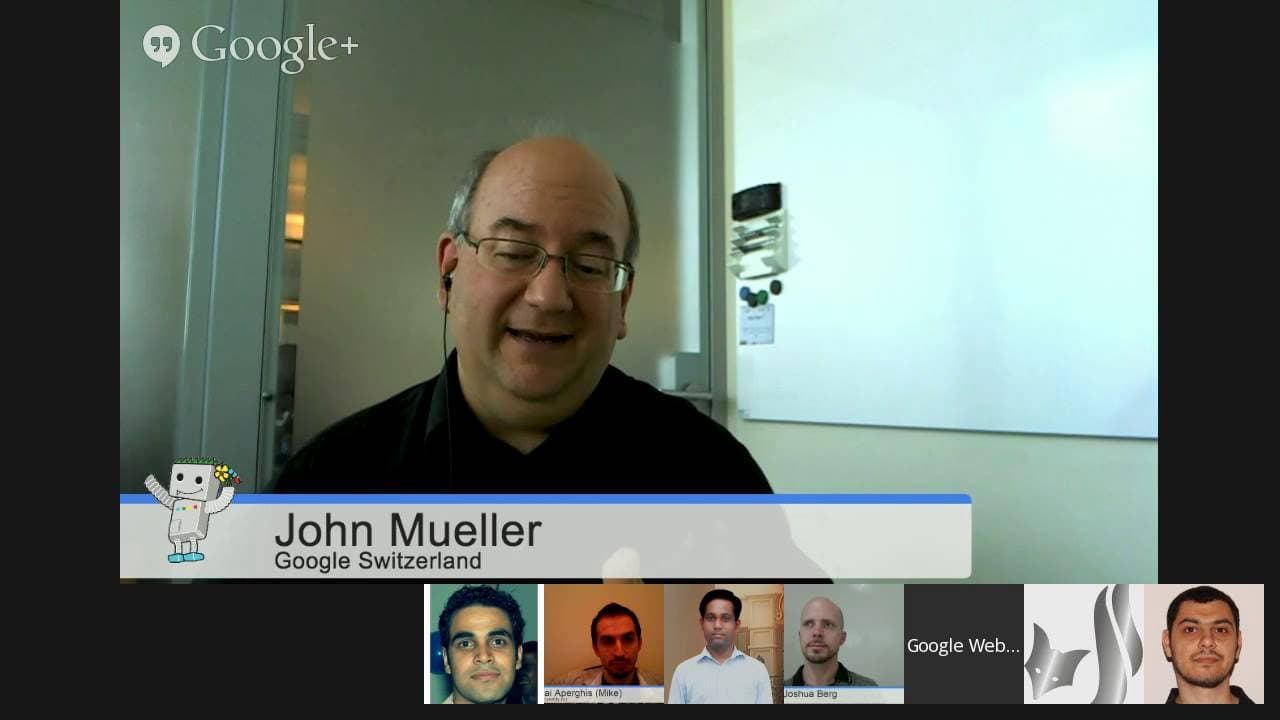
JOHN MUELLER: OK, welcome everyone to today's Google Webmaster Central Office Hours Hangouts. My name is John Mueller. I am a web trends analyst here at Google in Switzerland. And part of what I do is talk with webmasters and publishers like you to make sure that information flows in both directions and that we have the appropriate feedback for our... Read More
Key Insights
- Google Webmaster Tools can help diagnose and improve SEO by identifying issues like duplicate content and manual penalties.
- Mobile-friendliness is crucial for SEO, but the impact of Google's mobile update may not be immediately visible.
- Crawling and indexing are separate from ranking; efficient crawling doesn't necessarily improve rankings.
- Using hreflang tags correctly can ensure proper indexing of multilingual or regional sites.
- Google's search algorithms aim to provide relevant results, balancing between technical and quality aspects of a site.
- Feedback from webmasters can help Google improve its algorithms, especially for issues like doorway pages.
- Regularly updated sitemaps with accurate timestamps help Google efficiently crawl and index pages.
- The separation between Google's paid ads and organic search results ensures unbiased search rankings.
Install to Summarize YouTube Videos and Get Transcripts
Explore YouTube Video Summarizer or Get YouTube Transcript Extractor
Questions & Answers
Q: Why does a new website not rank for its major keywords?
John Mueller says this can be normal for a new website because Google needs time for signals to settle and be used for ranking. A lack of rankings does not by itself establish that the site has a penalty.
Q: How can I check whether Google applied a manual penalty to my website?
Check the Manual Action section in Google Webmaster Tools. Mueller says that if the webspam team detected spammy techniques and took action, the action would appear there.
Q: Can the previous history of a domain affect a new website?
Yes. If a new website uses an old domain, that domain may have existing manual actions or an older history that must be cleaned up.
Q: What should I do if an old domain was previously used for link spam?
Mueller suggests setting up a disavow file when the old domain name was used for extensive link spam. This is intended to ensure those links are ignored by Google.
Q: How can I remove an entire subdirectory from Google’s index?
If every page in the subdirectory should be removed, Mueller recommends considering the urgent URL removal tool. It includes an option for removing a subdirectory rather than submitting every URL separately.
Q: Why must Google be allowed to crawl a page with a no-index directive?
Google must access the page to see and process its no-index directive. If robots.txt blocks the page, Google cannot see the no-index instruction on it.
Q: How long can millions of no-index pages take to disappear from Google’s index?
More visible pages may be recrawled within a week or a couple of weeks. Less visible pages among millions of URLs may take several months, perhaps half a year or longer, with the overall natural removal process potentially taking half a year to three quarters of a year.
Q: Should millions of unwanted URLs be submitted individually to the URL removal tool?
No. Mueller says the per-URL option has a limit of 1,000 URLs, so it would not be practical for roughly 1.2 million pages. The subdirectory removal option is more suitable when the entire directory should be excluded.
Summary & Key Takeaways
-
John Mueller explains that Google Webmaster Tools are essential for identifying and resolving SEO issues like duplicate content and manual penalties. Mobile-friendliness is important, but its update impact might not be immediately visible. Efficient crawling is crucial, but it doesn't directly influence rankings. Proper use of hreflang tags is vital for multilingual sites.
-
Google's search algorithms focus on providing relevant results, considering both technical and content quality aspects. Feedback from webmasters is valuable for refining these algorithms, especially regarding issues like doorway pages. Regularly updated sitemaps with accurate timestamps assist in efficient crawling and indexing by Google.
-
The video emphasizes the importance of maintaining a clear distinction between Google's paid ads and organic search results to ensure unbiased rankings. John Mueller encourages webmasters to use Google Webmaster Tools for better SEO practices and to provide feedback for continuous improvement of search algorithms.
Read in Other Languages (beta)
Share This Summary 📚
Summarize YouTube Videos and Get Video Transcripts with 1-Click
Try YouTube Summary with ChatGPT & Claude or YouTube Transcript Generator
Explore More Summaries from Google Search Central 📚




Summarize YouTube Videos and Get Video Transcripts with 1-Click
Try YouTube Summary with ChatGPT & Claude or YouTube Transcript Generator