What Are the Best New Canva Apps to Try in 2023?
TL;DR
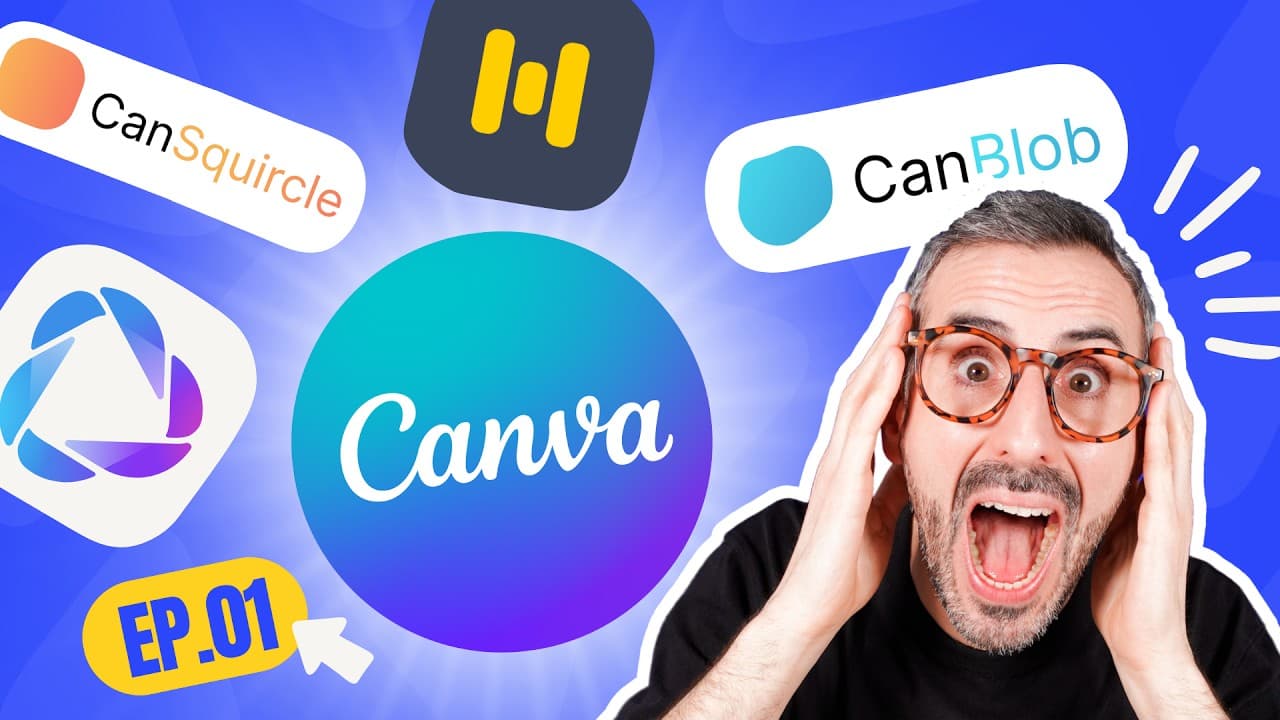
The best new Canva apps to try include Hey Jen, which generates customizable AI avatars but has limited free credits and costly plans; Murph AI for natural-sounding voiceovers with a restricted free trial; and Can Blob/Can Squircle, which allow creative design enhancements through customizable blob shapes and rounded squares. Each app offers unique features but may have pricing challenges for content creators.
Transcript
in this video I'll be reviewing three of the latest hottest canva apps you need to try right now what is up everyone Ronnie here welcome back to the channel today we are talking about three of the latest canva apps that I've had a chance to try and I think you should try as well in the video I will be testing these new apps showing you how they wor... Read More
Key Insights
- 🥶 Hey Jen offers powerful AI avatars and voice customization, but the limited free credits and high pricing plans hinder its accessibility for content creators.
- 🥶 Murph AI provides natural-sounding voiceovers, but the free trial time is limited, and longer voiceovers may require an upgrade to a higher-priced plan.
- 👻 Can Blob and Can Squircle allow for creative design enhancements with customizable blob shapes and rounded squares, providing unique visual elements for Canva projects.
- 😀 The apps reviewed in the video showcase the advancements in generative AI and design-oriented features within the Canva platform.
- 😀 Pricing plans for these apps vary, with considerations such as credit limitations, voice generation time, and additional features affecting their value for content creators.
- 🥶 The limitations in free trial options and pricing plans emphasize the need for more affordable and accessible AI and design tools for content creators.
Install to Summarize YouTube Videos and Get Transcripts
Explore YouTube Video Summarizer or Get YouTube Transcript Extractor
Questions & Answers
Q: How does Hey Jen compare to other AI avatar apps like DID AI Avatars?
Hey Jen offers more options for AI avatars and voice choices, making it more powerful than DID AI Avatars. However, it has limited free credits and expensive pricing plans, which may deter content creators.
Q: Can Murph AI be used for longer voiceovers, and what are the limitations of the free trial?
Murph AI offers a free trial with limited voice generation time, ranging from 10 minutes to 48 hours per year based on the pricing plan. Longer voiceovers may require an upgrade to a higher-priced plan.
Q: What are the benefits of using Can Blob/Can Squircle in design projects?
Can Blob allows you to create custom organic blob shapes, which can be used as backgrounds or elements in your designs. Can Squircle provides rounded squares with customizable corner radius and smoothening, allowing for unique design possibilities.
Q: Are there any limitations or additional features in the Can Blob/Can Squircle apps?
Can Blob and Can Squircle offer limited customization options such as color, gradient fill, and size adjustments. There is no option for a color picker, which can make precise color matching challenging.
Summary & Key Takeaways
-
Hey Jen: Generate AI avatars with customizable scripts and voices, but limited free credits and high pricing for extended use.
-
Murph AI: Create natural-sounding voiceovers for videos with limited free trial options and pricing plans based on voice generation time.
-
Can Blob/Can Squircle: Design organic blob shapes and rounded squares to enhance your Canva projects with customizable colors and gradients.
Read in Other Languages (beta)
Share This Summary 📚
Summarize YouTube Videos and Get Video Transcripts with 1-Click
Try YouTube Summary with ChatGPT & Claude or YouTube Transcript Generator
Explore More Summaries from Design with Canva 📚






Summarize YouTube Videos and Get Video Transcripts with 1-Click
Try YouTube Summary with ChatGPT & Claude or YouTube Transcript Generator