11 Hidden Apple Photos Features You MUST Know!
TL;DR
Learn about 11 hidden features of Apple Photos that can make your life easier, including shared albums, tagging photos, creating watch faces, animated lock screen wallpapers, and more.
Transcript
if you have an iphone open your photos app click select up top here and choose any amount of photos i'll pick v6 right over here click the share button on the bottom left add to shared album name it send this to yourself and click create and post now head on over to the albums tab and you'll see your new shared album show up here what was the point... Read More
Key Insights
- 🏪 Shared albums in Apple Photos can store a large number of photos and videos without using iCloud storage.
- 👻 Tagging photos with captions allows for easy searching in the future.
- 😀 Custom watch faces can be created using favorite photos on Apple Watch.
- 🫒 Live Photos can be used to create animated lock screen wallpapers on iPhones.
- 🥳 Apple Photos provides features for changing album covers, aspect ratios, and background music.
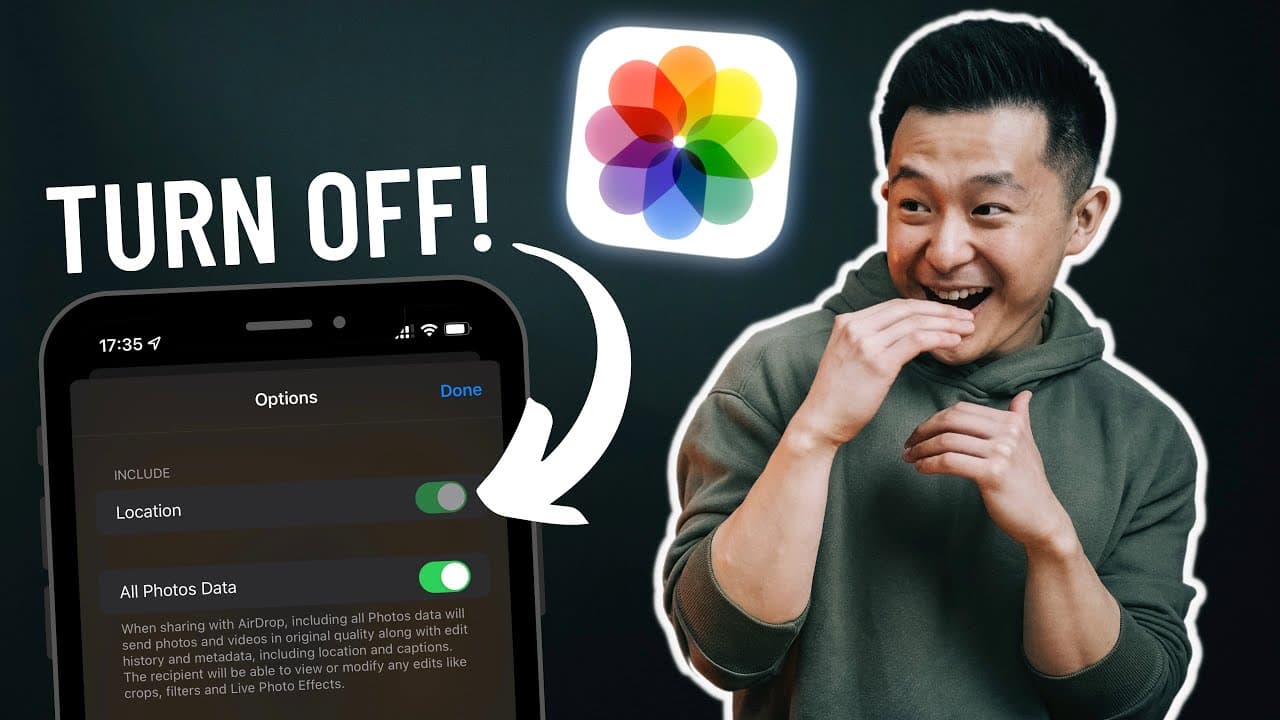
- 👤 Users can turn off photo data and location before sharing for added privacy.
- 😀 Photos can be hidden and locked in the Notes app for enhanced confidentiality.
- 🎮 Filters and quick access options in the Albums tab make it easier to find specific photos and videos.
Install to Summarize YouTube Videos and Get Transcripts
Explore YouTube Video Summarizer or Get YouTube Transcript Extractor
Questions & Answers
Q: Do shared albums count against your iCloud storage limit?
No, shared albums can store up to 5,000 photos and videos without using any of your iCloud storage.
Q: How can I search for tagged photos in Apple Photos?
Swipe up on any photo and add a caption to tag it. You can then search for this caption in the search tab.
Q: Can I create custom watch faces with my photos on Apple Watch?
Yes, you can select a photo and create a watch face on your Apple Watch. You can further customize it within the share menu.
Q: How can I create an animated lock screen wallpaper on my iPhone?
Choose a Live Photo you like, press share, and select "Use as Wallpaper." Adjust it slightly and set it as your lock screen wallpaper.
Q: Is it possible to change the album cover in Apple Photos?
Yes, select an album, find a photo you like, long press it, and select "Make Key Photo" to change the album cover.
Q: Can I change the aspect ratio of my photos in Apple Photos?
Yes, click the three dots at the top, select "Square," and your photos will be in a neat and tidy aspect ratio.
Q: How can I change the background music and filter in Memories?
Go to the "For You" tab, click into your memories, and click again to change the background music and filter. You can save it as a pre-made Instagram story.
Q: How can I convert photos into PDF files in Apple Photos?
Select the desired images, share them to the Apple Books app, and you can then markup the file and share it as a PDF.
Summary & Key Takeaways
-
Apple's shared albums can store up to 5,000 photos and videos and do not count against your iCloud storage limit.
-
Tagging photos with captions allows for easy searching in the future.
-
Apple Watch users can create custom watch faces using their favorite photos.
-
Non-Apple Watch users can create animated lock screen wallpapers using Live Photos.
-
Change album covers, aspect ratios, and background music in the Memories section.
-
Turn off photo data and location before sharing with others.
-
Hide photos and lock them in the Notes app for added privacy.
-
Use filters to quickly find favorited, edited, and video photos.
-
Convert photos into PDF files for documents that require a PDF format.
Read in Other Languages (beta)
Share This Summary 📚
Summarize YouTube Videos and Get Video Transcripts with 1-Click
Try YouTube Summary with ChatGPT & Claude or YouTube Transcript Generator
Explore More Summaries from Jeff Su 📚






Summarize YouTube Videos and Get Video Transcripts with 1-Click
Try YouTube Summary with ChatGPT & Claude or YouTube Transcript Generator