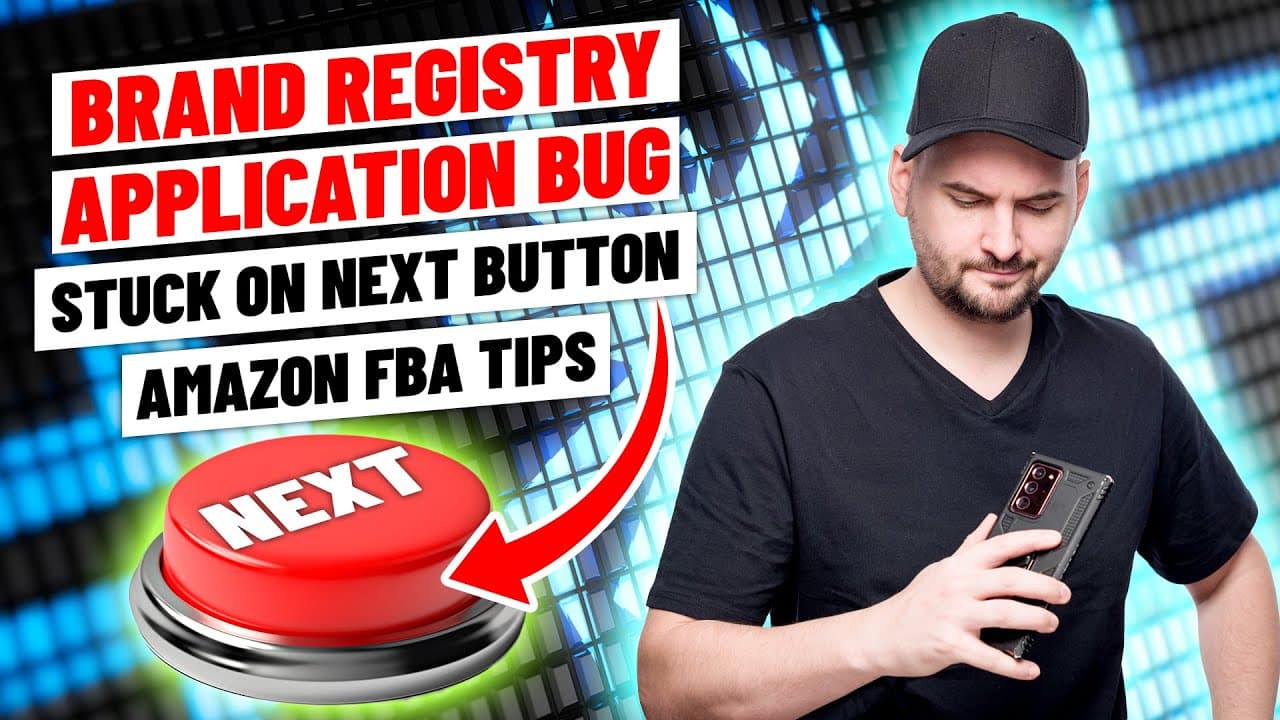
Brand Registry Application Bug - Stuck on Next Button. Solution: Clear Cache. Amazon FBA Tips
TL;DR
Clear your browser cache to resolve the bug when filing for brand registry on Amazon.
Transcript
when you go to file your brand registry there's sometimes a bug i'm going to give you the solution to this bug on how to hit the next step if you're stuck on this screen my name is stephen pope i'm the founder of my amazon guy the quick answer is clear your cache of your browser i'm going to walk you through why this problem exists and why i get qu... Read More
Key Insights
- 🐛 The bug in the brand registry enrollment process on Amazon can be resolved by clearing the browser cache.
- 👤 Clearing the cache is a simple solution that can help users proceed to the next step and complete the brand registry process.
- 👻 Brand registry can be done in any country using a pending trademark from another country, allowing for global brand protection.
- 👻 Having a trademark with pending status is now allowed for brand registry on Amazon.
- 🦮 Clear instructions and guides are available on how to clear the cache for different browsers.
- ⌛ Quick turnaround time for trademark purchase and brand registry process is offered by My Amazon Guy.
- 💗 Brand registry provides a plus content status on Amazon, helping sellers grow their sales.
Install to Summarize YouTube Videos and Get Transcripts
Explore YouTube Video Summarizer or Get YouTube Transcript Extractor
Questions & Answers
Q: Why does the bug occur when filing for brand registry on Amazon?
The bug occurs when users click the next button after filling out their brand information, but nothing happens. This is likely due to a caching issue within the browser.
Q: How can I clear my browser cache to resolve the bug?
To clear your browser cache, you need to go to the browser's settings or options and find the section for clearing browsing data. From there, you can select all items and click on the clear data button to delete your internet history.
Q: Can I use a pending trademark for brand registry in a different country?
Yes, you can use a pending trademark from any country for brand registry in any other country. For example, if you have a trademark in Canada, you can still file for brand registry in the United States.
Q: What should I do if I cleared my cache and have to refill out the brand registry page?
If you cleared your cache, you may have to refill out the brand information page. It should only take about a minute to fill it in again. Make sure to save the information before clicking the next button.
Summary & Key Takeaways
-
When filing for brand registry on Amazon, there is a bug that prevents users from proceeding to the next step.
-
The solution to this bug is to clear your browser cache, which can be done by deleting your internet history.
-
Clearing the cache will allow you to click the next button and continue with the brand registry enrollment process.
Read in Other Languages (beta)
Share This Summary 📚
Summarize YouTube Videos and Get Video Transcripts with 1-Click
Try YouTube Summary with ChatGPT & Claude or YouTube Transcript Generator
Explore More Summaries from My Amazon Guy 📚




![Amazon SEO [Complete 2022 Guide] - New Search Query SEO Phase 4 - Keyword Ranking Optimization thumbnail](/_next/image?url=https%3A%2F%2Fi.ytimg.com%2Fvi%2F-Dc-ufvTHVg%2Fhqdefault.jpg&w=750&q=75)

Summarize YouTube Videos and Get Video Transcripts with 1-Click
Try YouTube Summary with ChatGPT & Claude or YouTube Transcript Generator