How to Create an Accordion Component with JavaScript
TL;DR
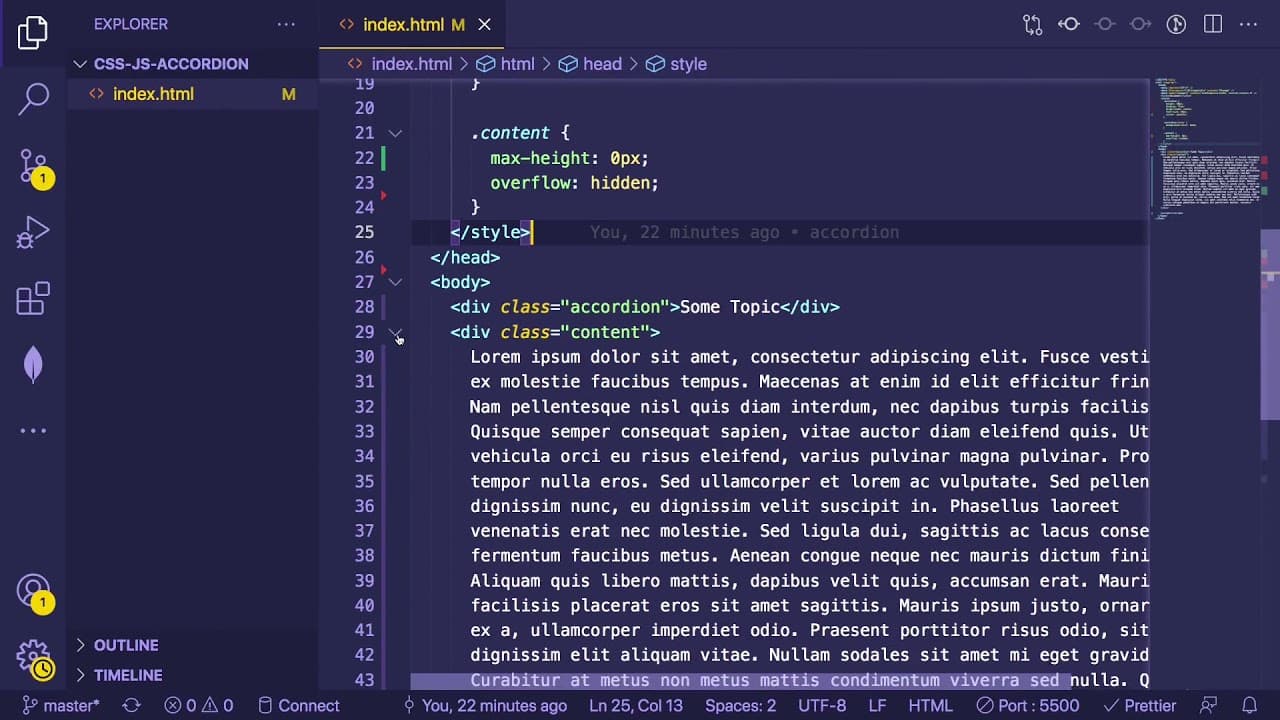
To create a functional accordion component using HTML, CSS, and JavaScript, set up a basic structure with divs, then use JavaScript to toggle visibility on click through event listeners. Implement CSS transitions for a smoother user experience and ensure proper state management to open or close the accordion dynamically.
Transcript
one thing i find really useful when you're learning how to code with vanilla javascript or html and css is how to build out web widgets so for an example we have an accordion here i'm going to show you how to build this with css javascript and html and understanding how to do some of these smaller widgets help you learn how to build larger complex ... Read More
Key Insights
- 🕸️ Understanding how to build basic widgets like accordions is crucial for grasping more complex web development principles.
- 💦 Proper HTML structure, CSS styling, and JavaScript functionality must work in harmony to create interactive components.
- 👤 Event listeners are fundamental in JavaScript for responding to user actions, such as clicks, on web elements.
- 👨💻 Managing state within your JavaScript code using properties and attributes helps maintain control of component visibility.
- 👤 CSS transitions provide visual appeal and enhance user experience during element state changes.
- 👻 Using placeholder text during the building process can simplify the initial structure while allowing for a focus on functionality.
- 👨💻 Starting with internal styles and scripts in tutorials is beneficial for clarity before moving to external files for modular code.
Install to Summarize YouTube Videos and Get Transcripts
Explore YouTube Video Summarizer or Get YouTube Transcript Extractor
Questions & Answers
Q: Why is building small widgets like an accordion important for learning coding?
Building small widgets helps beginners understand the foundational concepts of web development. It allows them to grasp how HTML, CSS, and JavaScript work together, paving the way to develop more complex applications. By mastering these smaller components, learners can apply similar principles when using larger frameworks or libraries, thus boosting their overall confidence in coding.
Q: What are the basic steps in creating an accordion using JavaScript and HTML?
The first step is to set up the HTML structure, which includes creating divs for the accordion and its content. Next, you'll apply CSS for styling, ensuring the accordion has proper dimensions and hover effects. The last step involves writing JavaScript to handle the toggle functionality, allowing users to expand and collapse the accordion content, enhancing interactivity.
Q: How do you implement the expand and collapse functionality in an accordion?
You implement this by using a function that alters the maximum height property of the accordion's content area when a user clicks on it. You can manage the state using a data attribute, allowing you to determine if the accordion is currently open or closed. This logic can be executed with an event listener in JavaScript linked to the click event.
Q: What role do CSS transitions play in the functionality of an accordion?
CSS transitions improve the user experience by providing a smooth animation when the accordion expands and collapses. By applying a transition on the max-height property, the accordion visibly animates rather than abruptly changing its size. This creates a more polished and user-friendly interaction, making the web application feel more dynamic.
Summary & Key Takeaways
-
The content provides a step-by-step guide on how to create an accordion widget using vanilla JavaScript, CSS, and HTML, emphasizing the importance of understanding foundational concepts before using libraries.
-
It details the process of setting up a basic structure in HTML, applying styles through CSS, and implementing functionality with JavaScript to toggle the accordion’s visibility dynamically.
-
The tutorial also covers CSS transitions for a smoother user experience and encourages readers to experiment and refine their understanding of web development principles.
Read in Other Languages (beta)
Share This Summary 📚
Summarize YouTube Videos and Get Video Transcripts with 1-Click
Try YouTube Summary with ChatGPT & Claude or YouTube Transcript Generator
Explore More Summaries from Web Dev Cody 📚





Summarize YouTube Videos and Get Video Transcripts with 1-Click
Try YouTube Summary with ChatGPT & Claude or YouTube Transcript Generator