How to Run LXD Containers on Raspberry Pi with Proxmox
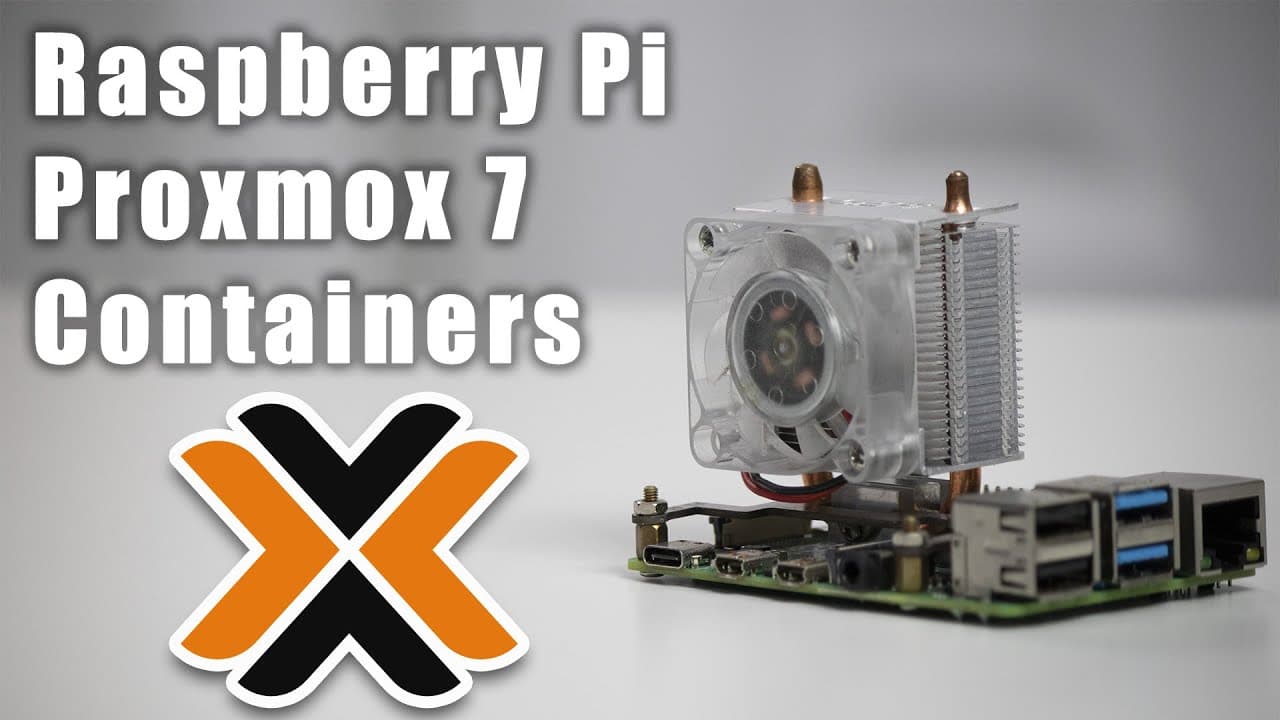
TL;DR
To run LXD containers on a Raspberry Pi using Proxmox 7, download the desired container template from a repository like Chronicle, and use the URL to install it directly within Proxmox. This method allows for efficient resource usage and supports lightweight desktop environments like XFCE for remote access.
Transcript
hey guys what's going on it's don here from novaspear tech and welcome back to the channel and today i'm going to be showing you guys how to run container templates on your raspberry pi proxmox 7 so let's get started one of the things that i find that will actually do really well on the raspberry pi proxmox is container templates now you can still ... Read More
Key Insights
- 🏃 Using container templates on Proxmox for Raspberry Pi can greatly enhance resource efficiency compared to running full VMs.
- 😫 The process of downloading and setting up container templates is straightforward, primarily focused on ensuring correct link usage and resource allocation.
- 👻 Lightweight graphical interfaces like XFCE are viable options for creating desktop environments within containers, allowing for remote access and usability.
- 🅰️ Containers may not support all application types, especially those requiring extensive graphic capabilities or snapshots.
- ♓ Resource management strategies, especially around CPU and RAM, are crucial for optimal container performance on limited hardware like Raspberry Pi.
- 🏃 The ability to run multiple distinguished distributions concurrently makes containers ideal for testing different software environments.
- 😘 Despite limitations, containers can serve practical purposes in scenarios requiring low-resource applications or testing environments.
Install to Summarize YouTube Videos and Get Transcripts
Explore YouTube Video Summarizer or Get YouTube Transcript Extractor
Questions & Answers
Q: What are container templates, and why are they preferable to full VMs in this setup?
Container templates are lightweight, isolated applications that run on a shared kernel, making them less resource-intensive than full virtual machines. In scenarios like running on a Raspberry Pi, containers save significant computational and storage resources, enabling users to run multiple applications concurrently without overloading the hardware.
Q: How do I download and set up a container template in Proxmox?
First, identify the specific container template you want, such as Ubuntu Jammy. Visit the host site for LXD images, copy the download link for the root filesystem, and use the Proxmox interface to download it directly from the URL. After downloading, create a new container by specifying configurations like hostname, disk space, and allocated resources.
Q: How can I access a desktop environment from a container?
You can install a lightweight desktop environment, like XFCE4, alongside remote access protocols such as XRDP or VNC within the container. This allows you to establish a remote desktop session via an IP address, enabling full GUI access to run applications like browsers or file managers.
Q: What are the limitations of using container templates on Raspberry Pi?
While containers are efficient for running services, they might not support certain functionalities, like snap packages, due to the absence of appropriate graphic drivers and system constraints. They generally function well for testing or lightweight applications but aren’t suitable for production environments that require heavy resource allocation.
Q: How much RAM and CPU should I allocate for a container?
The tutorial suggests keeping the RAM allocation low, around 1 GB, since containers are optimized for lightweight operations. Similarly, allocating one or two CPU cores is usually sufficient for basic tasks, but it is important to adjust resources based on specific application needs.
Q: Can I run different Linux distributions on container templates?
Yes, the tutorial indicates that you can run various Linux distributions like Debian, Arch Linux, or Rocky Linux as container templates. This flexibility allows users to test different software environments while running efficiently on a single Raspberry Pi instance.
Q: What is the performance implication of running a desktop environment in a container?
While the performance of a desktop environment in a container won’t match that of a dedicated physical machine, it can run applications like Firefox effectively, using optimized memory resources. Users should keep in mind that certain graphical limitations and slower speeds may occur due to the hardware constraints of Raspberry Pi.
Summary & Key Takeaways
-
The tutorial introduces running container templates on Raspberry Pi Proxmox 7, highlighting the advantages of using containers over full virtual machines to save resources.
-
Step-by-step instructions are provided on how to download and set up container templates, including specific configurations for CPU, memory, and network settings.
-
The tutorial also explores the feasibility of utilizing containers for lightweight desktop environments, showcasing how to install a graphical interface and access it remotely.
Read in Other Languages (beta)
Share This Summary 📚
Summarize YouTube Videos and Get Video Transcripts with 1-Click
Try YouTube Summary with ChatGPT & Claude or YouTube Transcript Generator
Explore More Summaries from Novaspirit Tech 📚






Summarize YouTube Videos and Get Video Transcripts with 1-Click
Try YouTube Summary with ChatGPT & Claude or YouTube Transcript Generator