How to Present Confidently in Your Next Meeting
TL;DR
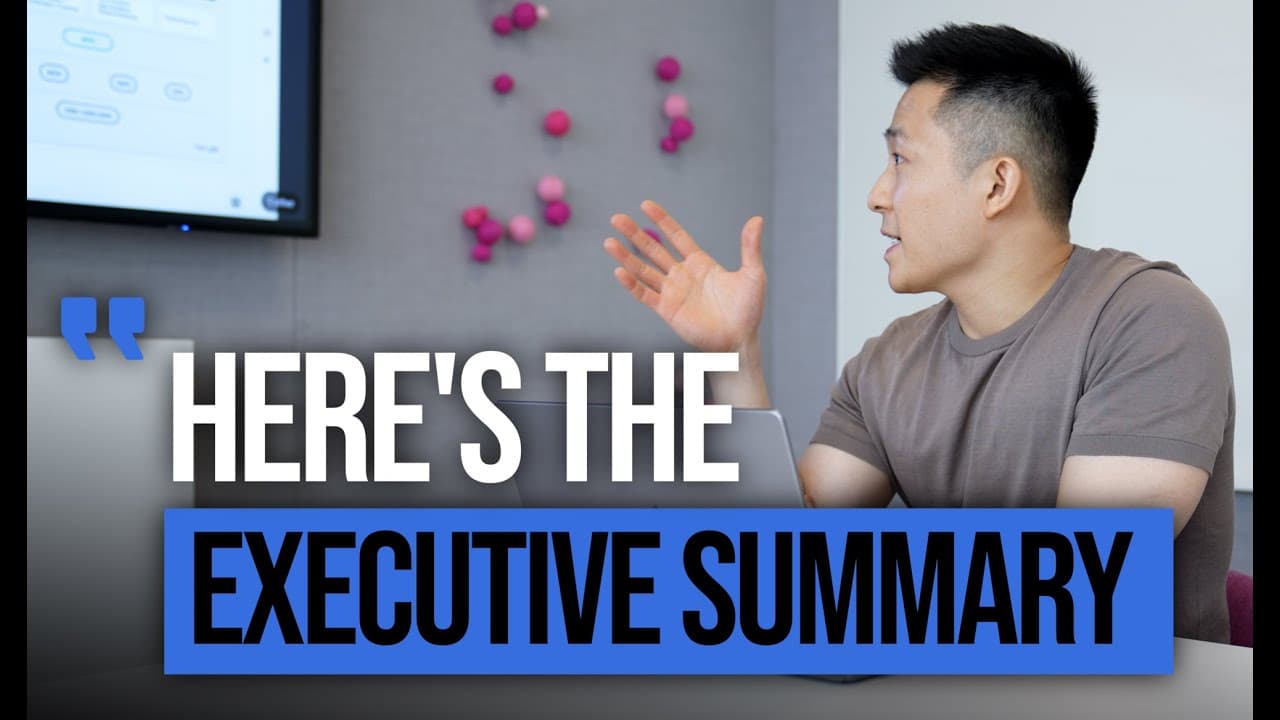
To present confidently, use relatable humor to connect with your audience, keep slides clean with only key takeaways, and avoid technical jargon for clarity. Follow presentation etiquette by preparing in advance and practice extensively to enhance your delivery. Engaging your audience with interactive elements can also enhance the overall experience.
Transcript
thanks iris hi everyone jeff from the marketing team here uh before we get started i have to say i felt really nice to report in billions instead of millions for this quarterly review [Applause] okay so i added the laugh track in for this video but during the actual presentation that joke got quite a few chuckles because the audience found it to be... Read More
Key Insights
- 🆘 Using humor with relatable references can help create a connection with the audience and establish rapport.
- 🤩 Clean and simple slides, focusing on key takeaways, improve audience comprehension and retention.
- ❓ Using language that everyone understands ensures effective communication and prevents confusion.
- ❓ Following presentation etiquette, such as preparing in advance and using interactive elements selectively, enhances the audience's experience.
- 🚚 Practice is crucial for delivering a polished presentation, improving delivery, timing, and engagement.
- 👻 Presenter view in Google Slides allows for speaker notes and a laser pointer, enhancing the presentation experience.
- 😘 Effective communication involves assuming the lowest common language to convey the message to a larger audience.
Install to Summarize YouTube Videos and Get Transcripts
Explore YouTube Video Summarizer or Get YouTube Transcript Extractor
Questions & Answers
Q: How can humor be used to create a connection with the audience during a workplace presentation?
Humor can be used by incorporating relatable references or inside jokes that resonate with the attendees, making them feel included and engaged. This helps to establish a rapport and create a comfortable atmosphere for the presentation.
Q: What is the importance of keeping slides clean and simple during a workplace presentation?
Clean and simple slides help to avoid overwhelming the audience with excessive information. By focusing on key takeaways and leaving background details for the oral part of the presentation, the audience is more likely to comprehend and remember the main message being conveyed.
Q: Why is it necessary to use language that everyone understands during a workplace presentation?
Using language that is familiar to all participants ensures that the message is effectively communicated. By avoiding technical jargon and acronyms, the presenter can prevent confusion and ensure that the entire audience comprehends the content without feeling hesitant to ask for clarification.
Q: How can practicing improve workplace presentations?
Practicing extensively allows presenters to refine their delivery, timing, and pacing. It helps them identify the pauses and emphasis needed to convey their points effectively. By rehearsing out loud, presenters can become more comfortable and confident, enhancing their overall performance.
Summary & Key Takeaways
-
Use relatable humor to make a connection with your audience and establish a rapport.
-
Keep slides clean and simple with only key takeaways, leaving the background and rationale for the oral part of the presentation.
-
Use language that can be understood by all participants, avoiding technical jargon and acronyms.
-
Follow presentation etiquette by preparing in advance, using a holding slide, and incorporating interactive elements selectively.
-
Practice extensively to deliver a polished presentation, paying attention to timing and using presenter view to enhance delivery.
Read in Other Languages (beta)
Share This Summary 📚
Summarize YouTube Videos and Get Video Transcripts with 1-Click
Try YouTube Summary with ChatGPT & Claude or YouTube Transcript Generator
Explore More Summaries from Jeff Su 📚






Summarize YouTube Videos and Get Video Transcripts with 1-Click
Try YouTube Summary with ChatGPT & Claude or YouTube Transcript Generator