Why Switch from Nextra to Fuma Docs for Documentation?
TL;DR
Switching from Nextra to Fuma Docs simplifies documentation management by providing better support for Next.js's app router and reducing complexity. Fuma Docs allows for easy integration, built-in search functionality, and customizable page ordering, making it a more efficient choice for creating and organizing documentation.
Transcript
so I made a video like a week ago talking about the documentation that I was adding to this starter kit I'm working on and I was using nextra before and unfortunately nextra didn't seem like it played well with the app router you actually had to like create a Pages directory still and then bring in a bunch of that code and it just felt like it just... Read More
Key Insights
- 👤 Switching documentation frameworks can significantly reduce complexity and improve user experience, as highlighted by the speaker's transition.
- ✍️ Fuma Docs provides extensive support for MDX files, which facilitate easier documentation writing and rendering.
- 👨🔬 Built-in features like search and custom page ordering enhance the usability and accessibility of documentation created with Fuma Docs.
- 😒 Understanding how to effectively use metadata is crucial for optimizing documentation organization and search capabilities.
- ❓ The benefits of adopting modern documentation frameworks are evident in simplified setups that align with evolving technologies like Next.js.
- 🥺 Maintaining a clear structure in documentation processes can lead to more efficient development and better user interactions with the content.
- 👻 The integration of user-friendly components and layouts allows for a more engaging documentation experience for readers.
Install to Summarize YouTube Videos and Get Transcripts
Explore YouTube Video Summarizer or Get YouTube Transcript Extractor
Questions & Answers
Q: What were the problems encountered with Nextra?
The speaker found that Nextra did not fully support the new app router in Next.js and required creating a separate Pages directory. This added unnecessary complexity to the documentation process, prompting the decision to switch to a more compatible solution.
Q: What is Fuma Docs, and why is it favored?
Fuma Docs is an open-source documentation framework for Next.js that simplifies the setup process. The speaker appreciates its straightforward steps, better support for the app router, and built-in features that enhance documentation usability, making it their preferred choice.
Q: How does Fuma Docs handle document organization and aesthetics?
Fuma Docs allows the creation of MDX components, providing flexibility in customizing the appearance of documentation elements. Users can write markdown easily and adjust layouts according to their needs, making documentation more visually appealing and organized.
Q: Can you explain the searching feature in Fuma Docs?
Fuma Docs offers built-in search functionality that allows users to quickly locate specific terms within the documentation. This feature enhances user experience by enabling efficient navigation through documents, making it easier to find relevant information.
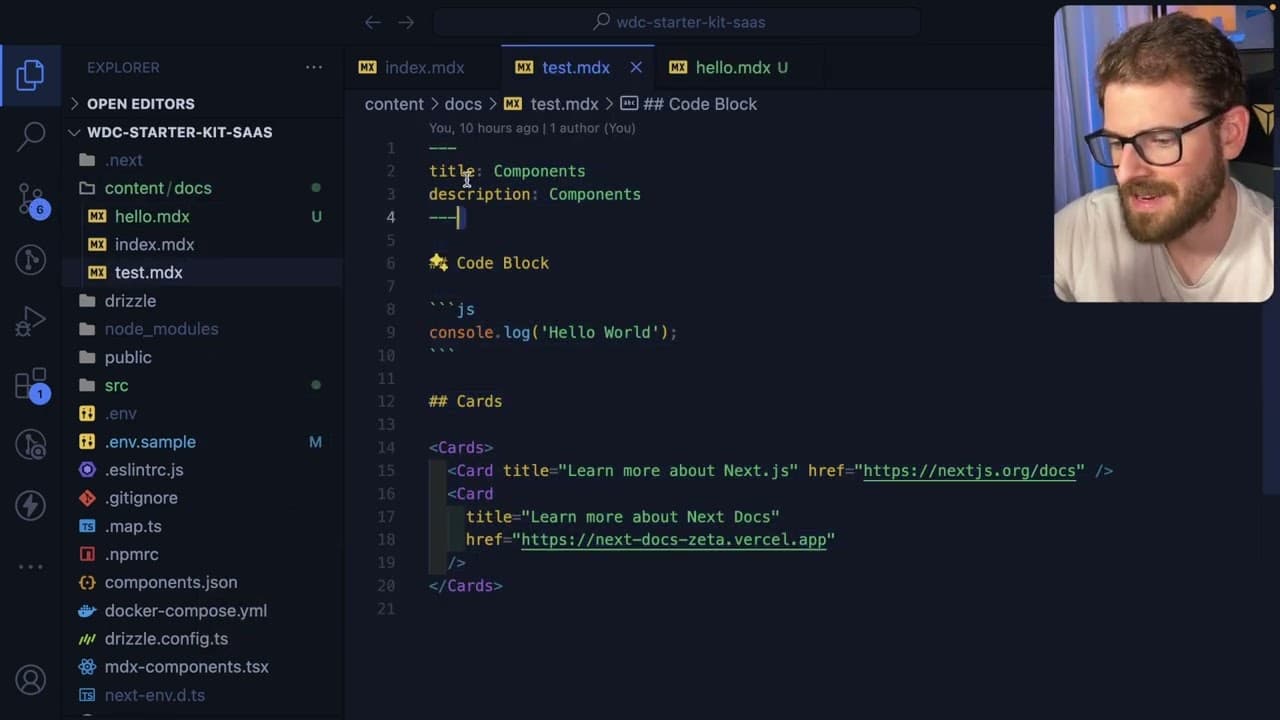
Q: What is the role of metadata in using MDX files with Fuma Docs?
Metadata in MDX files allows users to specify page attributes like title and description, enhancing documentation organization and discoverability. This is essential for creating structured and informative documentation, as it improves search engine visibility and user accessibility.
Q: How can users customize the ordering of pages in Fuma Docs?
Users can customize the page order by creating a meta JSON file within the documentation folder. This file defines how the pages are to be sorted, allowing for better organization and intuitive navigation through the documentation content.
Summary & Key Takeaways
-
The speaker faced challenges with Nextra compatibility with Next.js's app router, which led to complexity in the starter kit structure.
-
They switched to Fuma Docs, an open-source documentation framework, which simplifies integration and supports the app router, streamlining the documentation process.
-
The speaker emphasizes the ease of use with Fuma Docs, highlighting features like built-in search and customizable page ordering, making it a better choice for documentation.
Read in Other Languages (beta)
Share This Summary 📚
Summarize YouTube Videos and Get Video Transcripts with 1-Click
Try YouTube Summary with ChatGPT & Claude or YouTube Transcript Generator
Explore More Summaries from Web Dev Cody 📚





Summarize YouTube Videos and Get Video Transcripts with 1-Click
Try YouTube Summary with ChatGPT & Claude or YouTube Transcript Generator