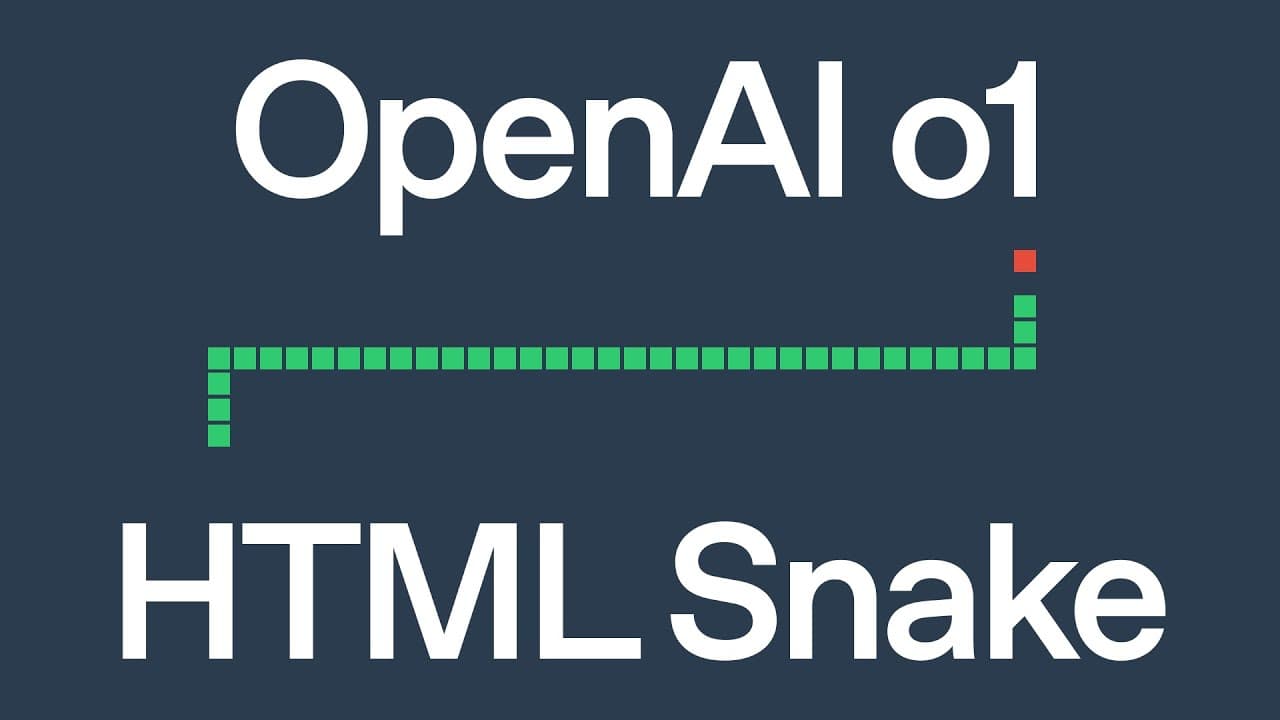
HTML Snake with OpenAI o1
TL;DR
This content demonstrates creating and enhancing a snake game using HTML, CSS, and JavaScript.
Transcript
yeah let's maybe um demo a game right can we like Implement like a small game on HTML what game do you like the most uh let's go old school snake oh nice snake is a pretty Choice um okay um let's try it out shall we let's um implement the snake which HTML JS CSS maybe let's use a wd to control snake uh let seeit uh enter all right so wow the model ... Read More
Key Insights
- 👻 The integration of HTML, CSS, and JavaScript allows for a comprehensive approach to web game development.
- 👾 User engagement is crucial in game design, as the interaction with visual elements enhances enjoyment.
- 🎮 Enhancing gameplay with obstacles adds complexity and retains player interest by challenging their skills.
- 💨 AI can effectively assist in coding processes, making development faster and facilitating exploration of creative design choices.
- 👤 Implementing a clear and responsive control scheme is vital for creating an enjoyable user experience.
- 👤 Visual feedback, such as reacting to user commands, is essential to maintain player immersion and excitement.
- 👾 The ability to modify game elements in real-time can significantly improve learning experiences and foster creativity in coding.
Install to Summarize YouTube Videos and Get Transcripts
Explore YouTube Video Summarizer or Get YouTube Transcript Extractor
Questions & Answers
Q: What technologies are used to create the Snake game?
The Snake game is developed using HTML for structuring the elements, CSS for styling and layout, and JavaScript for the game logic and interactivity. This combination allows for a complete and functional game that can be easily enhanced or modified with additional features.
Q: How does user control work within the game?
User control in the Snake game is achieved through keyboard input; primarily, the 'W', 'A', 'S', and 'D' keys are designated for navigation. This allows players to maneuver the snake on the canvas effectively, making the interaction dynamic and responsive to player actions.
Q: What enhancements were made to the game?
The game was enhanced by adding obstacles shaped like the letters "AI." This modification increased the difficulty of the game, requiring players to navigate not only to eat the apples but also to avoid running into the obstacles, creating a more engaging and challenging experience.
Q: How does AI play a role in the game development process?
AI is utilized in this context to assist in coding by interpreting commands and generating code snippets based on instructions provided by the users. It helps in enhancing the game by suggesting and implementing features like obstacles, thereby automating parts of the development process and improving efficiency.
Q: What was the initial user experience of the Snake game?
The initial experience included simple gameplay mechanics where players control a snake to eat apples while avoiding collisions. Upon starting the game, players are prompted to press the space bar, which kickstarts the game, providing an intuitive user interface typical of classic arcade games.
Summary & Key Takeaways
-
The discussion revolves around implementing a classic Snake game using HTML, CSS, and JavaScript, focusing on user controls and game logic.
-
The tutorial explores enhancing the game by adding obstacles that form the letters "AI," making gameplay more challenging and interactive.
-
Audience engagement is visible, highlighting the excitement in coding and seeing modifications in real-time, showcasing the use of AI to improve the game design.
Read in Other Languages (beta)
Share This Summary 📚
Summarize YouTube Videos and Get Video Transcripts with 1-Click
Try YouTube Summary with ChatGPT & Claude or YouTube Transcript Generator
Explore More Summaries from OpenAI 📚





Summarize YouTube Videos and Get Video Transcripts with 1-Click
Try YouTube Summary with ChatGPT & Claude or YouTube Transcript Generator