How to Create Engaging YouTube Shorts in 15 Minutes
TL;DR
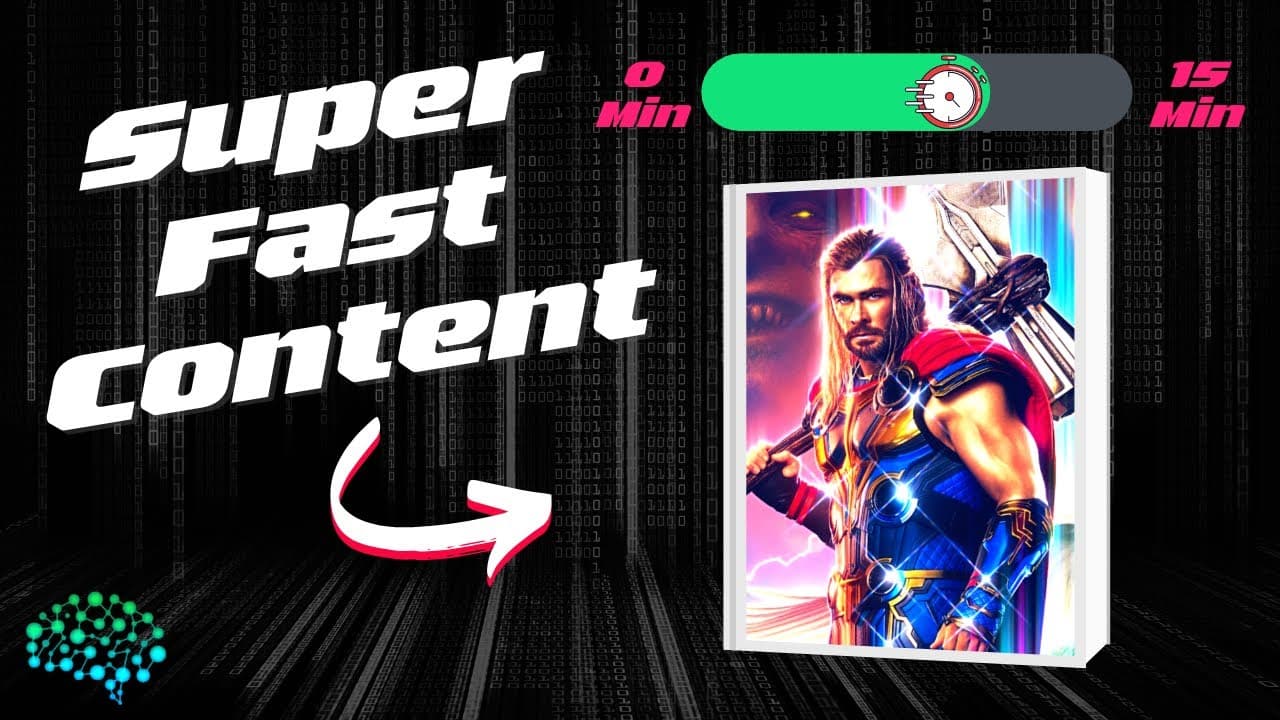
To create engaging YouTube shorts in 15 minutes, start by using Google Trends to find popular topics. Gather relevant clips from trailers, choose an engaging style with OpenAI, and edit your video in Adobe Rush, ensuring it is in a vertical format. Keep your shorts around 15 to 30 seconds for optimal viewer engagement.
Transcript
Today, I wanted to show you how you can create some super engaging short form content with just help from some tools and some quick editing. Enjoy. So always start with going to Google trends. Then just search for streaming to find some popular TV shows or etc.. I had a look around. I always go for USA I think it was Thor: Love and Thunder. Was is.... Read More
Key Insights
- 🫵 Google Trends is a valuable tool for identifying popular topics that can attract more viewers to your short form content.
- 🎥 Leveraging trailers or video clips from popular movies or TV shows can enhance the engagement and relatability of your content.
- 🫵 OpenAI can assist in generating creative styles and titles that capture viewers' attention and make your content stand out.
- 👻 Editing tools like Adobe Rush allow you to stitch together clips and create visually appealing short form content.
- 💁 Optimizing short form content for vertical viewing is crucial to ensure it is compatible with platforms like YouTube Shorts.
- 🫵 Selecting an appropriate duration for your short form content, such as 15 or 30 seconds, can impact viewer engagement.
- 🍰 Utilizing relevant hashtags, like #shorts, can help increase the visibility and reach of your short form content.
Install to Summarize YouTube Videos and Get Transcripts
Explore YouTube Video Summarizer or Get YouTube Transcript Extractor
Questions & Answers
Q: What is the first step in creating engaging short form content?
The first step is to use Google Trends to identify popular topics or keywords related to your content.
Q: What is the benefit of using trailers or video clips from popular movies or TV shows?
Incorporating popular trailers or video clips can make your short form content more engaging and relatable to viewers.
Q: How can OpenAI be helpful in creating short form content?
OpenAI can recommend styles and titles for your content, helping you choose the most appealing and attention-grabbing options.
Q: Why is it important to edit short form content in the vertical format?
Editing content in the vertical format ensures it is optimized for shorts and provides a seamless viewing experience on platforms like YouTube.
Summary & Key Takeaways
-
Start by using Google Trends to find popular topics such as streaming, TV shows, or movies.
-
Find a relevant trailer or video clip on YouTube to incorporate into your content.
-
Use OpenAI to select a suitable style and title for your content.
-
Edit your content using Adobe Rush, ensuring it is in the vertical format for shorts.
Read in Other Languages (beta)
Share This Summary 📚
Summarize YouTube Videos and Get Video Transcripts with 1-Click
Try YouTube Summary with ChatGPT & Claude or YouTube Transcript Generator
Explore More Summaries from All About AI 📚
Summarize YouTube Videos and Get Video Transcripts with 1-Click
Try YouTube Summary with ChatGPT & Claude or YouTube Transcript Generator