How to Create a Library in Book Creator for Students
TL;DR
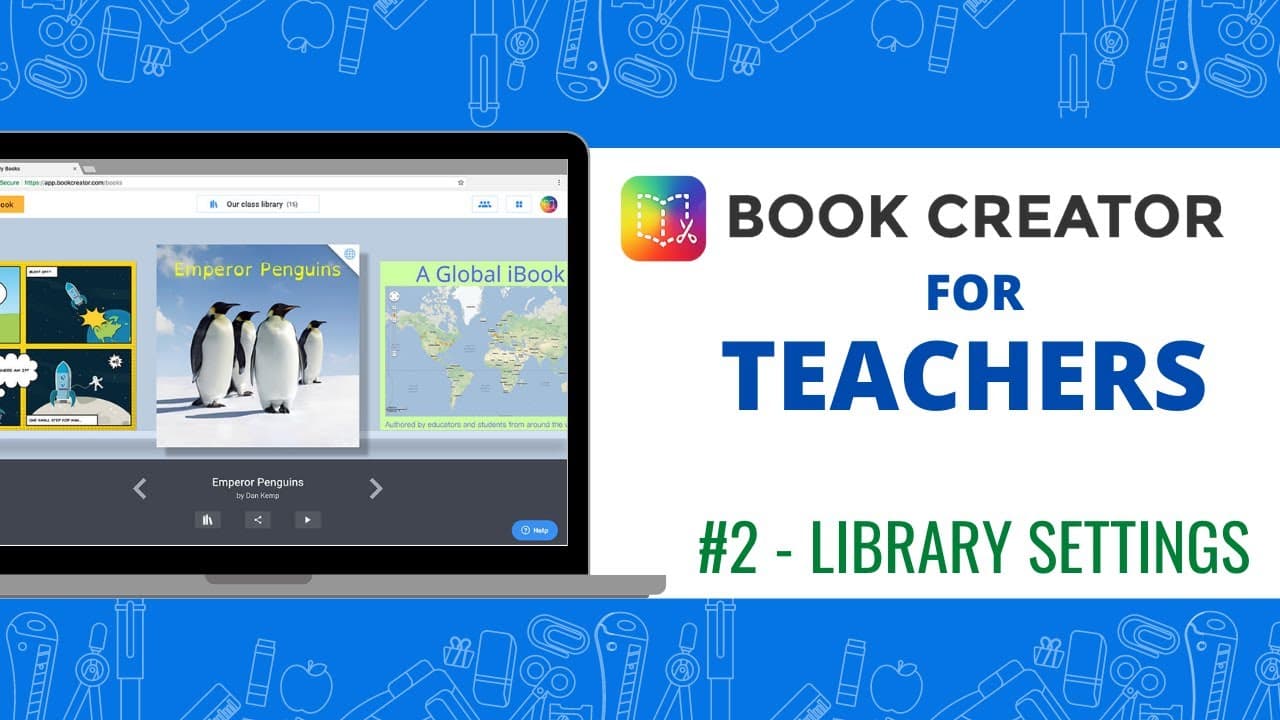
To create a library in Book Creator, teachers generate an invite code and customize settings that allow students to create and edit their own books. Students can choose between blank or template-based books and can be guided by teachers to personalize their book titles, while privacy settings control visibility of peer work.
Transcript
welcome back to our video series on using book creator if you remember the last video we talked a little bit about how a teacher can generate an invite code and have students join their library i want to go back just one second to show you some of the features that you have with the library that you can create you'll notice you have options that yo... Read More
Key Insights
- 👻 Book Creator allows teachers to customize libraries, giving them control over the features available to students.
- 🧑🎓 Teachers can invite students to join their libraries using an invite code.
- 📰 Students have options to create new books using blank templates or pre-designed templates.
- 🫠 The ability for students to edit and read each other's books can be enabled or disabled.
- 📔 Teachers can guide students in personalizing their books by instructing them to edit the book title.
- 📙 Book Creator provides a range of tools and features for creating interactive and customizable books.
- 📚 Libraries in Book Creator facilitate collaborative learning and sharing of student-created books.
Install to Summarize YouTube Videos and Get Transcripts
Explore YouTube Video Summarizer or Get YouTube Transcript Extractor
Questions & Answers
Q: How can teachers create a library in Book Creator?
Teachers can generate an invite code and use it to create a library in Book Creator, where they can customize settings and invite students to join.
Q: Can students edit and read each other's books in the library?
Yes, students can edit and read any books they have authored, but they won't be able to see their classmates' books unless the teacher enables that option.
Q: What options do students have when creating a new book?
Students can choose a blank book or select from pre-designed templates. The size and format can be specified, depending on the purpose of the book.
Q: How can teachers guide students in editing book information?
Teachers can instruct students to click on "My Books" and edit the book title to personalize it. This ensures that only the student's own books are visible in the library.
Summary & Key Takeaways
-
Book Creator allows teachers to generate an invite code to create a library where students can join and access various features.
-
Teachers can customize the library settings, including options for students to search for images and edit their own books.
-
Students can create new books using blank templates or pre-designed templates, and teachers can guide them in editing book information.
Read in Other Languages (beta)
Share This Summary 📚
Summarize YouTube Videos and Get Video Transcripts with 1-Click
Try YouTube Summary with ChatGPT & Claude or YouTube Transcript Generator
Explore More Summaries from EdTech Hustle 📚






Summarize YouTube Videos and Get Video Transcripts with 1-Click
Try YouTube Summary with ChatGPT & Claude or YouTube Transcript Generator