How to Use Canva's New Timeline Feature for Video Editing
TL;DR
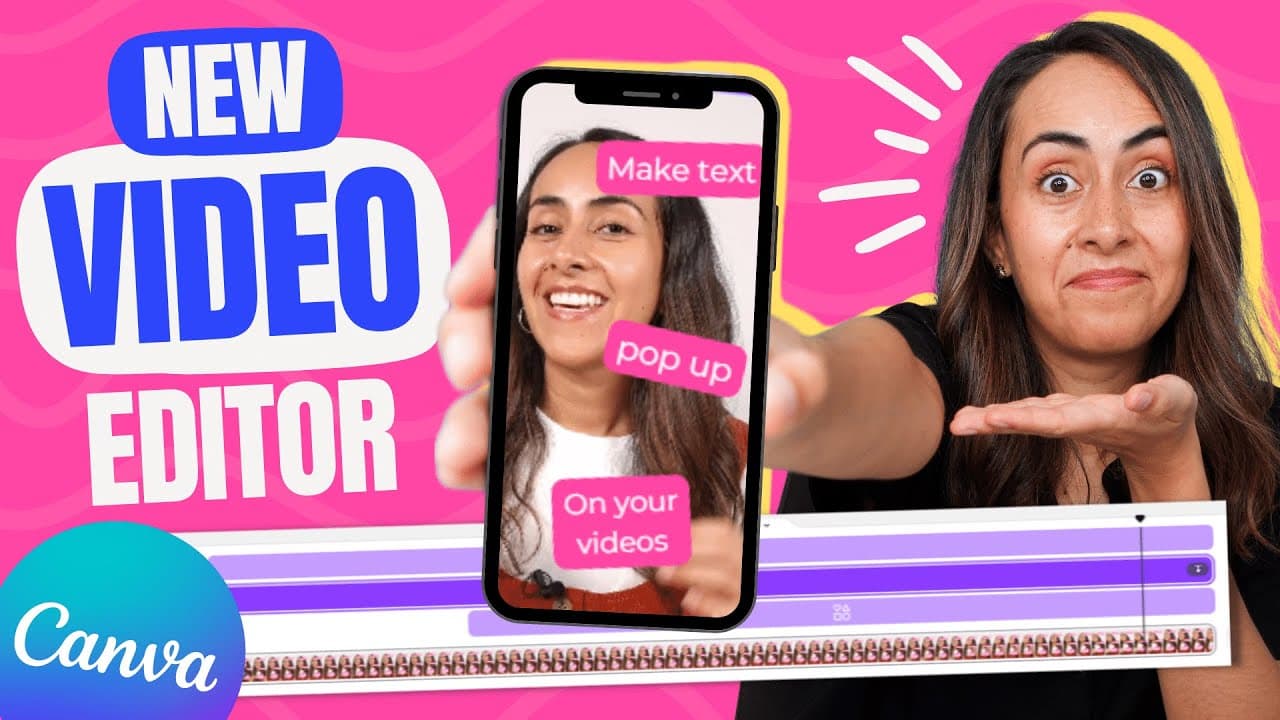
Canva's new timeline feature allows you to control when elements like text and images appear and disappear in your videos. Accessible on both desktop and mobile versions, you can adjust the timing of elements individually or as a group. This feature is free for all Canva users and enhances your video editing capabilities.
Transcript
we finally have an easy way to make our elements appear and disappear from our canva videos and animations with the help of a timeline let me show you how it works from a desktop and from a mobile phone so if you guys are interested in this tutorial let's start from my computer there is something important I have to tell you and it is that at the m... Read More
Key Insights
- 🎮 Canva's timeline feature allows users to have more control over the appearance and disappearance of elements in their videos and animations.
- 🧘 The timeline feature is accessible on both desktop and mobile versions of Canva, making it convenient for users to edit their designs.
- 👥 Users can adjust the timing of elements individually or as a group using the timeline feature.
- 🥶 The timeline feature is available for free, making it accessible to all Canva users.
- 🎮 The timeline feature can be used to adjust the timing of text, elements, photos, and videos in Canva designs.
- 😒 Canva provides easy-to-use customization options for text boxes, including font selection, background effects, and color changes.
- 🎮 Users can upload their own videos or choose from Canva's video library to create their designs.
Install to Summarize YouTube Videos and Get Transcripts
Explore YouTube Video Summarizer or Get YouTube Transcript Extractor
Questions & Answers
Q: What is the purpose of Canva's timeline feature?
The timeline feature in Canva allows users to control when elements appear and disappear in videos and animations, adding more control to their designs.
Q: Can I access the timeline feature on both desktop and mobile?
Yes, Canva's timeline feature is accessible on both desktop and mobile versions, making it convenient for users to edit their videos and animations on the go.
Q: Can I adjust the timing of elements individually?
Yes, users can adjust the timing of each element individually by selecting the element, accessing the timeline, and moving the timing bar to the desired position.
Q: Is the timeline feature available for free Canva accounts?
Yes, the timeline feature is completely free to use, even for users with a free Canva account.
Summary & Key Takeaways
-
Canva has introduced a timeline feature that allows users to control the timing of elements in videos and animations.
-
Users can access the timeline feature from both desktop and mobile versions of Canva.
-
The timeline can be used to adjust the timing of text, elements, photos, and videos, individually or as a group.
Read in Other Languages (beta)
Share This Summary 📚
Summarize YouTube Videos and Get Video Transcripts with 1-Click
Try YouTube Summary with ChatGPT & Claude or YouTube Transcript Generator
Explore More Summaries from Design with Canva 📚






Summarize YouTube Videos and Get Video Transcripts with 1-Click
Try YouTube Summary with ChatGPT & Claude or YouTube Transcript Generator