Adding a World Switcher Feature to the Minecraft Hosting System | DevLog #7
TL;DR
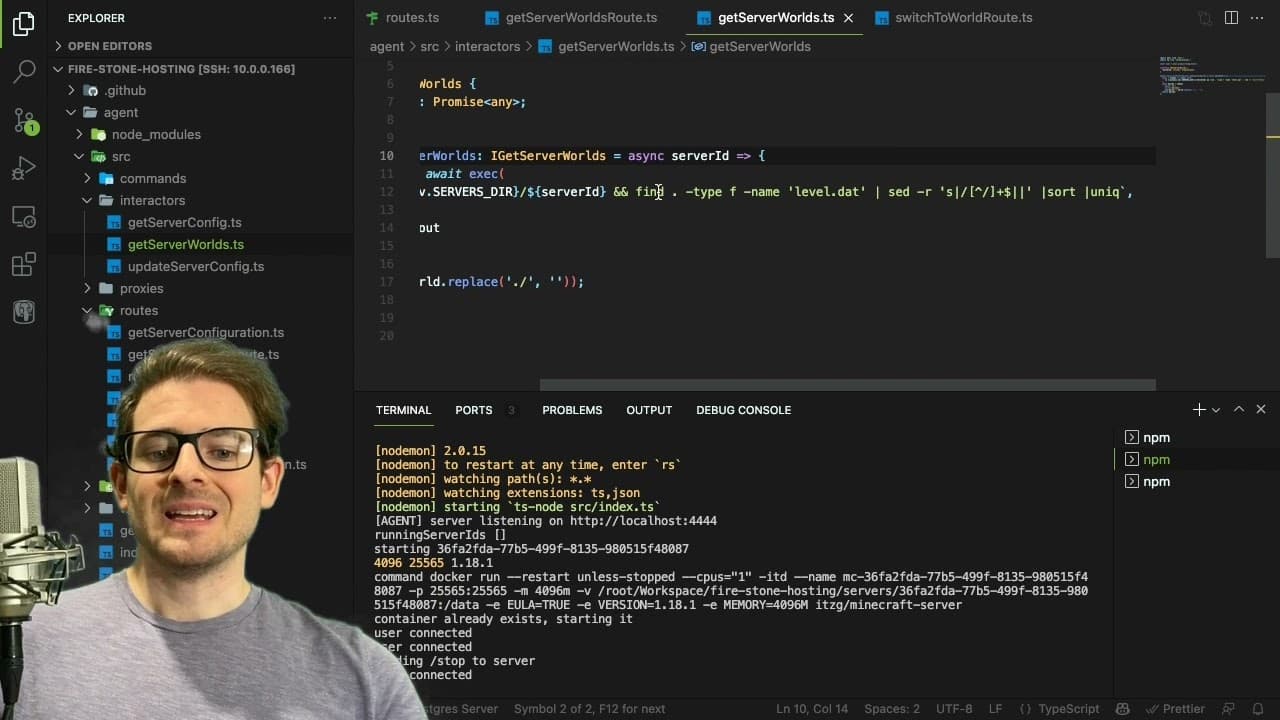
A new user-friendly feature simplifies switching Minecraft worlds on a server.
Transcript
hey everyone welcome back to another web dev junkie video i hope you guys had a good christmas holiday or a new year's or whatever holidays that you might celebrate over the season so if you've been following along in this series you've kind of seen like where we've gone with this minecraft hosting system um i kind of want to talk about this one mo... Read More
Key Insights
- 👻 The video emphasizes community engagement and collaboration by inviting contributions to the Minecraft hosting project.
- 👤 The newly implemented feature for switching worlds is aimed at improving usability for server administrators, demonstrating iterative development based on user feedback.
- 🛟 Understanding how server configurations work is vital for effective Minecraft server management, as changing the level name creates isolated worlds.
- 🐛 The presenter acknowledges potential bugs and areas for improvement, highlighting a commitment to continuous enhancement of the software.
- 💬 Encourage viewers to leave comments and suggestions fosters community interaction and imparts a sense of involvement among the audience.
- 🧑🦽 The feature development reflects the advantages of automation in server management, eliminating manual steps for switching and creating worlds.
- 🤗 Being open about potential challenges, such as needing secure FTP and improving terminal interfaces, shows a proactive approach to software improvement.
Install to Summarize YouTube Videos and Get Transcripts
Explore YouTube Video Summarizer or Get YouTube Transcript Extractor
Questions & Answers
Q: What is the primary new feature introduced in the video?
The main feature is the ability to switch between different Minecraft worlds using a user-friendly button interface. This simplifies the process for server administrators, allowing them to easily change their game world without manually adjusting configurations and restarting the server.
Q: How does the new feature work for switching worlds on the server?
The feature uses an endpoint that accepts the name of the world to switch to. Upon selection, it updates the configuration to change the level name, persists this change, and then restarts the server to load the selected world, creating a smooth user experience.
Q: What future improvements are mentioned for the project?
The presenter expresses a desire to add a modal popup for creating new worlds automatically, improving the terminal's interface with color coding, and incorporating secure FTP for better security in file transfers. These enhancements aim to make the server management experience more efficient and user-friendly.
Q: What kind of contributions is the presenter looking for on the GitHub repository?
The presenter invites viewers to contribute by submitting pull requests, opening issues, or working on existing issues in the project. This collaborative approach not only helps improve the project but also provides valuable experience for beginners looking to enhance their programming skills.
Summary & Key Takeaways
-
The video introduces a new feature in a Minecraft hosting system that allows users to easily switch between different worlds on the server.
-
The presenter encourages contributions to the project through GitHub, emphasizing the learning potential for beginners in programming.
-
Additionally, future enhancements are discussed, including an automated way to create new worlds and improvements to the user interface.
Read in Other Languages (beta)
Share This Summary 📚
Summarize YouTube Videos and Get Video Transcripts with 1-Click
Try YouTube Summary with ChatGPT & Claude or YouTube Transcript Generator
Explore More Summaries from Web Dev Cody 📚





Summarize YouTube Videos and Get Video Transcripts with 1-Click
Try YouTube Summary with ChatGPT & Claude or YouTube Transcript Generator