How to Create AI T-Shirt Designs With Canva
TL;DR
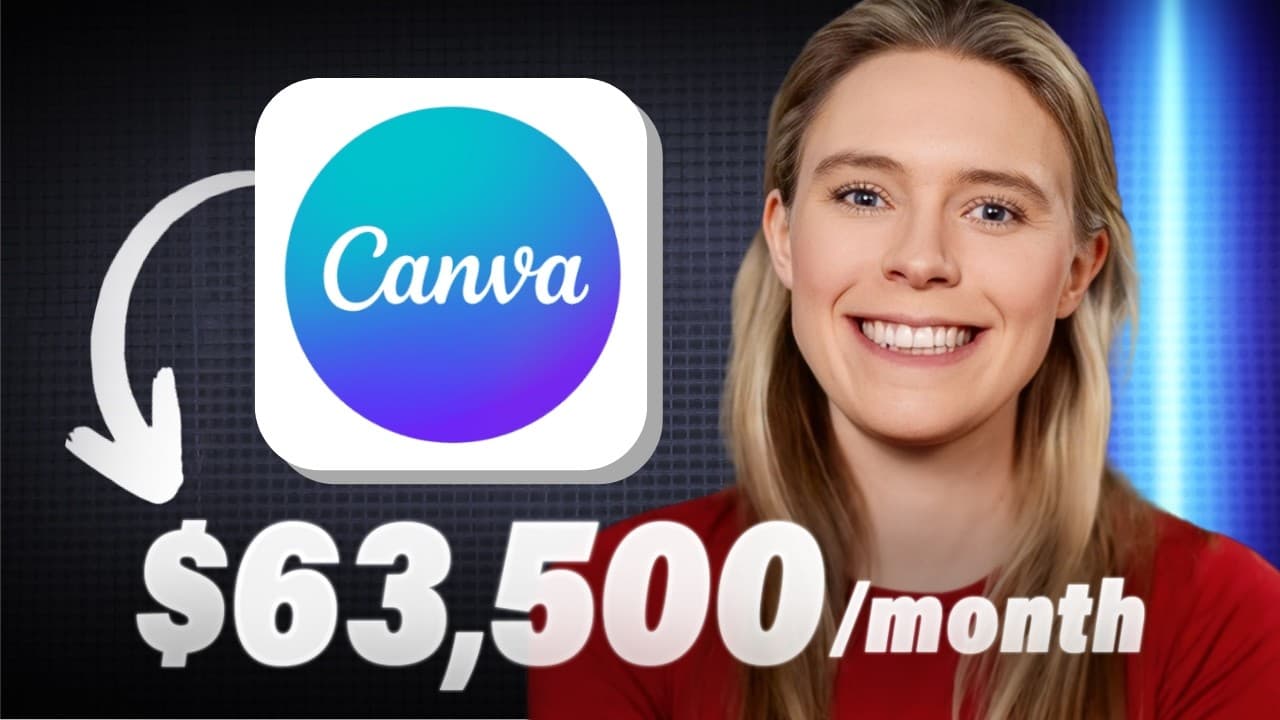
Create AI T-shirt designs with Canva by adapting a popular format to a new niche, generating original slogans with ChatGPT, and building the artwork on a 4,500-by-5,400-pixel canvas. The tutorial demonstrates retro slogans, surreal photo collages, coordinated color palettes, AI blending, and transparent PNG export. Read on for the exact design, styling, and download steps.
Transcript
can I show you t-shirt designs that are earning $30,000 $60,000 and sometimes over $80,000 per month using print on demand and can I show you how to use free AI apps like chat GPT and canvas AI apps including a new AI tool that they recently released so that you can copy these designs to sell your own versions of them too well that's the challenge ... Read More
Key Insights
- Retro slogan shirts are among the simplest demonstrated designs, yet the cited Amazon examples reportedly sold more than 3,000 and 4,000 shirts in the previous month. The transcript estimates their monthly revenue ranges at more than $53,000 to $71,000 and more than $83,000 to $104,000, respectively.
- The cross-idea formula is a process of taking inspiration from a popular design format and reworking it for another niche. ChatGPT can receive an existing slogan and a target niche, generate alternative wording, and continue producing variations until a suitable original concept emerges.
- A standard T-shirt printing canvas in the tutorial is 4,500 by 5,400 pixels. The retro slogan workflow places each line separately, uses Edmund Texture for retro styling and a distressed appearance, aligns the text left, reduces line spacing, and enlarges the slogan to fill the canvas.
- Canva's generated color palette is used to coordinate typography with a chosen retro reference graphic. After placing the graphic in the project, the creator applies its suggested colors to individual slogan lines, deletes the reference graphic, and retains the coordinated text design.
- A print-ready design is exported from Canva as a PNG at the highest available image size with transparency enabled. These settings preserve resolution and remove the background before the artwork is uploaded to a print-on-demand T-shirt listing.
- Surreal photo designs are built by combining subjects that would not normally appear together. The demonstrated composition uses Canva library photos, background removal, layer positioning, an alien spaceship, a background scene, and an additional selfie subject to create an intentionally unusual image.
- Canva's AI blend tool modifies two selected photos so their style and lighting match more closely. The workflow selects both images, opens the editing controls, applies Blend, and then repeats composition and editing steps as additional photographic subjects are introduced.
- Retro sunset synergy is created by matching the colors of an inserted graphic and the surrounding sunset motif. The tutorial selects a retro sunset, adds two slogan headings, uses Canva's generated palette, chooses a heading font such as Bonaro, and searches for niche-specific graphics such as mad dogs.
Install to Summarize YouTube Videos and Get Transcripts
Explore YouTube Video Summarizer or Get YouTube Transcript Extractor
Questions & Answers
Q: How do you create AI T-shirt designs with Canva?
Start with a popular design format, adapt it to a different niche, and use ChatGPT to generate original slogan variations. Build the selected concept in Canva with its fonts, graphics, generated color palettes, background removal, filters, or AI blend tool. Export the finished artwork as a high-resolution PNG with a transparent background.
Q: How do you create a retro slogan T-shirt in Canva?
Create a custom Canva project measuring 4,500 by 5,400 pixels, then enter the slogan one line at a time. Apply a retro distressed font such as Edmund Texture, align the text left, reduce the line spacing, and enlarge the slogan to fill the canvas. Use a retro graphic to generate a coordinated palette, recolor the lines, and then delete the reference graphic.
Q: How can ChatGPT help generate T-shirt slogans?
Give ChatGPT a popular slogan as inspiration, specify a different niche, and ask it to generate new slogans for that audience. When one result shows potential, request more variations and keep refining the wording. The chosen slogan can then become the basis of an original Canva design.
Q: What is the cross-idea formula for print-on-demand designs?
The cross-idea formula takes inspiration from a popular design format and reworks it for a new niche. In the retro slogan example, ChatGPT receives an established slogan and a different niche, then produces fresh wording. Canva is used to turn the selected variation into a new visual design.
Q: How do you export a Canva design for a print-on-demand T-shirt?
Open Share, choose Download, and select PNG. Increase the image size as high as Canva allows to obtain the highest available resolution, then enable the transparent-background option. Download the file and upload it to a print-on-demand T-shirt product.
Q: How do you make a surreal photo T-shirt design in Canva?
Choose a subject and a separate background from Canva's Elements library, remove the subject's background, and arrange the images with the layer controls. Add unrelated subjects to create an intentionally unusual scene; the demonstrated composition uses an alien spaceship, a background scene, and a selfie subject. Adjust the editing and spacing so the separate images feel like one composition.
Q: What does Canva's AI blend tool do for T-shirt photo designs?
Canva's AI blend tool changes two selected photos so their styles and lighting match more closely. Select both images, open the editing controls, and apply Blend. This helps an inserted subject fit more naturally into a different background.
Q: How can filters make a surreal T-shirt collage look cohesive?
Apply the same visual treatment to every photographic element so separately sourced images share a consistent appearance. In the demonstrated workflow, the elements receive a vintage, newspaper-like black-and-white treatment. After the filtering is consistent, adjust the spacing to finish the printable collage.
Summary & Key Takeaways
-
Popular design concepts can be adapted through a cross-idea formula: identify an established format, move it into a different niche, and develop an original variation. ChatGPT helps generate and refine slogan options, while Canva supplies the fonts, graphics, palettes, image tools, and export settings needed to turn the selected idea into printable artwork.
-
A retro slogan design begins on a 4,500 by 5,400-pixel Canva canvas. The slogan is entered line by line, formatted with a retro distressed font, left aligned, and tightly spaced. A temporary retro graphic gives Canva a matching color palette, after which the completed design is exported as a high-resolution transparent PNG.
-
Surreal photo shirts combine several unrelated photographic elements into a deliberate collage. Canva can remove backgrounds, arrange subjects in layers, and use its AI blend tool to harmonize lighting and visual style. Applying the same vintage black-and-white filter to every element helps the finished composition appear coherent rather than assembled from disconnected images.
Read in Other Languages (beta)
Share This Summary 📚
Summarize YouTube Videos and Get Video Transcripts with 1-Click
Try YouTube Summary with ChatGPT & Claude or YouTube Transcript Generator
Explore More Summaries from Wholesale Ted 📚


Summarize YouTube Videos and Get Video Transcripts with 1-Click
Try YouTube Summary with ChatGPT & Claude or YouTube Transcript Generator