Building a Full Stack Paste Bin Clone - Next.js, React, MongoDB, Bootstrap Tutorial
TL;DR
Learn how to build a basic Paste Bin clone using Next.js and MongoDB.
Transcript
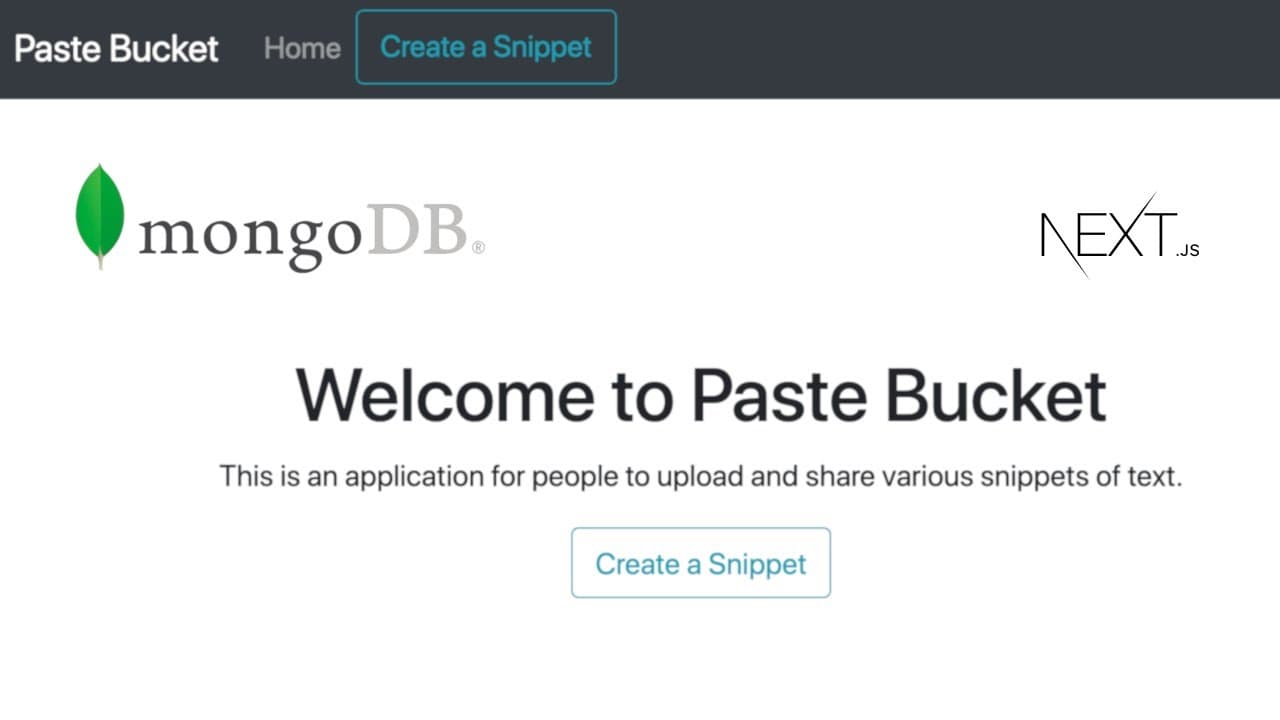
hey everybody hope you're having a great day welcome back to another web dev junkie video my name is cody seibert and in this video what i'm going to be sharing with you is a tutorial about how to build a paste bin uh clone basically so it's going to be really basic let me share with you the ui that we're going to be building so here we have the ho... Read More
Key Insights
- 🕸️ The tutorial provides a step-by-step approach, making it suitable for both beginners and intermediate developers interested in web development.
- 👻 Utilizing Next.js allows for better performance through server-side rendering, which can be crucial for applications that require quick loading times.
- 🕴️ By using MongoDB, the tutorial connects a non-relational database that is well-suited for handling diverse data types, such as snippets.
- 👻 The integration of Bootstrap is highlighted, allowing for faster design processes and minimizing the need for custom CSS styling.
- 👨🦱 A focus on user experience is evident, especially with features like one-click URL copying to facilitate sharing snippets effortlessly.
- 🧑🎓 The tutorial underscores the importance of error handling in web applications, helping students learn how to manage and debug real-world scenarios.
- 😒 The suggestion to utilize external services for hosting and MongoDB integration reinforces the concept of full-stack development and enhances the application's practical use.
Install to Summarize YouTube Videos and Get Transcripts
Explore YouTube Video Summarizer or Get YouTube Transcript Extractor
Questions & Answers
Q: What is the purpose of the Paste Bin clone being built in the tutorial?
The Paste Bin clone serves to allow users to store and share text snippets, such as code or notes, via unique URLs. The application facilitates quick access and sharing through a simple interface, enhancing productivity for developers and writers alike.
Q: Which technologies are utilized in creating this Paste Bin clone?
The tutorial employs Next.js for creating the web application, allowing server-side rendering for improved performance. It also uses MongoDB as the database to store snippets and Bootstrap for styling the user interface, providing a responsive design without extensive CSS coding.
Q: How does the application ensure that the snippets saved can be retrieved later?
Each snippet is stored in a MongoDB database, where it is linked to a unique identifier (slug). By this method, any user with the URL can retrieve and view the saved snippet at any time, ensuring accessibility and ease of sharing.
Q: What steps are involved in connecting the Next.js application to MongoDB?
Connecting Next.js to MongoDB involves setting up a connection within the utility folder and using Mongoose as the middleware. The tutorial demonstrates how to create a connection function and a schema to store snippets. After this, CRUD operations can be performed to store and retrieve data.
Q: Can users share their snippets using the application, and if so, how?
Yes, users can share their snippets via unique URLs generated for each snippet. The application provides a button to copy the URL directly to the clipboard, making it easy for users to share their text snippets with others rapidly.
Q: What additional functionality could be added to enhance the application?
Potential enhancements include implementing authentication to manage user accounts, adding support for programming language syntax highlighting, and introducing a character limit to prevent overly large snippets from being stored. Users could also benefit from a more dynamic text editor interface.
Q: How does the tutorial handle errors when saving snippets to the backend?
The tutorial demonstrates how to handle errors by checking the HTTP method of requests and only allowing POST methods for saving snippets. This ensures that other methods will trigger appropriate error messages, helping maintain clean data handling.
Q: What is suggested for future improvements or expansions of the application?
The tutorial encourages further exploration by suggesting users investigate integrating a free MongoDB hosting service and deploying the application on Vercel. Additionally, users are urged to refine the application based on their skills, such as implementing JWT authentication or enhanced text formatting features.
Summary & Key Takeaways
-
The tutorial guides viewers through creating a Paste Bin clone where users can store text snippets easily. It utilizes Next.js for server-side rendering and MongoDB for data persistence.
-
Key technologies featured include Bootstrap for styling and various JavaScript libraries, which simplify functions like clipboard copying and generating random strings.
-
This comprehensive guide covers setting up the project, creating the necessary components, and finally enabling data storage alongside providing a unique URL for each snippet.
Read in Other Languages (beta)
Share This Summary 📚
Summarize YouTube Videos and Get Video Transcripts with 1-Click
Try YouTube Summary with ChatGPT & Claude or YouTube Transcript Generator
Explore More Summaries from Web Dev Cody 📚





Summarize YouTube Videos and Get Video Transcripts with 1-Click
Try YouTube Summary with ChatGPT & Claude or YouTube Transcript Generator