How to Make an Instagram REEL COVER in Canva
TL;DR
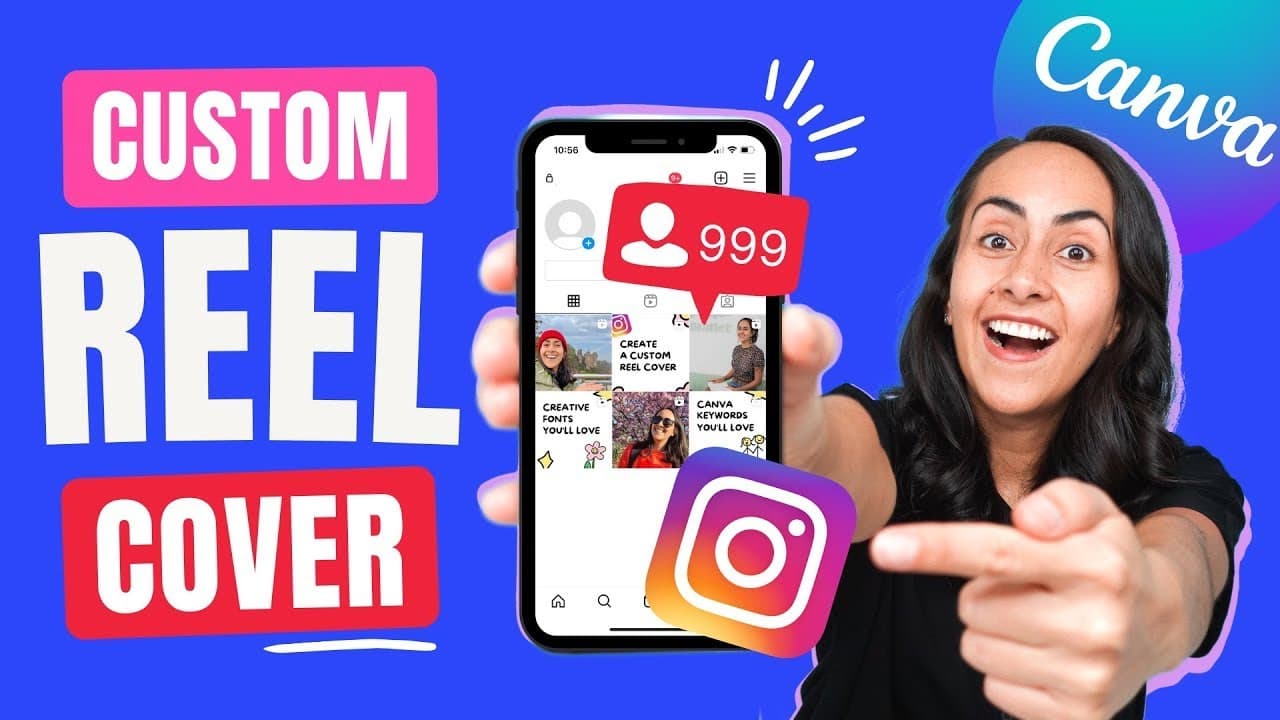
Learn how to design and upload custom Instagram reel covers using Canva, with tips on positioning, templates, elements, and fonts.
Transcript
today i'm going to teach you how to create custom instagram reel covers in canva and also i'm going to show you how to upload these covers to your reels in instagram so if you guys are interested in this tutorial let's go to my computer here i am in my canva homepage and the doctype that i'm going to be using for this instagram real cover is an ins... Read More
Key Insights
- 🎨 Canva's Instagram story template offers more design options and templates for creating custom reel covers.
- 🫥 The visible square format on Instagram reels dictates the positioning of important content within the cover.
- 🎨 Canva's graphics and font options can enhance the design of custom reel covers.
Install to Summarize YouTube Videos and Get Transcripts
Explore YouTube Video Summarizer or Get YouTube Transcript Extractor
Questions & Answers
Q: Why is it recommended to create custom reel covers using the Instagram story template in Canva?
Using the Instagram story template in Canva allows for more design options and templates compared to directly searching for reel covers. It provides flexibility in creating unique covers tailored to your preferences.
Q: Can I add my own images to the custom reel covers in Canva?
Yes, you can add your own images to the custom reel covers. Canva allows you to upload photos and drag them into the designated area within the square format of the cover.
Q: Are there any specific tips for positioning elements in the reel covers?
It is advisable not to place important information in the corner of the reel covers, as the Instagram reel icon will cover that area. Instead, distribute elements evenly and balance the design. Use the provided guides to ensure the important content appears within the visible square.
Q: How can I upload the custom reel covers to my reels on Instagram?
After designing the custom reel covers in Canva, you can download them as PNG or JPG files. On Instagram, create a reel, select "Cover," and choose the option to add from your camera roll. Select the downloaded cover image and proceed to post your reel.
Summary & Key Takeaways
-
The tutorial demonstrates how to create custom Instagram reel covers using Canva and upload them to Instagram.
-
Templates in Canva provide options for designing reel covers, with a focus on placing important information within the visible square format.
-
Elements such as graphics and text can be added to enhance the design, with a range of fonts available to choose from.
Read in Other Languages (beta)
Share This Summary 📚
Summarize YouTube Videos and Get Video Transcripts with 1-Click
Try YouTube Summary with ChatGPT & Claude or YouTube Transcript Generator
Explore More Summaries from Design with Canva 📚






Summarize YouTube Videos and Get Video Transcripts with 1-Click
Try YouTube Summary with ChatGPT & Claude or YouTube Transcript Generator