How to Use Steps Recorder to Create Visual Tutorials
TL;DR
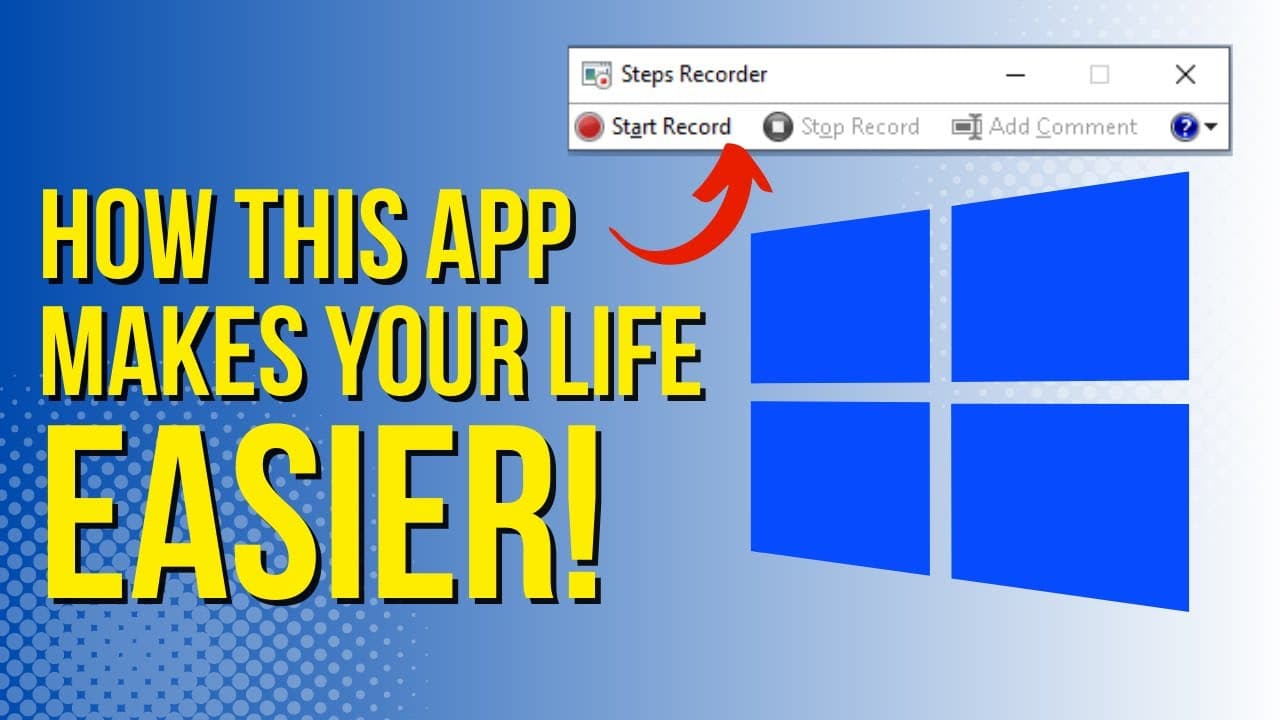
Steps Recorder is a built-in Windows tool that captures screen actions and creates visual tutorials by documenting each step with screenshots. Users can share these recorded steps easily, review them in slideshow format, and save the output as a zip file for future use, making it a great resource for training and instructional materials.
Transcript
so if you're like me and you do a lot of training sessions or do a lot of professional learning I'm going to show you a great tool that's available on any version of Windows and it's called steps recorder steps recorder is going to make your life a lot easier especially if you like to share screenshots or use tutorials the first thing you have to d... Read More
Key Insights
- 🪡 Steps Recorder is a valuable tool for trainers and educators who need to create visual tutorials or document processes.
- 💄 It is compatible with all versions of Windows, making it widely accessible.
- 👻 The tool captures screenshots and allows users to annotate them, making it useful for creating handouts or instructional materials.
- 💁 Steps Recorder enables users to review recorded steps in a slideshow format, making it easy to follow and understand the process.
- 👤 Although there is no built-in editing feature, users can copy and paste the recorded steps into other applications for customization.
- 📂 The recorded steps can be saved as a zip file, which can be opened and used for future reference.
- 💨 Steps Recorder offers a convenient way to share instructions or tutorials with others, as the recorded steps can be easily copied into different media platforms.
Install to Summarize YouTube Videos and Get Transcripts
Explore YouTube Video Summarizer or Get YouTube Transcript Extractor
Questions & Answers
Q: How does Steps Recorder benefit users who frequently conduct training sessions?
Steps Recorder allows trainers to visually demonstrate processes, capturing every step taken on the screen and providing instructions with highlighted sections, timestamps, and dates. Users can create quick and easy handouts for sharing with participants.
Q: Can Steps Recorder be used for creating tutorials for specific software?
Absolutely! Steps Recorder is not limited to a specific software. Users can record their interactions with any program or browser, making it an excellent tool for creating tutorials for various software applications.
Q: Is it possible to edit the recorded steps or add additional annotations?
Unfortunately, there is no built-in editing feature in Steps Recorder. However, users can copy and paste the recorded steps into other applications like Word, Canva, or Google Docs, where they can further customize and annotate the content.
Q: Can the recorded steps be converted into different file formats, such as PDF?
While Steps Recorder saves the recorded steps as a zip file, users can convert it into different file formats like PDF by using online conversion tools or simply copying and pasting the snapshots into a document or presentation.
Summary & Key Takeaways
-
Steps Recorder is a built-in tool on Windows that captures and documents each step taken on the screen, making it useful for creating tutorials or documenting processes.
-
Users can easily record their actions, take screenshots, and annotate them, making it convenient for creating handouts or sharing instructions.
-
The recorded steps can be reviewed in a slideshow format, and the entire process can be saved as a zip file for future use.
Read in Other Languages (beta)
Share This Summary 📚
Summarize YouTube Videos and Get Video Transcripts with 1-Click
Try YouTube Summary with ChatGPT & Claude or YouTube Transcript Generator
Explore More Summaries from EdTech Hustle 📚




![Keynote: Remove The Background of Any Photo [Using Instant Alpha] thumbnail](/_next/image?url=https%3A%2F%2Fi.ytimg.com%2Fvi%2F0Ji-uTffzJE%2Fhqdefault.jpg&w=750&q=75)

Summarize YouTube Videos and Get Video Transcripts with 1-Click
Try YouTube Summary with ChatGPT & Claude or YouTube Transcript Generator