How to Build a 24/7 Claude Code Trading Agent with Opus 4.7 and Routines
TL;DR
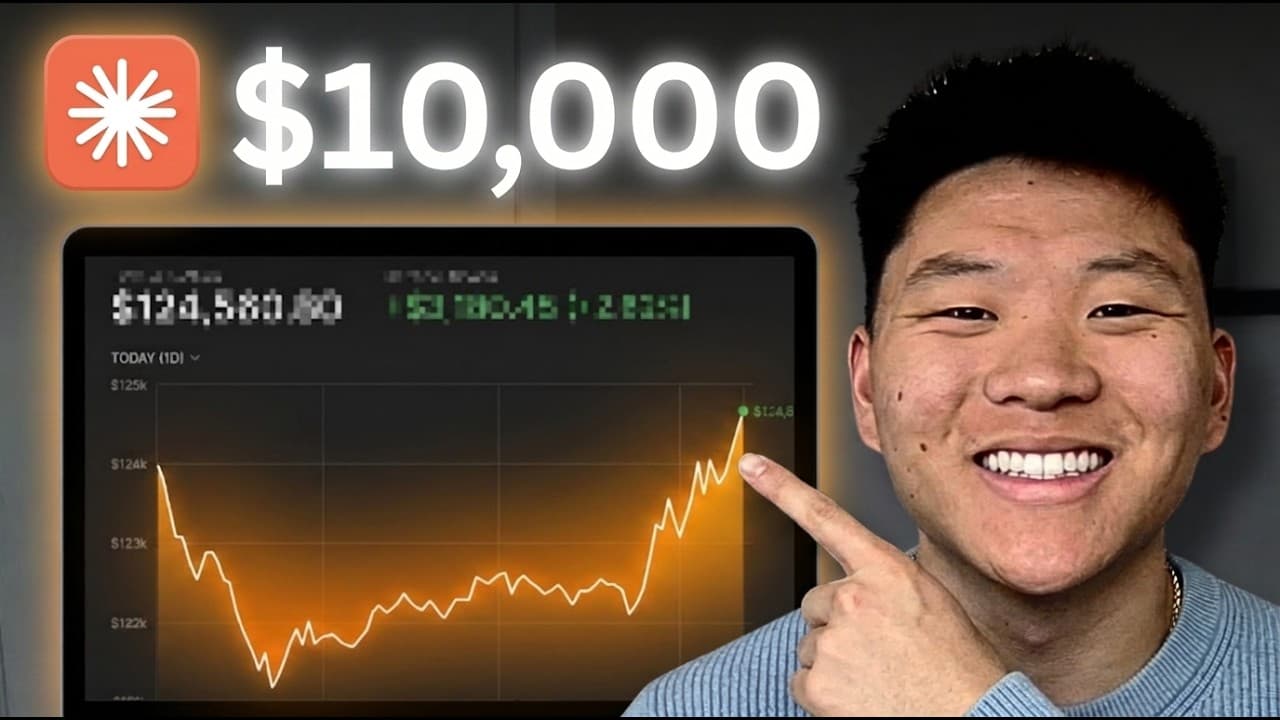
Build a 24/7 trading agent by scheduling Claude Code routines for pre-market research, market-open execution, midday checks, and closing summaries. The setup uses Opus 4.7, Alpaca for trades, Perplexity for research, ClickUp for notifications, and files that preserve strategy and lessons between otherwise stateless runs. Paper trading is recommended before using real money; read on for the architecture, tools, schedule, and setup requirements.
Transcript
So, Claude Opus 4.6 is finally here. And it got me thinking because as I was scrolling down and I started looking at the benchmarks, I noticed right here we have Agentic Financial Analysis and we have about a 4% jump from Opus 4.6. And about a week ago, I dropped this video where me and Salmon traded stocks for 30 days with our OpenClaw agents and ... Read More
Key Insights
- Opus 4.7 is designed for agentic work, offering improved decision-making and self-verifying outputs.
- Claude Code routines enable the creation of a 24/7 autonomous AI trading agent without manual intervention.
- The trading bot uses Alpaca API for executing trades and Perplexity API for market research.
- Memory and strategy rules are stored in markdown files, ensuring the agent learns and adapts over time.
- Guardrails such as position limits and daily loss caps are crucial to prevent excessive risk-taking.
- Remote routines allow the bot to run continuously in the cloud, independent of local machine status.
- API keys must be stored in environment variables, not in code files, to maintain security.
- The bot's success is measured against the S&P, with a focus on long-term investment strategies.
Install to Summarize YouTube Videos and Get Transcripts
Explore YouTube Video Summarizer or Get YouTube Transcript Extractor
Questions & Answers
Q: How do you build a 24/7 AI trading agent with Claude Code?
Create a Claude Code project and schedule routines for the major phases of the trading day: pre-market, market open, midday, and close. Each routine should read strategy and context files, research the market, perform its assigned work, and write back important lessons for later runs. The demonstrated stack uses Opus 4.7, Alpaca, Perplexity, and ClickUp.
Q: What tools are used in the Claude Code trading agent?
Claude Code routines provide scheduling, while Opus 4.7 serves as the AI model. Alpaca supplies the trading API, Perplexity handles research, and ClickUp receives notifications and end-of-day summaries. The presenter notes that native web search can replace Perplexity and that services such as Slack, Telegram, or WhatsApp can replace ClickUp.
Q: How are the trading routines scheduled?
The project uses separate scheduled routines for pre-market research, market-open activity, a midday check, and the market close. The presenter's agent wakes at 6:00, 8:30, noon, and 3 p.m., with a weekly review on Fridays. These routines are managed through the Claude Desktop app.
Q: How does a stateless Claude Code routine remember its strategy?
Every routine wakes up, reads files containing its rules and context, completes its task, and writes back lessons or information needed by the next run. This file-based memory architecture lets separate executions behave consistently and improve through iteration. The presenter emphasizes that this architecture is as important as the trading strategy itself.
Q: How does the agent research markets and execute trades?
The demonstrated agent uses the Perplexity API for market research and Alpaca API endpoints for programmatic trading. Alpaca provides a key, secret, and endpoint, while Perplexity provides its own API key. The workflow is intended to research opportunities, place trades, journal its actions, and issue a daily report.
Q: Should the Claude trading agent start with paper trading?
The presenter recommends starting with paper trading if you are not comfortable using real money. Alpaca provides a paper account, and the example shown contains 100K in paper funds. The project is described as an experiment rather than financial advice.
Q: What setup is required to run Claude Code routines?
Install the Claude Desktop app for your operating system and use a paid subscription, described as either the 20-bucks-a-month plan or a Max plan. VS Code and its Claude Code extension are optional, though the presenter prefers them because project files remain visible. You also need credentials for the APIs included in your chosen stack.
Q: How should context and tokens be managed in each routine?
Treat tokens like money because every strategy file, trade log, API response, and research document consumes context. The presenter says each routine gets about 200,000 tokens, while also warning about context rot despite million-token context-window models. Keep the files each routine reads focused on what it needs for that run.
Summary & Key Takeaways
-
The video demonstrates setting up a 24/7 AI trading bot using Claude Code and Opus 4.7. The bot conducts market research, executes trades via Alpaca API, and sends daily summaries using ClickUp. Key components include Cloud Code routines, memory files for strategy, and secure API key management. Continuous testing and strategy refinement are emphasized.
-
Building the trading bot involves creating a cloud code project with scheduled routines for different market phases. The bot uses Perplexity for research and Alpaca for trading, with notifications sent through ClickUp. The setup requires careful management of API keys and environment variables for secure operation.
-
The bot's routines are designed to mimic a full trading day, with specific tasks for pre-market research, market-open execution, midday adjustments, and end-of-day summaries. Each routine reads from and updates memory files, allowing the bot to learn and improve its trading strategy over time. Proper setup and testing are crucial for success.
Read in Other Languages (beta)
Share This Summary 📚
Summarize YouTube Videos and Get Video Transcripts with 1-Click
Try YouTube Summary with ChatGPT & Claude or YouTube Transcript Generator
Explore More Summaries from Nate Herk | AI Automation 📚






Summarize YouTube Videos and Get Video Transcripts with 1-Click
Try YouTube Summary with ChatGPT & Claude or YouTube Transcript Generator