How to Optimize Rendering Performance in React Tables
TL;DR
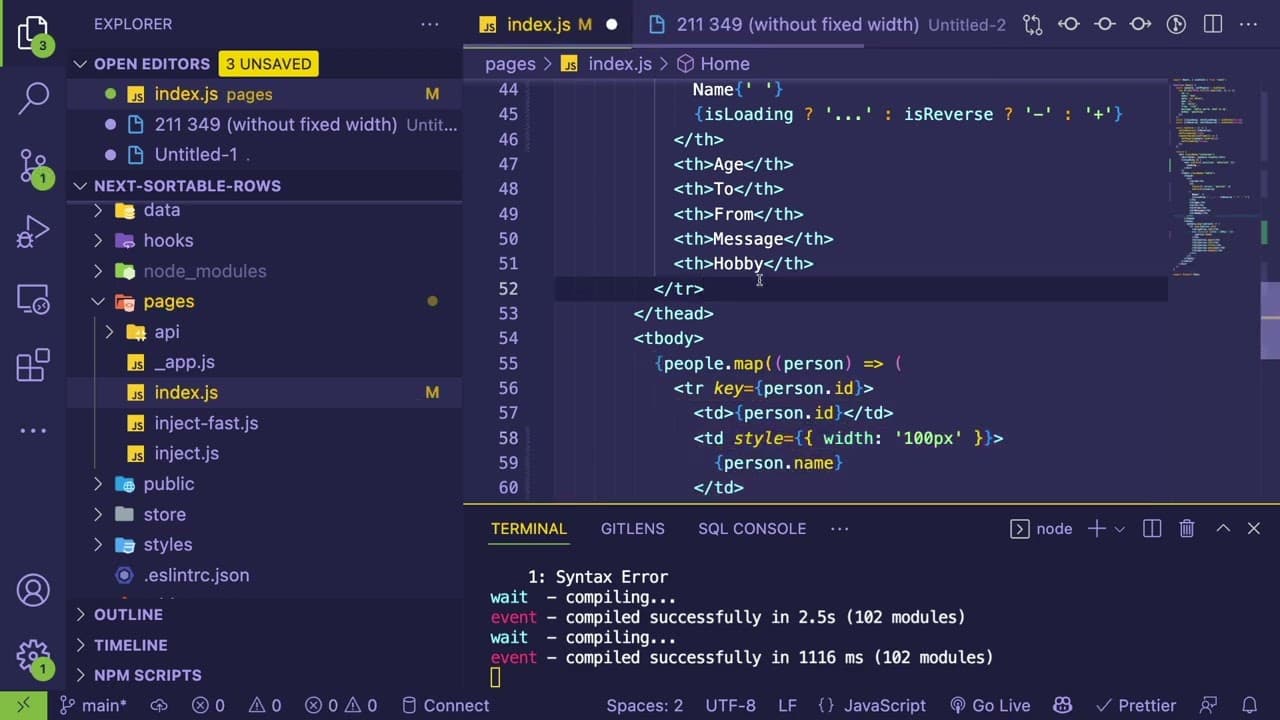
To enhance rendering performance in React tables with many elements, utilize browser performance profiling tools to identify slow operations such as JavaScript processing and DOM updates. Key strategies include minimizing layout shifts and recalculating styles to improve efficiency, especially with larger datasets.
Transcript
hey everyone how's it going so i've been continuing looking at how i can kind of speed up the rendering of a table and react with like 3000 elements and that kind of led me down a path of like learning more about browser performance and how the browser is doing stuff so i want to share what i learned again i'm not an expert this stuff i feel like i... Read More
Key Insights
- 🌥️ Understanding browser performance is crucial for optimizing rendering in React applications, especially for large datasets.
- 🔨 Tools like performance profiling are invaluable for visualizing and diagnosing performance bottlenecks in JavaScript and rendering workloads.
- 👤 Minimizing layout shifts can drastically improve rendering times; developers should aim for stability in component sizes during user interactions.
- 🤙 The complexity of function calls and their execution times heavily influences performance; developers need to keep their code efficient.
- 🎰 Accurate performance measurement might require multiple recordings to account for variations in machine CPU usage and browser allocation.
- 🛩️ Smaller tables can afford some inefficiencies, but large datasets necessitate meticulous performance optimization.
- ❓ Familiarity with GPU contributions and raster timing can provide insights into overall performance but may not be immediately useful without deeper knowledge.
Install to Summarize YouTube Videos and Get Transcripts
Explore YouTube Video Summarizer or Get YouTube Transcript Extractor
Questions & Answers
Q: What performance issues arise when rendering large tables in React?
Rendering large tables in React can lead to significant performance issues, primarily due to the browser's need to process many DOM elements, handle click events, sort data, and manage style recalculations. The more elements present, the more complex and time-consuming these operations become, often resulting in slower UI responsiveness and increased CPU usage.
Q: How can the browser performance profiling tool assist developers?
The browser performance profiling tool helps developers identify bottlenecks by recording time spent during different stages like scripting, layout, and rendering. By analyzing these recordings, they can pinpoint specific function calls and their execution times, granting insights into optimizing critical code paths and enhancing overall application performance.
Q: How does styling impact rendering performance in React?
Styling can considerably impact rendering performance, especially when components shift or resize. Rapid recalculations of styles and layout lead to longer rendering times. For instance, if a table’s width is hard-coded and changes during interactions, it can trigger extensive layout calculations, increasing render times, especially in datasets with many elements.
Q: What was the effect of removing a fixed width from the table?
Removing the fixed width from the table led to noticeable changes in rendering performance, with layout recalculation times significantly dropping. This adjustment minimized unnecessary style modifications triggered by layout shifts, thus enhancing efficiency. In large datasets, these small tweaks can yield substantial performance gains.
Summary & Key Takeaways
-
The speaker explores methods to enhance rendering speed for a React table with 3,000 elements, focusing on browser performance insights.
-
A performance profiling tool is utilized to break down rendering tasks, identifying time-consuming operations like JavaScript processing and DOM updates during user interactions.
-
Key optimization techniques involve minimizing layout shifts and recalculating styles, showcasing significant gains in efficiency when handling larger datasets.
Read in Other Languages (beta)
Share This Summary 📚
Summarize YouTube Videos and Get Video Transcripts with 1-Click
Try YouTube Summary with ChatGPT & Claude or YouTube Transcript Generator
Explore More Summaries from Web Dev Cody 📚





Summarize YouTube Videos and Get Video Transcripts with 1-Click
Try YouTube Summary with ChatGPT & Claude or YouTube Transcript Generator