My Favorite AI Tutorial Yet: Generate Images from Scribbles (Next.js, Tailwind, Convex, Replicate)
TL;DR
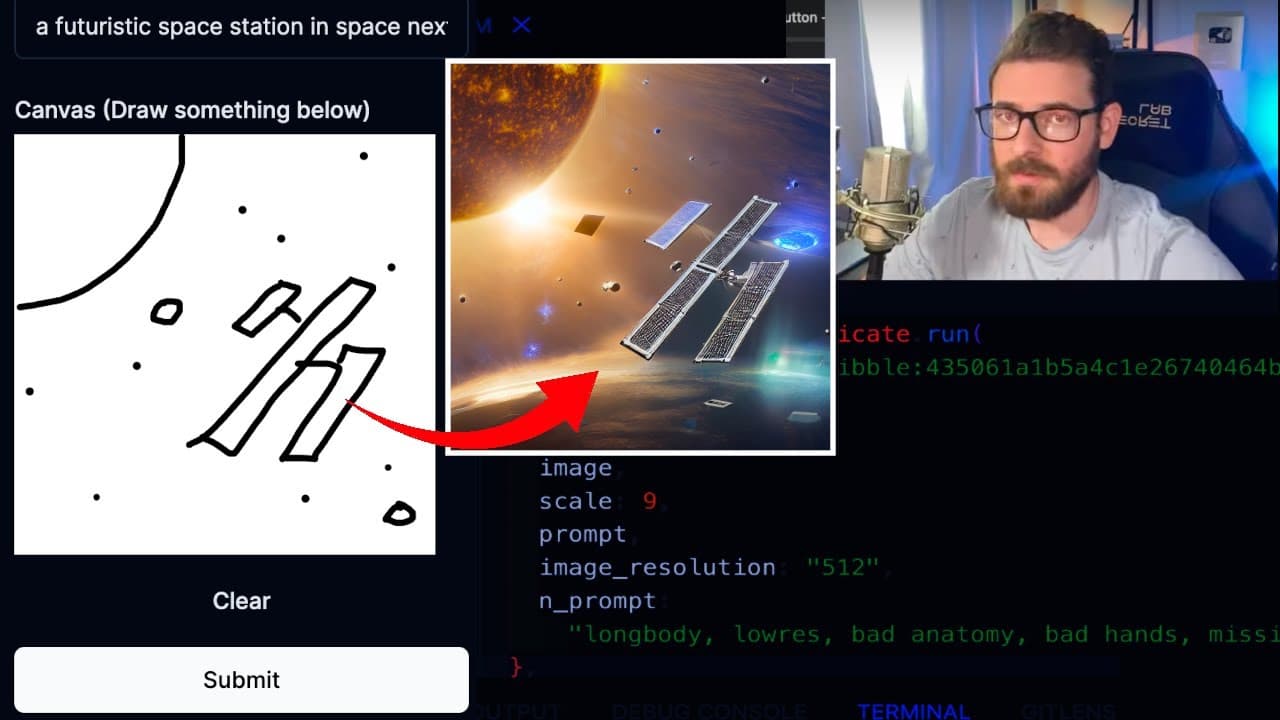
This tutorial shows how to create a generative AI web application for drawing and generating images.
Transcript
all right I have a really interesting tutorial video for you all today where we're going to be trying to build out a generative AI web application that allows the user to basically draw a picture for example if I want to draw a picture of you know a chicken okay let's just try our best to draw a chicken this is what our chicken looks like let's giv... Read More
Key Insights
- 👤 Users can create drawings and descriptions, which are processed to generate AI images using advanced algorithms.
- 😀 The app features live updates, allowing users to see changes instantly as sketches are submitted and processed.
- 😀 Convex provides a robust backend solution, eliminating much of the manual database work typically required in web app development.
- 👤 The integration of an AI model from Replicate greatly enhances the user experience by enabling automatic image creation based on user inputs.
- 👤 Real-time collaboration and data management features make it possible for multiple users to engage with the application simultaneously.
- 😒 The use of TypeScript helps enforce data types, making the application more robust and less prone to runtime errors.
- 🎨 The tutorial emphasizes the importance of schema design for structuring data effectively in the Convex backend.
Install to Summarize YouTube Videos and Get Transcripts
Explore YouTube Video Summarizer or Get YouTube Transcript Extractor
Questions & Answers
Q: What technologies are used in this project?
This project utilizes React for front-end development, Convex for backend services, and the Replicate API for generative AI image processing. React provides the user interface; Convex simplifies managing the backend, while Replicate generates images from user input.
Q: How does real-time data updating work in this application?
The application uses Convex's live updates feature, which allows sketch data to be automatically pushed to the client when any changes are made in the database. This removes the need for long-polling and enables instant updates in the user interface.
Q: Can I modify the AI-generated images in any way?
In the current version of the application, users can only submit sketches and prompts to receive generated images. However, the implementation could be extended to allow users to edit or modify the generated images post-receipt.
Q: How does the image generation process work with prompts?
Users draw a sketch and submit it along with a descriptive prompt. The application then sends this information to the Replicate API, which processes the sketch and prompt to produce an AI-generated image based on the input.
Summary & Key Takeaways
-
The tutorial walks through building a web application using React, Convex, and Replicate APIs to generate images based on user sketches and prompts.
-
Users can draw simple pictures, submit them along with descriptions, and receive AI-generated images as responses.
-
The app offers real-time updates and functionality to manage multiple sketches during the drawing process.
Read in Other Languages (beta)
Share This Summary 📚
Summarize YouTube Videos and Get Video Transcripts with 1-Click
Try YouTube Summary with ChatGPT & Claude or YouTube Transcript Generator
Explore More Summaries from Web Dev Cody 📚





Summarize YouTube Videos and Get Video Transcripts with 1-Click
Try YouTube Summary with ChatGPT & Claude or YouTube Transcript Generator