How to Build a Retro Pie Console with NES Case
TL;DR
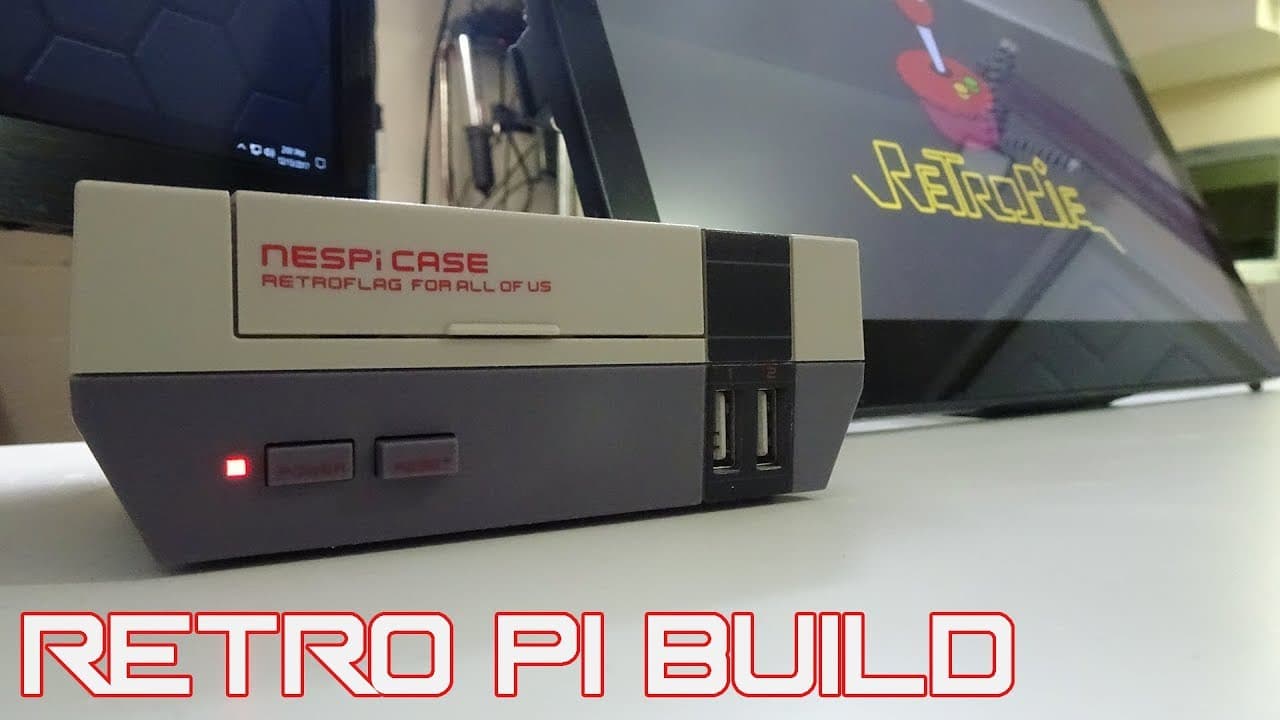
To build a stylish retro gaming console using a Raspberry Pi and an NES case, assemble the components, connect the necessary ports, and install the RetroPie software. You can transfer games via USB or network for easy access to classic titles like Mega Man X. The case not only enhances aesthetics but also simplifies setup and use.
Transcript
you guys see that winter is here welcome back it's down here from Nova spirit Tech and it is winter and this is the time of the season where we like to stay indoors just to keep warm and also spend a lot of time playing games I always wanted to build a real retro emulator type thing for my TV now every time when I build one it's just so ugly I just... Read More
Key Insights
- 💟 The NES case enhances the visual appeal of Raspberry Pi setups, turning cumbersome electronics into stylish decor.
- 👤 Assembling the case is straightforward, and the included tools significantly simplify the process for users unfamiliar with DIY builds.
- 👻 RetroPie serves as an effective platform for gaming emulation, supporting various classic game systems and allowing easy installation and management of emulators.
- 👾 Utilizing the network for transferring games enables a quick and efficient setup, enhancing user convenience by eliminating the need for physical USB drives.
- 👾 Detailed assembly instructions and visual aids in the video assist users in avoiding common past mistakes when creating retro gaming systems.
- 👾 Regular maintenance, like cleaning the connections and ensuring stable power supply, is crucial for optimal retro gaming performance.
- 👾 Community engagement through subscribing, liking the video, and following additional links fosters a supportive environment for retro gaming enthusiasts.
Install to Summarize YouTube Videos and Get Transcripts
Explore YouTube Video Summarizer or Get YouTube Transcript Extractor
Questions & Answers
Q: What tools are necessary to assemble the Raspberry Pi NES case?
To assemble the Raspberry Pi NES case, you will primarily need the included screwdriver and minimal additional tools. The kit comes with screws and instructions. Having a basic understanding of which connectors to use is helpful, but the video visually guides viewers through the process, making assembly straightforward.
Q: Can the NES case accommodate other boards apart from the Raspberry Pi?
Yes, the NES case is designed to fit various single-board computers that are compatible with the Raspberry Pi form-factor, including the ODROID, Rock64, and others. This flexibility allows users to choose different hardware while still enjoying the aesthetics of the retro case.
Q: What is the significance of using RetroPie with the Raspberry Pi?
RetroPie is essential for transforming the Raspberry Pi into a retro gaming console. It allows users to easily install emulators for numerous gaming systems, manage game libraries, and customize settings. Its user-friendly interface makes it accessible for both beginners and seasoned retro gamers.
Q: How can users transfer their games to the RetroPie setup?
Users can transfer games to their RetroPie setup by two main methods: using a USB drive to create specific folders for ROM storage or connecting directly via the network by entering the Raspberry Pi's IP address on their computer and accessing the SD card's files to copy games. Both methods are demonstrated in the video.
Summary & Key Takeaways
-
The video walks viewers through creating a retro gaming console using a Raspberry Pi housed in a stylish NES case. The setup aims to be visually appealing while allowing for convenient access to the components.
-
It discusses the assembly process, detailing the connections needed for the Raspberry Pi and how to install RetroPie software efficiently. Essential tools, such as a screwdriver and understanding of ports, are also highlighted.
-
The later part of the video demonstrates how to transfer games onto the RetroPie setup, illustrating both USB and network methods for adding ROMs, making it easy to play classic games like Mega Man X.
Read in Other Languages (beta)
Share This Summary 📚
Summarize YouTube Videos and Get Video Transcripts with 1-Click
Try YouTube Summary with ChatGPT & Claude or YouTube Transcript Generator
Explore More Summaries from Novaspirit Tech 📚






Summarize YouTube Videos and Get Video Transcripts with 1-Click
Try YouTube Summary with ChatGPT & Claude or YouTube Transcript Generator