How to Transcribe Audio in Real-Time with AssemblyAI
TL;DR
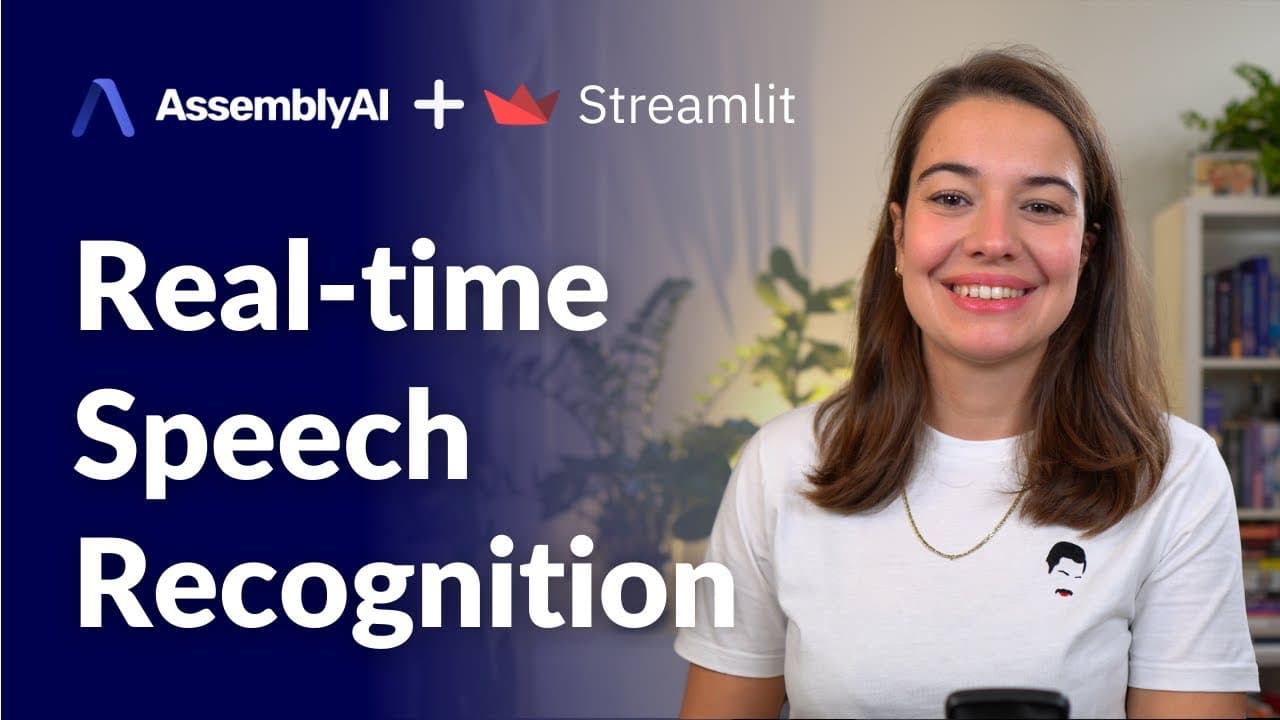
To transcribe audio in real-time using AssemblyAI, create an account and get an API key, then install the required libraries like Pi Audio and Websockets. Set up an asynchronous connection to send audio data from your microphone and receive live transcriptions, filtering to show only the final results for better accuracy.
Transcript
transcribing audio in real time can be really hard especially if people are speaking really fast or if they're speaking slow or um for example if they're using a lot of filler words or if there is noise in the background but fear not because assembly ai has its own real-time transcriber in this video i'll show you how to use assembly ai's real-time... Read More
Key Insights
- 😯 Transcribing audio in real time can be challenging due to factors such as speech speed, filler words, and background noise.
- ⌛ Assembly AI's real-time transcriber endpoint offers a solution to these challenges, providing accurate transcription even in difficult scenarios.
- 🤩 Obtaining an API key from Assembly AI is a simple process that involves creating an account on their website and accessing the API key from your profile.
- 🔠 Setting up the microphone stream and establishing a connection to Assembly AI's API endpoint is made easy with the pi audio and websockets dependencies.
- ⌛ Using asynchronous functions, you can continuously send audio data and receive transcriptions in real time from Assembly AI.
- ⚾ By filtering the received messages based on the message type, you can customize the application to only display the final transcriptions.
- 👻 Streamlit provides a user-friendly interface that can enhance the real-time audio transcription application, allowing for a more interactive experience.
Install to Summarize YouTube Videos and Get Transcripts
Explore YouTube Video Summarizer or Get YouTube Transcript Extractor
Questions & Answers
Q: How does Assembly AI handle challenging transcription scenarios?
Assembly AI's real-time transcriber can handle challenges like fast speech, slow speech, filler words, and background noise by leveraging advanced algorithms and machine learning techniques to accurately transcribe the audio.
Q: How do I obtain an API key from Assembly AI?
To obtain an API key from Assembly AI, create an account on their website and navigate to your profile, where you'll find your unique API key.
Q: What dependencies are required for setting up the microphone stream and communicating with Assembly AI's API endpoint?
The main dependencies are pi audio, which captures the microphone input in a streamed way, and websockets, which allows communication with Assembly AI's API endpoint. Install these dependencies using pip.
Q: How can I customize the application to only display the final transcriptions?
Filter the messages received from Assembly AI based on the message type. By checking if the message type is a final transcript, you can choose to display only complete sentences and ignore partial words.
Summary & Key Takeaways
-
Assembly AI offers a real-time transcriber endpoint that can handle difficult transcription scenarios such as fast speech, slow speech, filler words, and background noise.
-
To use Assembly AI's real-time transcriber, create an account on their website and obtain an API key.
-
Install the necessary dependencies, such as pi audio and websockets, to set up the microphone stream and communicate with Assembly AI's API endpoint.
-
Create a connection to Assembly AI, set up asynchronous functions to send and receive audio data, and continuously transcribe the audio in real time.
-
Customize the application to only display the final transcriptions, and explore the option of turning it into a Streamlit application for a more interactive experience.
Read in Other Languages (beta)
Share This Summary 📚
Summarize YouTube Videos and Get Video Transcripts with 1-Click
Try YouTube Summary with ChatGPT & Claude or YouTube Transcript Generator
Explore More Summaries from AssemblyAI 📚






Summarize YouTube Videos and Get Video Transcripts with 1-Click
Try YouTube Summary with ChatGPT & Claude or YouTube Transcript Generator