How to Create Unique Profile Pictures in Canva
TL;DR
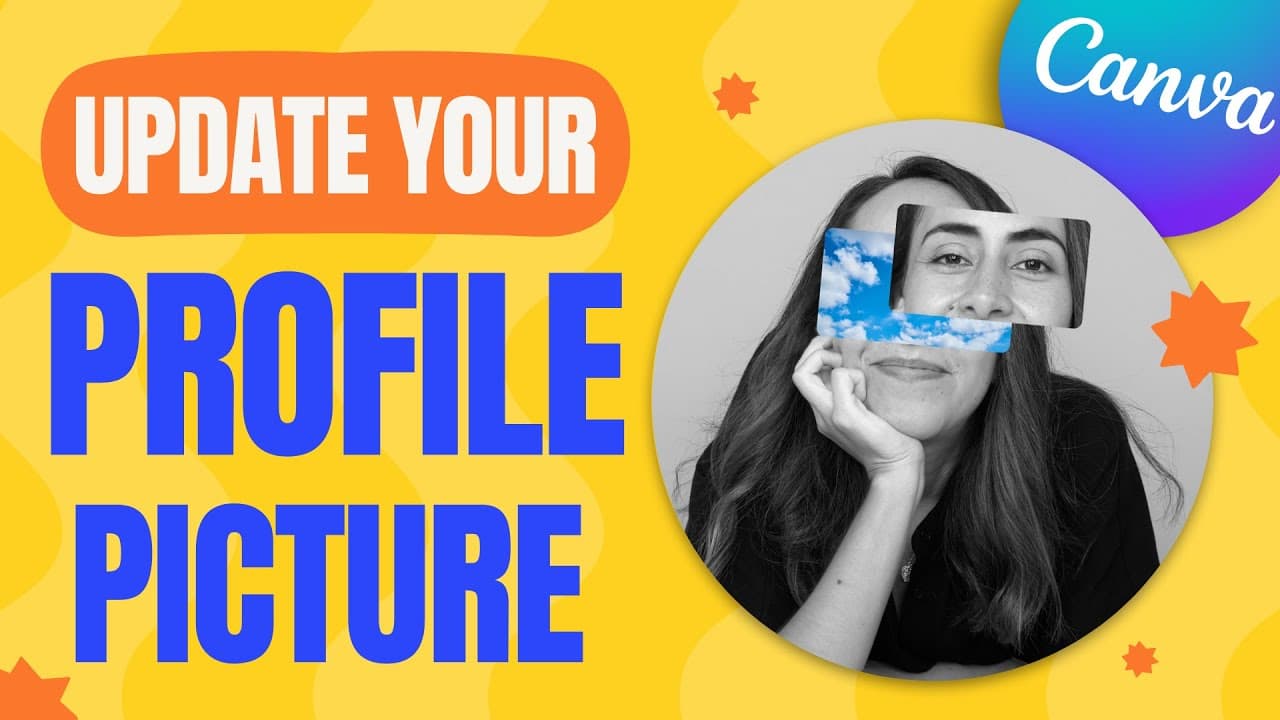
To create unique profile pictures in Canva, start by removing the background of your photo using Canva's tools or free platforms like remove.bg. Experiment with different backgrounds, gradients, and layering techniques, and use frames to enhance your design. For more inspiration, check Canva's collection of templates available for profile pictures.
Transcript
in this tutorial I'm gonna show you how to create these six different profile picture ideas in canva at the end I'm also going to give you a pro tip so you can find extra ideas within canva so if you guys are interested in this tutorial let's go to my computer here I am in canva.com and we're going to start by creating a new document which is going... Read More
Key Insights
- 🖼️ Canva offers a range of profile picture ideas, such as changing backgrounds, using gradients, adding layers, and incorporating frames.
- 🥶 Canva's background remover is a useful tool for removing the background of a photo, but there are also free platforms like remove.bg available.
- 🖼️ Adjusting colors, adding blur effects, and exploring Canva's background library can enhance profile picture designs.
Install to Summarize YouTube Videos and Get Transcripts
Explore YouTube Video Summarizer or Get YouTube Transcript Extractor
Questions & Answers
Q: How can I remove the background of my photo in Canva?
There are two options: using a free platform like remove.bg or using Canva's background remover (available for Canva Pro users). The tutorial shows the differences between the two methods.
Q: How can I change the background of my profile picture in Canva?
In Canva, you can search for specific backgrounds in the photo library or try Canva's background library. You can also add blur effects or use ready-to-use backgrounds for a professional look.
Q: Can I create a profile picture with a gradient background in Canva?
Yes, Canva offers a variety of gradient ideas for backgrounds. You can select a gradient and add adjustments to your profile picture to make it stand out.
Q: How can I create a profile picture with a 3D effect in Canva?
By using a photo in the background, adding elements on top of the profile picture, and incorporating layers, you can achieve a 3D effect. Adjusting colors and trying different backgrounds will enhance the effect.
Q: Is there an artistic profile picture idea in Canva?
Yes, the tutorial shows how to use a frame and matching a background image to create an artistic effect. By adjusting the saturation of the profile picture and background image, you can achieve a unique look.
Summary & Key Takeaways
-
This tutorial teaches how to create six different profile picture ideas in Canva.
-
The tutorial covers removing the background of a photo using a free platform or Canva's background remover.
-
It also explores changing the background, using gradients, adding layers, incorporating frames, and finding more ideas in Canva's templates.
Read in Other Languages (beta)
Share This Summary 📚
Summarize YouTube Videos and Get Video Transcripts with 1-Click
Try YouTube Summary with ChatGPT & Claude or YouTube Transcript Generator
Explore More Summaries from Design with Canva 📚






Summarize YouTube Videos and Get Video Transcripts with 1-Click
Try YouTube Summary with ChatGPT & Claude or YouTube Transcript Generator