How to Build a Digital Store in One Day Without Code
TL;DR
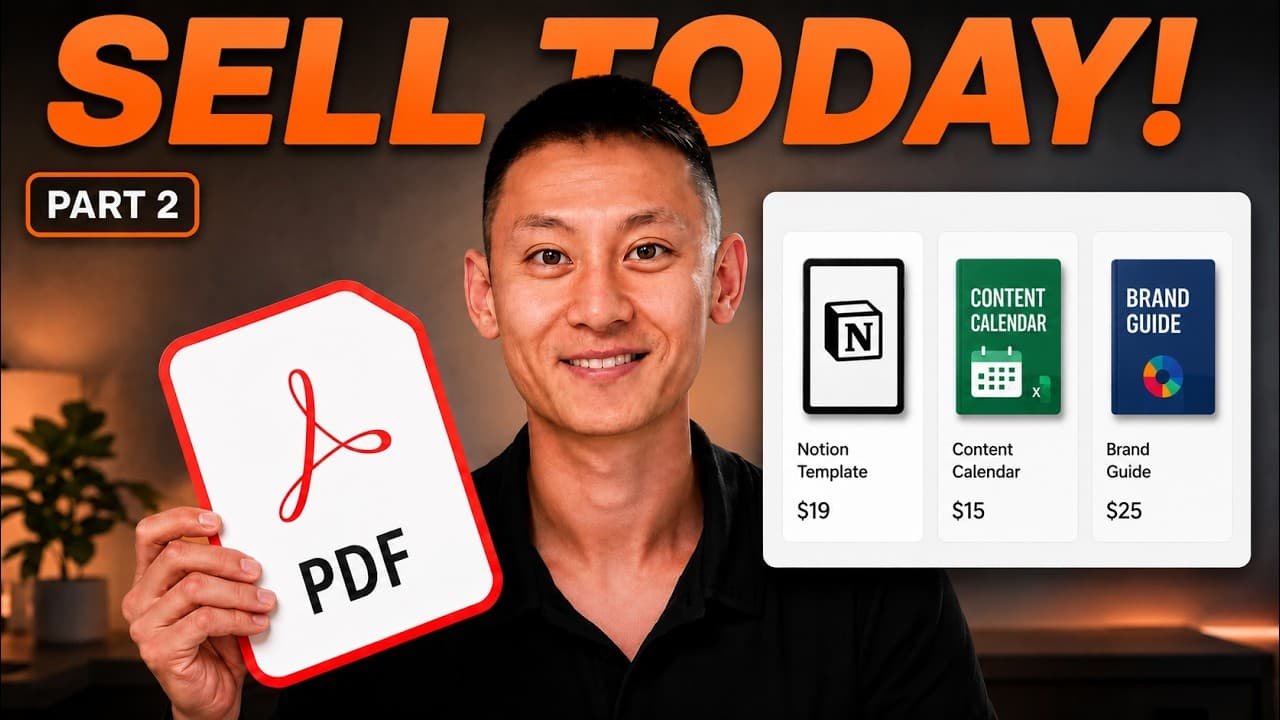
You can launch a complete digital product storefront in under a day using Wix and its built in AI tools. Start with a single product and a clean store, then expand by adding more digital offers and a high ticket option. The key is presenting a clear outcome, one obvious call to action, and trustworthy presentation.
Transcript
I've made over 32 million selling digital products. So, trust me on this one. The website is where the most people quietly lose all their sales because of this one setting on your website that almost everyone gets wrong. And I'll show you exactly what this mistake is later in this video and how to fix it in less than 30 seconds. And I'm going to bu... Read More
Key Insights
- A store has two jobs: look trustworthy and actually take money, and both must be done well.
- Wix is recommended for its AI builder, built in store, and secure checkout, reducing developer and designer needs.
- Use a single product page with a clear outcome headline and one obvious CTA to maximize conversions.
- Set up digital products by uploading files, naming them, pricing, and enabling instant delivery through Wix checkout.
- A product ladder can be hosted on one store with different price points and deliverables.
- Testimonials should be real and only added after customers exist to avoid credibility issues.
- The prompt shortcut lets you generate a site description that matches your product and branding for a cohesive look.
- High ticket offers can use embedded calendars for scheduling calls instead of a buy button.
Install to Summarize YouTube Videos and Get Transcripts
Explore YouTube Video Summarizer or Get YouTube Transcript Extractor
Questions & Answers
Q: How do you start a Wix storefront for digital products without coding
To start a Wix storefront, you create a new site, choose the AI builder, and add the Wix stores feature. Then you select digital file as the product type, upload the PDF or file, set the price, and save. The process creates an integrated checkout and automatic download delivery to buyers, all on your site.
Q: What is the one setting people get wrong on their site
The video claims there is a single setting that often drives visitors away before checkout. Correcting this setting is presented as a 30 second fix that helps ensure visitors stay engaged enough to complete a purchase. The exact setting is not named in the transcript, but the fix is demonstrated as being quick and pivotal.
Q: How should a product page headline be written for better conversions
A product page headline should focus on the outcome the customer wants rather than the product name. For example, use language like finally achieve a focused workday, rather than focus guide, to communicate the result magnetic to buyers. This helps visitors instantly see the benefit.
Q: Why is a single clear call to action important
Having one clear button avoids confusion and reduces decision fatigue. A visitor who sees multiple competing actions is more likely to hesitate and abandon the page. The video emphasizes a straightforward CTA such as Get the guide or Start now.
Q: How does the video suggest handling testimonials on a new store
The video advises against including empty or obviously fake testimonials on a brand new store. It recommends removing the testimonials section until real buyers provide feedback, arguing that an empty or fake section damages trust more than no testimonials at all.
Q: How can you implement a product ladder on one store
The ladder approach involves adding multiple digital offerings under the same storefront, such as a $27 guide, a $197 mid tier, and a high ticket coaching option. Each product is configured similarly with its own file and price, allowing customers to buy increasingly valuable items from one site.
Q: What role does the built in checkout play in the workflow
The built in checkout handles payments securely directly on your site, so there is no need for external tools. After a sale, the download link is automatically delivered to the buyer, and funds flow into your account, enabling automated, hands off processing.
Q: How are high ticket services handled on the same store
For high ticket coaching or consulting, the video recommends embedding a booking calendar on the page instead of a buy button. This allows potential clients to schedule a call directly, maintaining a seamless flow within the same store rather than directing them to another service.
Summary & Key Takeaways
-
The video demonstrates building a full digital product store from scratch using Wix, highlighting the speed, simplicity, and no code approach. It emphasizes a strong homepage with a clear outcome and a single call to action, plus a straightforward product ladder within one store.
-
A critical point is the one setting most people get wrong on their site, and the 30 second fix is shown to correct it, enabling quick sales and reliable delivery of digital products.
-
The walkthrough covers configuring products, pricing, and delivery, including automatic download links and built in checkout, as well as the strategy to avoid fake testimonials and maintain trust.
Read in Other Languages (beta)
Share This Summary 📚
Summarize YouTube Videos and Get Video Transcripts with 1-Click
Try YouTube Summary with ChatGPT & Claude or YouTube Transcript Generator
Explore More Summaries from Richard Yu 📚





Summarize YouTube Videos and Get Video Transcripts with 1-Click
Try YouTube Summary with ChatGPT & Claude or YouTube Transcript Generator