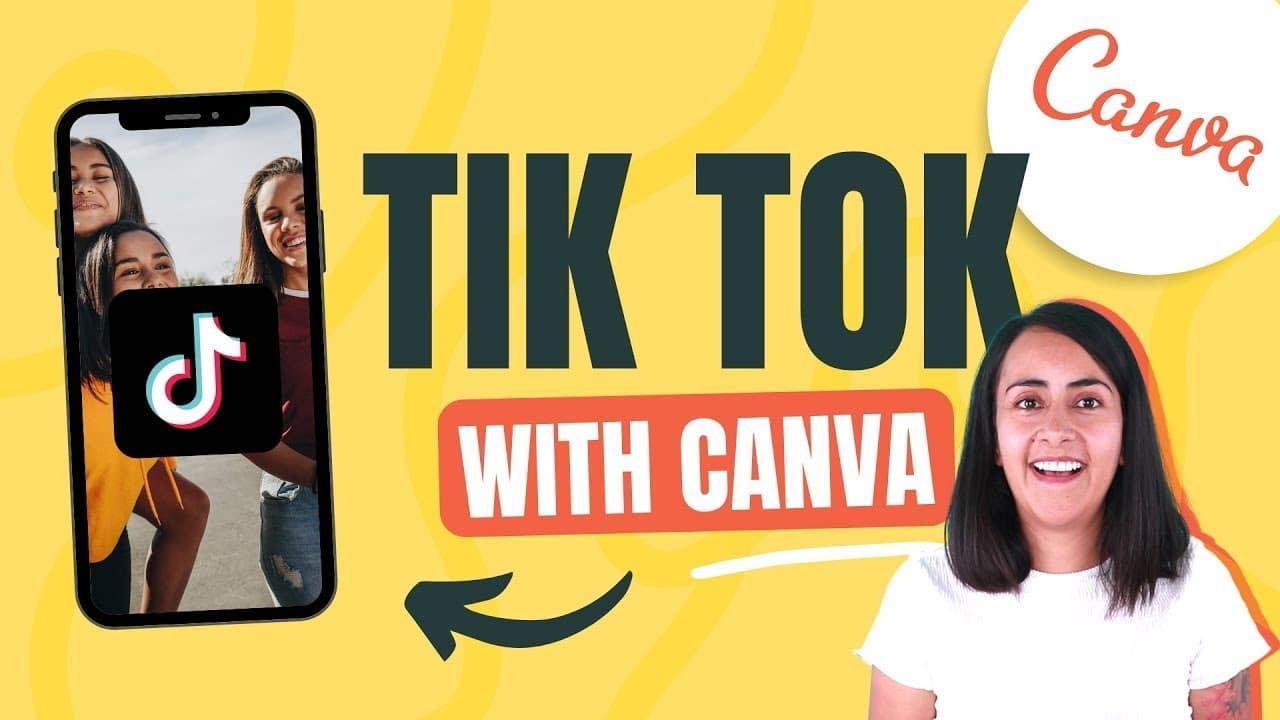
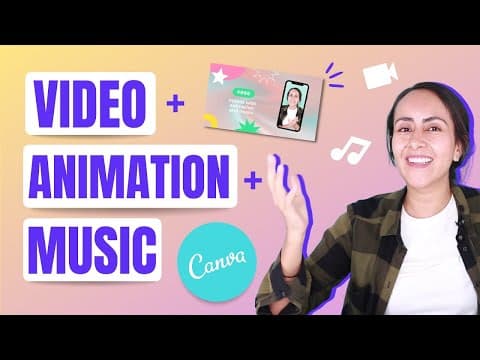
How to Create a TikTok Video Using Canva on Your Phone
TL;DR
To create a TikTok video using Canva on your phone, select a TikTok template, customize your background image, add a phone frame, insert text, and include animations and music. Finish with a personalized end frame to enhance engagement. This step-by-step process makes it easy to produce professional-looking videos directly from your device.
Transcript
hi and welcome to our channel the best place to learn how to use and master canva in today's tutorial i'll show you how to create and edit a tik-tok video from your phone something that looks like this and as you can see we will have an image as a background we are going to add a phone some animations an end frame and if you want you can also inclu... Read More
Key Insights
- 👤 Canva provides a user-friendly platform for creating and editing TikTok videos, allowing users to customize various aspects such as backgrounds, animations, text, and music.
- 👀 The tutorial showcases how Canva's templates and tools can be used to create professional-looking TikTok videos without any prior graphic design experience.
- 🥶 Canva's free account option allows users to access basic features, while a Canva Pro account offers additional resources and advanced options.
- ❤️🩹 Creative elements like personalized end frames, animations, and music can enhance the overall impact of a TikTok video created using Canva.
- 🥶 Canva's library of free photos and elements enables users to find suitable visuals for their TikTok videos, ensuring a visually appealing final product.
- ✋ By following the step-by-step tutorial, users can learn how to navigate Canva's interface and create high-quality TikTok videos that stand out on the platform.
- 🎮 Customizing the text content, font size, color, and positioning is crucial to make the text easily readable in the TikTok video, considering the platform's unique formatting.
Install to Summarize YouTube Videos and Get Transcripts
Explore YouTube Video Summarizer or Get YouTube Transcript Extractor
Questions & Answers
Q: What is Canva and how does it work for creating TikTok videos?
Canva is a graphic design platform that offers various templates and design elements. For TikTok videos, Canva provides customizable templates and tools to add backgrounds, animations, and other visual elements.
Q: Can I create TikTok videos for free using Canva?
Yes, Canva offers a free account option that allows you to create TikTok videos without any additional cost. However, some features and resources may require a Canva Pro account, which comes with a subscription fee.
Q: How can I add a background image to my TikTok video?
In Canva, select the template for TikTok videos and choose your desired background image. You can either upload your own image or choose from the library of free photos. Simply replace the background image with your preferred choice.
Q: Can I add text to my TikTok video using Canva?
Yes, Canva allows you to add text boxes to your TikTok video. Simply select the text option, choose a text box template or design, customize the text content, font size, and color, and position it on the video.
Q: How can I add animations to my TikTok video using Canva?
Canva offers various animation options for TikTok videos. After adding the desired element, such as text or stickers, you can animate it by selecting the "Animate" feature in the editor. Choose from the available animation effects and apply them to your elements.
Summary & Key Takeaways
-
The video tutorial explains how to create and edit TikTok videos using Canva, with step-by-step instructions.
-
Canva provides templates for TikTok videos, such as end frames, that can be customized to fit your style and content.
-
The tutorial covers adding a background image, incorporating a phone frame, adding text, animations, and music, and creating an end frame with a personalized tag.
Read in Other Languages (beta)
Share This Summary 📚
Summarize YouTube Videos and Get Video Transcripts with 1-Click
Try YouTube Summary with ChatGPT & Claude or YouTube Transcript Generator
Explore More Summaries from Design with Canva 📚

Summarize YouTube Videos and Get Video Transcripts with 1-Click
Try YouTube Summary with ChatGPT & Claude or YouTube Transcript Generator