How to Automate Image Generation with Stable Diffusion
TL;DR
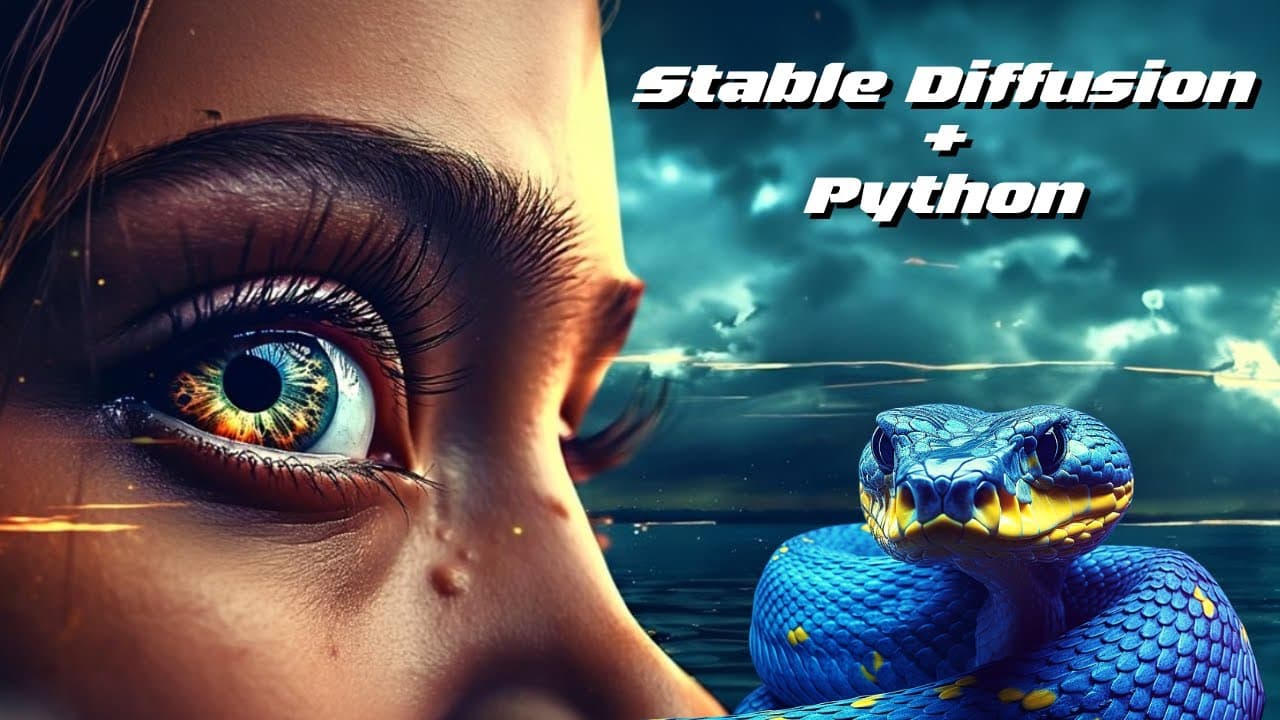
You can automate image generation using Stable Diffusion and ChatGPT by creating a script that utilizes API keys and prompts. Start by obtaining your OpenAI and Stable Diffusion API keys, then input your desired text and negative prompts to customize image outputs. Control the generation process by adjusting parameters in your code for optimal results.
Transcript
in today's video I will show you a simple way to automate image generation with stable effusion and chat GPT like we can see here we just have to add our prompts negative prompts and how many images we want the rest will be on autopilot this will also be available for you to download if you want to try it out but now let's just get going okay so le... Read More
Key Insights
- 👊 Automation of image generation can be achieved using stable effusion and chat GPT, with the ability to control prompts and parameters.
- 🤩 API keys are required for accessing the stable effusion and OpenAI platforms, and they can be obtained through the account settings.
- 👻 Text prompts and negative prompts significantly influence the generated images, allowing for customization and desired output.
Install to Summarize YouTube Videos and Get Transcripts
Explore YouTube Video Summarizer or Get YouTube Transcript Extractor
Questions & Answers
Q: How does the automation process for image generation using stable effusion and chat GPT work?
The process involves importing the necessary libraries and functions, obtaining API keys, setting text prompts and negative prompts, and running a loop to generate images based on the input prompts.
Q: What are the benefits of using stable effusion and chat GPT for image generation?
Stable effusion and chat GPT allow for automated image generation with the ability to control the prompts and parameters. They provide creative and diverse image outputs based on the input.
Q: How can API keys for OpenAI and stable fusion be obtained?
API keys can be obtained by visiting the respective platforms' websites and creating or viewing API keys in the account settings. The video provides visual instructions on how to find and use the API keys.
Q: What are text prompts and negative prompts used for in the image generation process?
Text prompts are used to provide input instructions or themes for the generated images, while negative prompts are used to specify elements or characteristics that should not be present in the images.
Summary & Key Takeaways
-
The video demonstrates a simple method to automate image generation using stable effusion and chat GPT.
-
The necessary libraries and functions for the automation process are imported and explained.
-
API keys for OpenAI and stable fusion are obtained and explained, and text prompts and negative prompts are used to generate images.
Read in Other Languages (beta)
Share This Summary 📚
Summarize YouTube Videos and Get Video Transcripts with 1-Click
Try YouTube Summary with ChatGPT & Claude or YouTube Transcript Generator
Explore More Summaries from All About AI 📚
Summarize YouTube Videos and Get Video Transcripts with 1-Click
Try YouTube Summary with ChatGPT & Claude or YouTube Transcript Generator