How to Use Your Phone Wisely and Boost Productivity
TL;DR
To use your phone wisely and enhance productivity, eliminate email and social media apps from your device, relying on a browser for email instead. Enable airplane mode in the evening for uninterrupted focus and consider using apps like OnlyPult for social media posting without distraction. This approach allows for greater control over your time and reduces compulsive usage.
Transcript
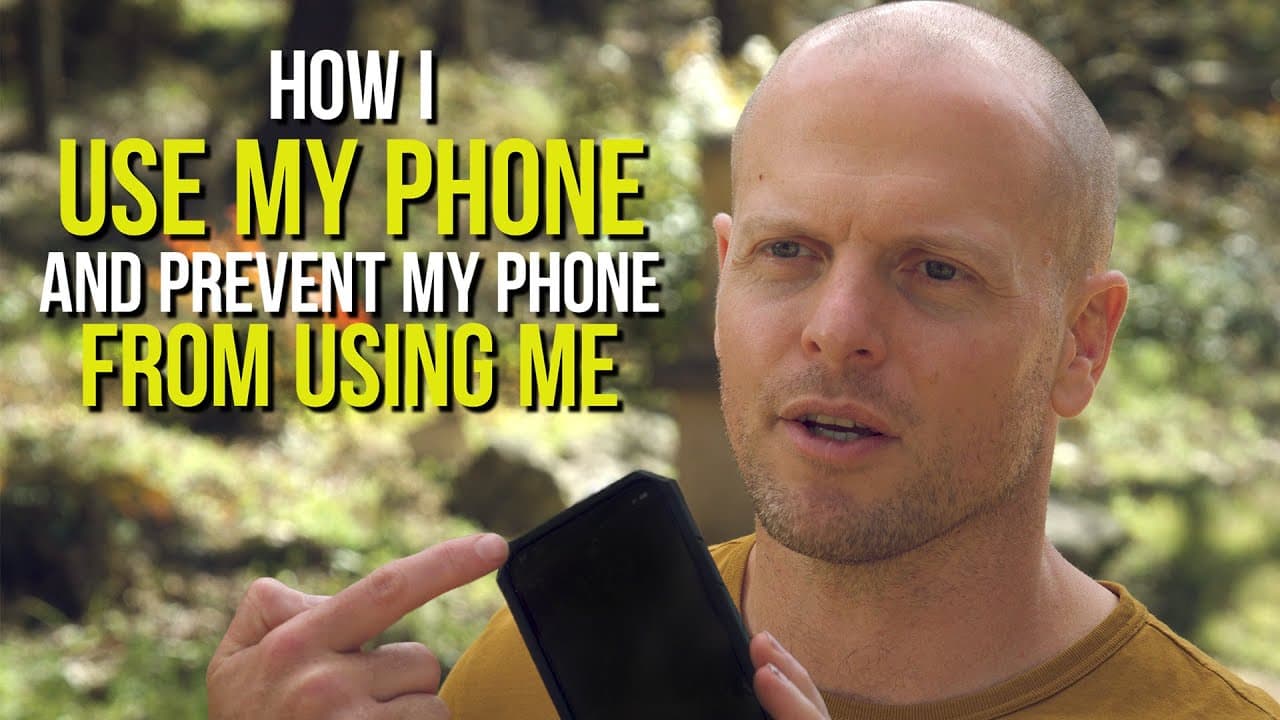
this is tim ferriss and i'm going to share a bit simply on how i use my phone and prevent my phone from using me now if if you look at this you can't see it from here but it's on airplane mode and that will be relevant there are just a few rules that i follow and have followed for a very very long time uh the first is no email app on my phone we'll... Read More
Key Insights
- 📣 Introducing friction and inconvenience can help prevent compulsive phone usage and increase productivity.
- 😀 Using the browser instead of a dedicated app for email can create a barrier to mindless checking.
- 😀 Avoiding social media apps on the phone can reduce the temptation to spend excessive time scrolling through feeds.
- 😀 Apps like OnlyPult allow for posting on social media without getting caught up in the distractions of the platform.
- ✈️ Putting the phone on airplane mode and keeping it on silent can create focused, uninterrupted periods for important activities.
- 🔉 We often overestimate our own importance and the urgency of notifications and social media updates.
- 🔔 Prioritizing personal projects and activities before being bombarded by inbound notifications can improve productivity.
Install to Summarize YouTube Videos and Get Transcripts
Explore YouTube Video Summarizer or Get YouTube Transcript Extractor
Questions & Answers
Q: Why does Tim Ferriss not have an email app on his phone?
Tim Ferriss intentionally avoids having an email app on his phone to introduce friction and prevent compulsive email checking. He believes that inconvenience can be beneficial for breaking addictive behaviors.
Q: How does Tim Ferriss post to social media without using social media apps?
Tim Ferriss uses apps like OnlyPult to post on social media without being exposed to feeds or other people's posts. This allows him to fulfill his posting responsibilities without getting caught in the scrolling trap.
Q: What is the significance of using airplane mode on the phone?
Tim Ferriss puts his phone on airplane mode after dinner and keeps it that way until the next morning to create a period of uninterrupted time for meditation, journaling, or creative projects. It helps him avoid distractions and prioritize his own focus.
Q: Why does Tim Ferriss keep his phone on silent mode?
Tim Ferriss keeps his phone on silent because he wants to be in control of his time and not let other people's agendas dictate his actions. He believes that most incoming calls can either wait or are spam, and he can batch check messages and calls on his laptop at specific intervals.
Summary & Key Takeaways
-
Tim Ferriss avoids having email and social media apps on his phone to prevent compulsive usage and increase productivity.
-
He suggests using the browser for checking email on the phone to introduce inconvenience and create friction points.
-
Ferriss uses apps like OnlyPult to post on social media without being exposed to feeds, eliminating the temptation to spend excessive time on these platforms.
Read in Other Languages (beta)
Share This Summary 📚
Summarize YouTube Videos and Get Video Transcripts with 1-Click
Try YouTube Summary with ChatGPT & Claude or YouTube Transcript Generator
Explore More Summaries from Tim Ferriss 📚





Summarize YouTube Videos and Get Video Transcripts with 1-Click
Try YouTube Summary with ChatGPT & Claude or YouTube Transcript Generator