How to Use Raspberry Pi Connect for Remote Access
TL;DR
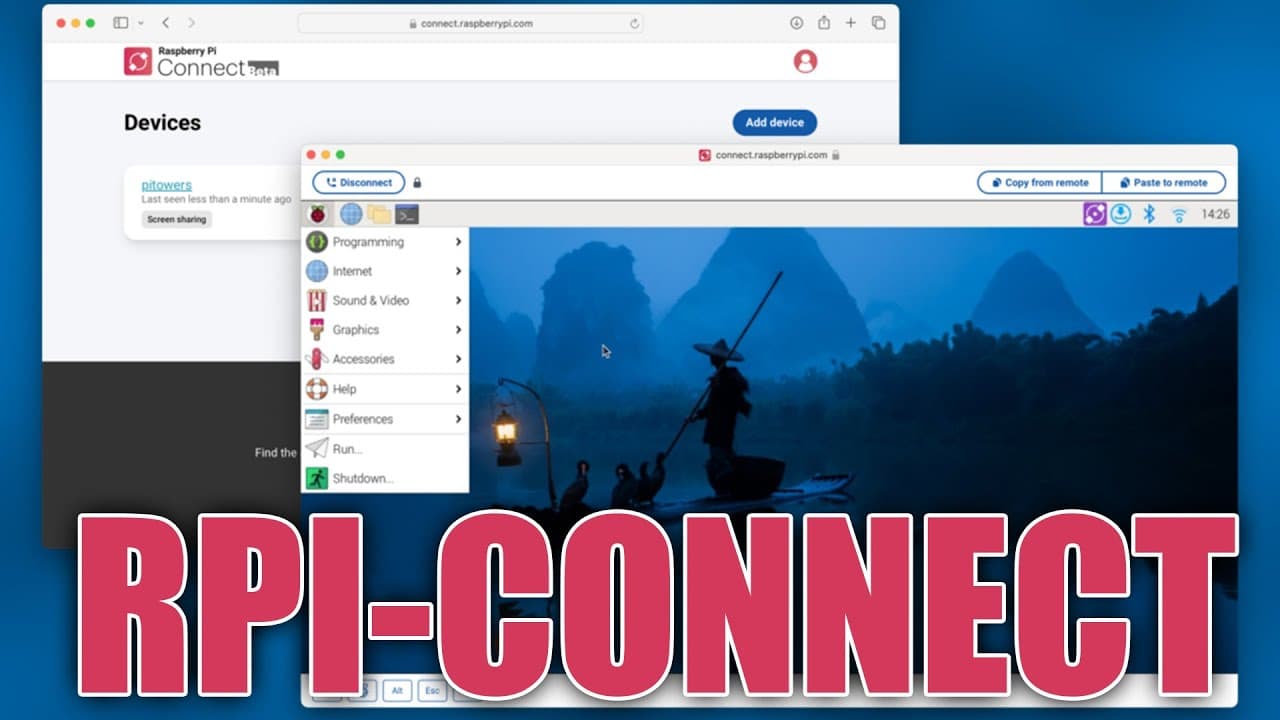
Raspberry Pi Connect allows free remote access for Raspberry Pi 4 and 5 running the Bookworm OS. While currently in beta, it provides smooth connectivity through a UK relay server without requiring a full desktop environment. Users can also run their own relay servers in the future to maintain access without costs.
Transcript
all right so today we're going to be checking out new software that Raspberry Pi just came out with called Raspberry Pi connect a couple of days ago to combat the situation that we've been having with using remote access through Wayland so let's check it out and here's the blog post which I'll leave all the links down in the description below for a... Read More
Key Insights
- ♓ Raspberry Pi Connect addresses existing remote access issues for Raspberry Pi users, providing a seamless solution within the Wayland environment.
- ⌛ The software is currently in beta testing, meaning features and performance may improve over time as feedback is gathered and updates are implemented.
- 🏃 Users benefit from the ability to run Raspberry Pi Connect without needing a full desktop environment, enhancing efficiency and reducing resources.
- 🥶 The installation process for Raspberry Pi Connect is straightforward but requires a specific operating system version, limiting its availability for older devices.
- 🛀 Despite current limitations, such as the absence of audio and minor interface bugs, the software shows potential for becoming a dependable tool for Raspberry Pi users.
- 🪡 Remote access solutions like Raspberry Pi Connect can simplify tasks such as upgrades and management, reducing the need for physical presence at the device location.
- 🥶 The temporary free status encourages user testing and feedback, but the eventual introduction of a pricing structure could impact long-term adoption.
Install to Summarize YouTube Videos and Get Transcripts
Explore YouTube Video Summarizer or Get YouTube Transcript Extractor
Questions & Answers
Q: What is Raspberry Pi Connect, and who can use it?
Raspberry Pi Connect is a newly launched software designed for remote access to Raspberry Pi devices, specifically the Raspberry Pi 4 and 5 models. To use it, users need to run the Bookworm operating system as it is not compatible with older versions like Bullseye. The program allows seamless connection to devices through a relay server.
Q: How does the pricing model of Raspberry Pi Connect work?
Currently, Raspberry Pi Connect is free to use as it is in the beta testing phase. However, there is speculation that it may eventually transition to a paid service, similar to RustDesk. Users can opt to host their own relay servers to avoid any potential costs if they wish to maintain unrestricted access.
Q: What are the primary features of Raspberry Pi Connect?
Raspberry Pi Connect allows users to connect remotely to their Raspberry Pi devices without needing to switch to a different desktop environment. While it supports visual output very well, it currently does not carry audio. Users can manage multiple devices, enabling remote upgrades and access without port forwarding or extensive configuration.
Q: What are the hardware and software requirements for Raspberry Pi Connect?
To use Raspberry Pi Connect, users must have either a Raspberry Pi 4 or a Raspberry Pi 5 running the Bookworm operating system. Previous models and older OS versions, such as Bullseye, are not supported. An account with Raspberry Pi is also necessary for managing connections.
Q: How has the performance of Raspberry Pi Connect been described?
Initial performance reviews of Raspberry Pi Connect indicate it operates smoothly for visual tasks with manageable latency. While there are some issues with hotkey commands and audio not transmitting, the overall user experience for screen sharing is positive, especially with the current beta setup.
Q: Can Raspberry Pi Connect be used for multiple devices?
Yes, Raspberry Pi Connect enables users to manage connections to multiple Raspberry Pi devices simultaneously. Users can view a list of connected devices and switch between them easily, facilitating versatile and efficient remote management.
Summary & Key Takeaways
-
Raspberry Pi Connect is a new software solution designed for remote access using Raspberry Pi 4 and 5, requiring the Bookworm OS release. It allows users to connect to their devices through a relay server, enhancing usability without downgrading the desktop environment.
-
The service is currently free but may transition to a paid model in the future. Users can also host their own relay servers for uninterrupted access, avoiding potential fees tied to the official relay system.
-
While the software is still in beta, it shows promising performance with manageable latency on the UK server, though some features like audio transmission are not yet supported. Overall, it offers a viable alternative for users previously encountering limitations with Wayland.
Read in Other Languages (beta)
Share This Summary 📚
Summarize YouTube Videos and Get Video Transcripts with 1-Click
Try YouTube Summary with ChatGPT & Claude or YouTube Transcript Generator
Explore More Summaries from Novaspirit Tech 📚






Summarize YouTube Videos and Get Video Transcripts with 1-Click
Try YouTube Summary with ChatGPT & Claude or YouTube Transcript Generator