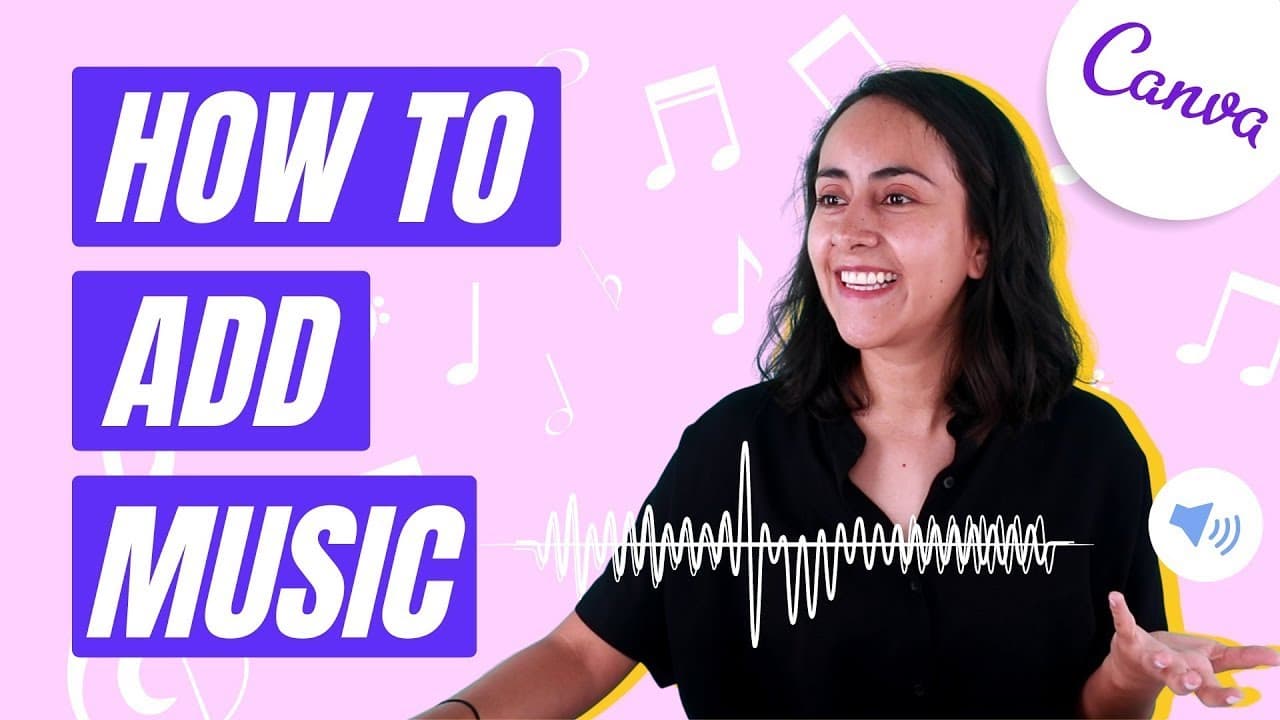
Canva Tutorial: how to ADD MUSIC to a DESIGN or VIDEO in Canva [Free & Easy]
TL;DR
Learn how to add music to your Canva designs or videos in this step-by-step tutorial, including using the Canva music library and uploading your own songs.
Transcript
hi and welcome to our channel the best place to learn how to use and master canva in today's tutorial i'll show you step by step how to add music to your combo designs or combat videos it can be music from the canva library or your own music and also i'll show you how to avoid copyright claims if you need to upload videos created in canva to youtub... Read More
Key Insights
- 👤 Canva offers a music library where users can choose from a variety of songs and categories for their designs or videos.
- 😊 Users can preview songs, choose between free and pro tracks, and have the option to filter by vocals or instrumentals.
- 👻 Uploading your own songs or audio files to Canva is a straightforward process that allows for customization and personalization.
- 👻 Canva's flexibility also extends to adjusting the duration of designs and videos, allowing for precise synchronization with the chosen music.
- 👤 To avoid copyright claims on platforms like YouTube, users should connect their social accounts to Canva to ensure the music license is properly linked.
- 🎮 Canva's tutorial videos provide additional guidance on creating animated videos, intros for YouTube, and more.
- 😊 Canva users with both free and pro accounts can follow the tutorial to add music to their designs.
Install to Summarize YouTube Videos and Get Transcripts
Explore YouTube Video Summarizer or Get YouTube Transcript Extractor
Questions & Answers
Q: Can I add music to my Canva designs using the Canva music library?
Yes, you can easily add music to your designs by accessing the music category in the menu on the left-hand side and selecting a song from the library. You can preview the songs and choose from different categories or search for specific types of music.
Q: Can I upload my own songs or audio files to Canva?
Absolutely! Canva allows you to upload your own songs or audio files by going to the uploads section in the menu, selecting the audio category, and either clicking the upload button or dragging the file from your desktop. Just make sure you have the rights to the content to avoid copyright issues.
Q: Can I adjust the duration of my Canva designs with added music?
Yes, you have the flexibility to adjust the duration of your designs in Canva. Simply access the toolbar and click on the duration icon to change the length of your video. This feature is useful when matching music to specific parts of your design.
Q: How can I avoid copyright claims when uploading Canva videos to YouTube?
To avoid copyright claims, it is important to connect your social accounts, like YouTube, to Canva. This ensures that the music license is linked to your specific video. When using Canva's music library, there may be a charge for the license, but connecting your accounts will help you avoid copyright issues.
Summary & Key Takeaways
-
This tutorial shows how to add music to Canva designs or videos, whether from the Canva music library or your own audio files.
-
The Canva music library offers a wide range of songs and categories, with the option to preview and filter by vocals, instrumentals, and free tracks.
-
You can upload your own songs or audio files to Canva by accessing the uploads section and selecting the file from your desktop.
Read in Other Languages (beta)
Share This Summary 📚
Summarize YouTube Videos and Get Video Transcripts with 1-Click
Try YouTube Summary with ChatGPT & Claude or YouTube Transcript Generator
Explore More Summaries from Design with Canva 📚


Summarize YouTube Videos and Get Video Transcripts with 1-Click
Try YouTube Summary with ChatGPT & Claude or YouTube Transcript Generator