How to Summarize Any Video Using One Command
TL;DR
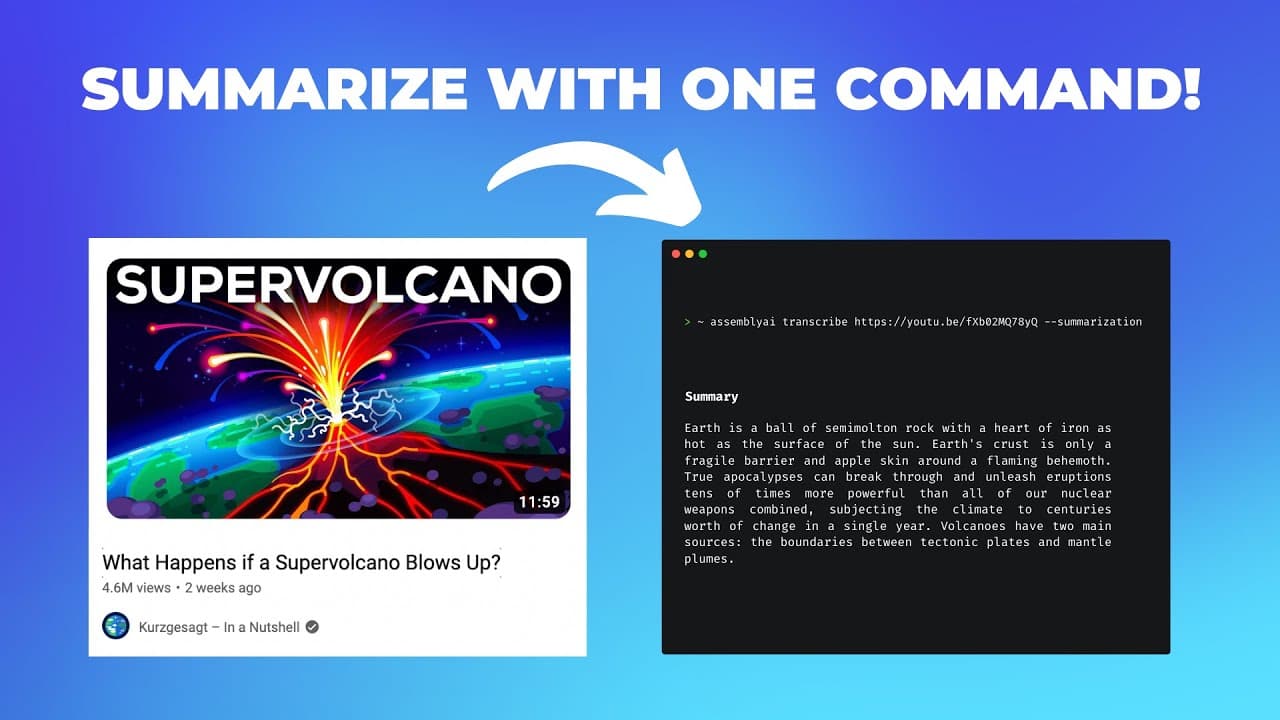
You can summarize any video with just one command using the Assembly AI command line interface. By configuring an API token and using commands like 'assembly AI transcribe --summarization', you can easily generate a transcript and a concise summary in bullet points or paragraphs, saving you time and effort in processing video content.
Transcript
sometimes we don't want to watch a whole video but just read the summary and in this video I show you how you only need one command line to create a transcript and also generate a summary of any YouTube video or local audio file so let's get started for this we use the assembly AI command line interface that you can find on GitHub it's open source ... Read More
Key Insights
- 🫥 The Assembly AI command line interface simplifies the process of transcribing YouTube videos or local audio files into written text.
- 👻 The interface allows users to configure API tokens easily for seamless integration.
- 🕵️ Assembly AI offers powerful AI models and various flags to enhance the transcription process, such as generating summaries and detecting entities.
Install to Summarize YouTube Videos and Get Transcripts
Explore YouTube Video Summarizer or Get YouTube Transcript Extractor
Questions & Answers
Q: How can I use Assembly AI to transcribe a local audio file?
To transcribe a local audio file, you can use the "assembly AI transcribe" command followed by the file's path. The command will upload the file and initiate the transcription process.
Q: Can I use Assembly AI to transcribe YouTube videos as well?
Yes, you can transcribe YouTube videos using Assembly AI. Simply use the "assembly AI transcribe type" command followed by the YouTube video link. The video will be downloaded, uploaded to the servers, and transcribed.
Q: What are some additional features I can enable with Assembly AI?
Assembly AI offers various flags that enable additional features. For example, you can use the "--order chapters" flag to generate a summary over time. Other flags include auto highlights, content moderation, and entity detection.
Q: How can I generate a summary of the transcription using Assembly AI?
You can use the "assembly AI transcribe [video link] --summarization" command to automatically create a summarization of the transcription. There are different summary types available, such as bullets, verbose bullets, gists, headlines, and paragraphs.
Summary & Key Takeaways
-
The video demonstrates how to use the Assembly AI command line interface to transcribe YouTube videos or local audio files into text.
-
With the command line interface, users can configure the API token, upload the file, and start the transcription process.
-
Additionally, the video shows how to use powerful AI models and generate automatic summaries of the transcriptions.
Read in Other Languages (beta)
Share This Summary 📚
Summarize YouTube Videos and Get Video Transcripts with 1-Click
Try YouTube Summary with ChatGPT & Claude or YouTube Transcript Generator
Explore More Summaries from AssemblyAI 📚






Summarize YouTube Videos and Get Video Transcripts with 1-Click
Try YouTube Summary with ChatGPT & Claude or YouTube Transcript Generator