How to build an AI travel agent with Agent Builder
TL;DR
Agent Builder enables building AI workflows without code by routing messages through a classifier to either a flight or itinerary agent. It supports testing with built in eval and exporting the workflow as code or dropping it into a product. The video demonstrates a travel assistant that creates a concise itinerary or finds flights, with widgets for rich flight displays.
Transcript
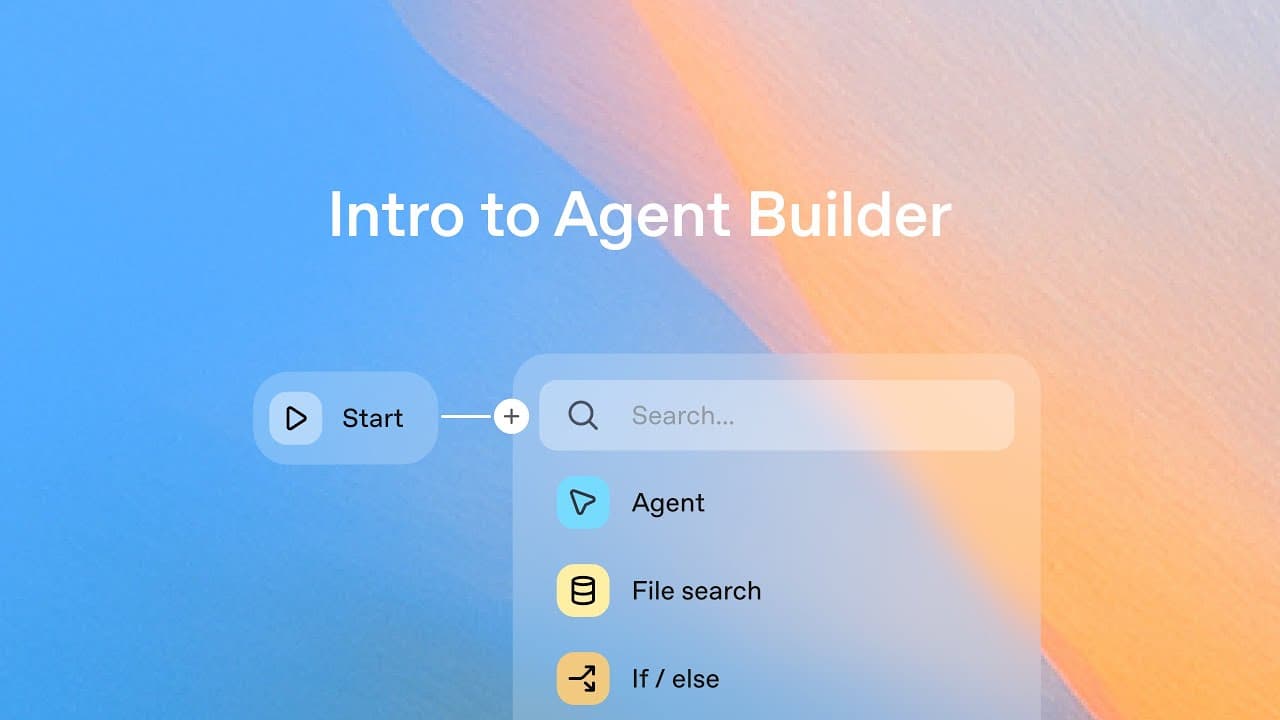
Hey everyone, this is Christina from OpenAI. Welcome to Agent Builder 101. Agent Builder is a new visual tool for building AI workflows. You connect nodes and create agents without writing any code. So you can start from templates or build your own from scratch. And it also comes with built-in eval so you can test and understand how your agents per... Read More
Key Insights
- Agent Builder is a visual tool that lets users design AI workflows by connecting nodes without writing code.
- Classification first, via a dedicated classifier, determines whether a user query relates to an itinerary or a flight.
- An if else node branches the workflow to the appropriate specialized agent based on the classifier output.
- The flight agent uses web search access to obtain up to date flight information and supports rich widget outputs.
- The itinerary agent creates concise travel plans that focus on a day sized itinerary.
- Widgets can be downloaded and integrated into the flight agent to display flight details visually.
- Color customization, such as destination based backgrounds, enhances the flight widget presentation.
- The platform supports exporting the workflow as code or placing the workflow in a product via the Agents SDK.
- More videos from this channel:
- More from this channel: OpenAI
Install to Summarize YouTube Videos and Get Transcripts
Explore YouTube Video Summarizer or Get YouTube Transcript Extractor
Questions & Answers
Q: What is Agent Builder used for in this video?
Agent Builder is presented as a visual tool to build AI workflows without coding. It lets you connect nodes, route tasks using a classifier to either a flight or itinerary agent, test using an internal eval tool, and export the finished workflow as code or drop it into a product. The travel agent example demonstrates creating specialized itineraries and flight modules, then publishing the workflow for use in applications.
Q: How does the travel agent determine which path to take?
The system uses a classifier that reads the input and outputs a classification with two options: flight info or itinerary. An if else node then routes the flow to either the flight agent or the itinerary agent based on this classification. This routing ensures that each user query is handled by the most appropriate specialized agent.
Q: What capabilities does the flight agent gain in the demo?
The flight agent is designed to suggest specific flights using airport codes and has access to web search to retrieve current flight information. It can use a customized widget to present flight details, including a generated background color based on destination and time zone information to enhance readability and engagement.
Q: What is the purpose of the itinerary agent in the video?
The itinerary agent is built to produce concise travel plans tailored to a destination, focusing on delivering a one day or short itinerary. It operates as a specialized agent separate from flight information, ensuring clear, actionable travel steps and activities are provided to the user.
Q: What role do widgets play in the travel agent workflow?
Widgets are used to present flight information in a rich, interactive format. The demo shows downloading a pre designed widget template and importing it into the flight agent as a widget output format. This allows the final product to display structured flight data with visuals, improving user experience.
Q: How can the workflow be deployed or integrated into products?
The video explains two deployment paths: exporting the workflow as code for direct embedding or using the Agents SDK to integrate the workflow into a product. The platform also allows sharing a workflow ID to connect the travel agent workflow within an existing system.
Q: What testing process is shown for the agents?
The demo uses a run preview feature to simulate a user query, such as what to do in a day in Tokyo. This test runs through the classifier and route logic to verify that the itinerary path is chosen when appropriate and that the flight path engages the web search and widget output as designed.
Q: What does the creator suggest users do after building the travel agent?
After building and testing the travel agent, the creator shows how to publish the agent and offers options to use the agents SDK or export the workflow so it can be dropped into a product. This final step enables rapid deployment and iteration based on user feedback.
Summary & Key Takeaways
-
The video introduces Agent Builder as a visual tool for creating AI workflows without coding, showing how to connect nodes, routes, and test with eval to understand agent performance.
-
A travel agent example is used to illustrate routing questions to either an itinerary or flight module, including how to design outputs and export workflows for production.
-
The demonstration ends with options to publish, use the Agents SDK, or export the workflow ID for integration into products.
Read in Other Languages (beta)
Share This Summary 📚
Summarize YouTube Videos and Get Video Transcripts with 1-Click
Try YouTube Summary with ChatGPT & Claude or YouTube Transcript Generator
Explore More Summaries from OpenAI 📚





Summarize YouTube Videos and Get Video Transcripts with 1-Click
Try YouTube Summary with ChatGPT & Claude or YouTube Transcript Generator