How to Use the Disk Manipulator in Minecraft Refined Storage
TL;DR
To use the Disk Manipulator in Minecraft's Refined Storage, craft it using four quartz enriched iron, two empty storage housings, a machine casing, a construction core, and a destruction core. Connect it to a power source, insert storage disks, and utilize speed and stack upgrades to efficiently transfer items between disks.
Transcript
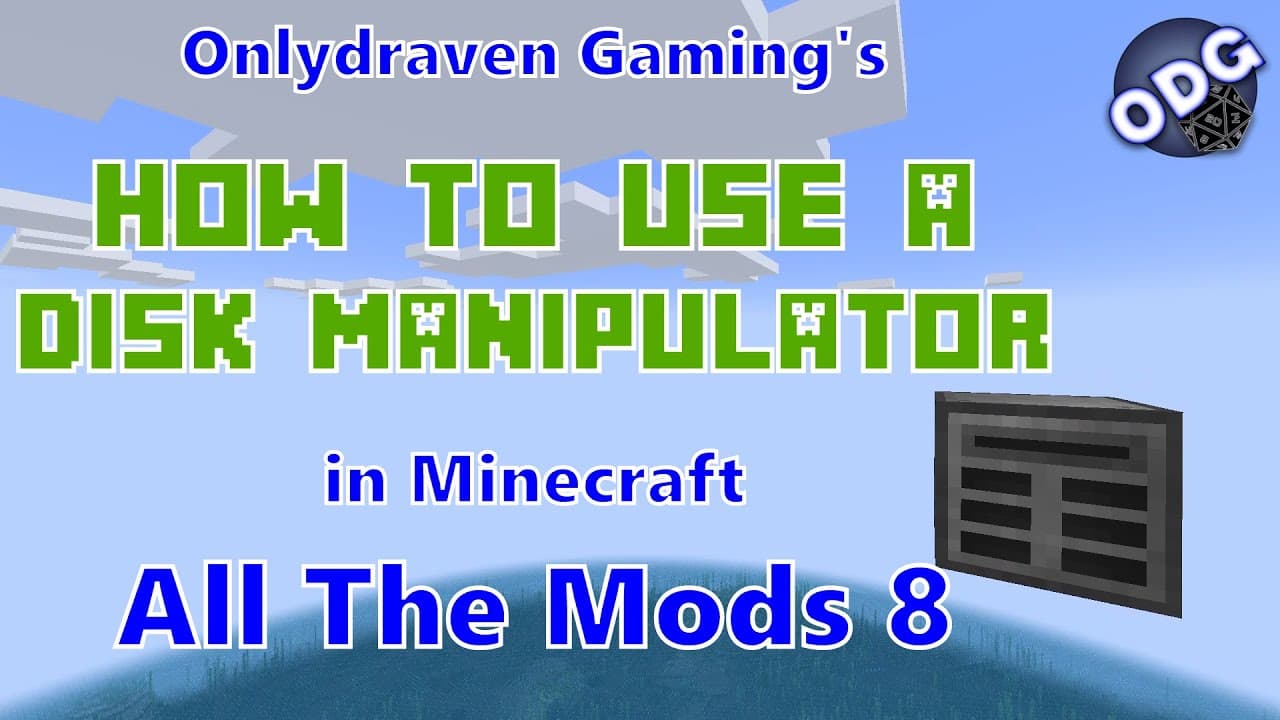
foreign only Draven here again and today we're doing another tutorial in Minecraft all the mods eight today we're going to be taking a look at how to make and use the disk manipulator which is part of the refined storage mod the disk manipulator allows you to take items from one storage disk and move it to another now if you find this video helpful... Read More
Key Insights
- 💽 The disk manipulator is essential for efficiently managing storage in Minecraft's Refined Storage mod, enabling users to move items between disks easily.
- 🎮 Upgrading storage capabilities can significantly streamline gameplay, making it crucial for players to optimize their inventory systems.
- 🎚️ The tutorial provides clear instructions on crafting and using components effectively, catering to players at various experience levels.
- 🐎 Enabling smoother transfers with speed and stack upgrades can greatly reduce the time spent managing items, enhancing the overall gaming experience.
- ✊ It is important to connect the disk manipulator to an RF power source, highlighting the need for an efficient power management strategy in the refined storage system.
- 😷 The tutorial promotes community interaction, encouraging viewers to participate by asking questions and providing feedback for further content.
- 🥺 Understanding the nuances of storage components can lead to better gameplay strategies and help players navigate Minecraft more efficiently.
Install to Summarize YouTube Videos and Get Transcripts
Explore YouTube Video Summarizer or Get YouTube Transcript Extractor
Questions & Answers
Q: What materials do I need to craft the disk manipulator?
To craft a disk manipulator, you will need four quartz enriched iron, two empty storage housings, one machine casing, one construction core, and one destruction core. These components can be found or crafted within the game, each serving a specific function in the crafting process.
Q: How does the disk manipulator improve inventory management?
The disk manipulator allows players to efficiently transfer items from one storage disk to another, especially when upgrading storage capacities. Instead of managing multiple small disks, players can consolidate their items into larger disks, freeing up inventory space and simplifying storage organization.
Q: What are speed and stack upgrades, and how do they function?
Speed upgrades increase the transfer rate of items between disks, while stack upgrades allow entire stacks of items to be moved at once. Using a combination of both upgrades significantly speeds up the manipulation of items, making it easier to manage larger inventories without time-consuming delays.
Q: Can the disk manipulator function without a dedicated power source?
The disk manipulator requires an RF power source to function, but it can draw power from any connected refined storage component that is powered. This means you don't need to run separate power lines for every individual component, simplifying system setup.
Q: What should I do with an empty storage disk after transferring items?
Once you have emptied a storage disk, you can either store it for future use or repurpose its components. By holding shift and right-clicking, you can separate the storage housing from the storage part, allowing you to use the parts to craft larger disks in the future or to create new items.
Q: How can players engage with your content for future tutorials?
Viewers are encouraged to comment on videos with their questions or suggestions for future tutorials. Additionally, they can visit the creator's website, where there is a section dedicated to submitting inquiries and recommendations for new content.
Summary & Key Takeaways
-
The tutorial covers how to create a disk manipulator using specific materials, allowing players to move items between storage disks.
-
The video emphasizes the importance of speed and stack upgrades to enhance the efficiency of transferring items, offering practical tips for players to optimize their storage management.
-
Viewers are encouraged to engage with the content, ask questions, and submit recommendations for future tutorials, fostering a community of learning.
Read in Other Languages (beta)
Share This Summary 📚
Summarize YouTube Videos and Get Video Transcripts with 1-Click
Try YouTube Summary with ChatGPT & Claude or YouTube Transcript Generator
Explore More Summaries from Onlydraven Gaming 📚





Summarize YouTube Videos and Get Video Transcripts with 1-Click
Try YouTube Summary with ChatGPT & Claude or YouTube Transcript Generator