How to Download Videos from Any Website Easily
TL;DR
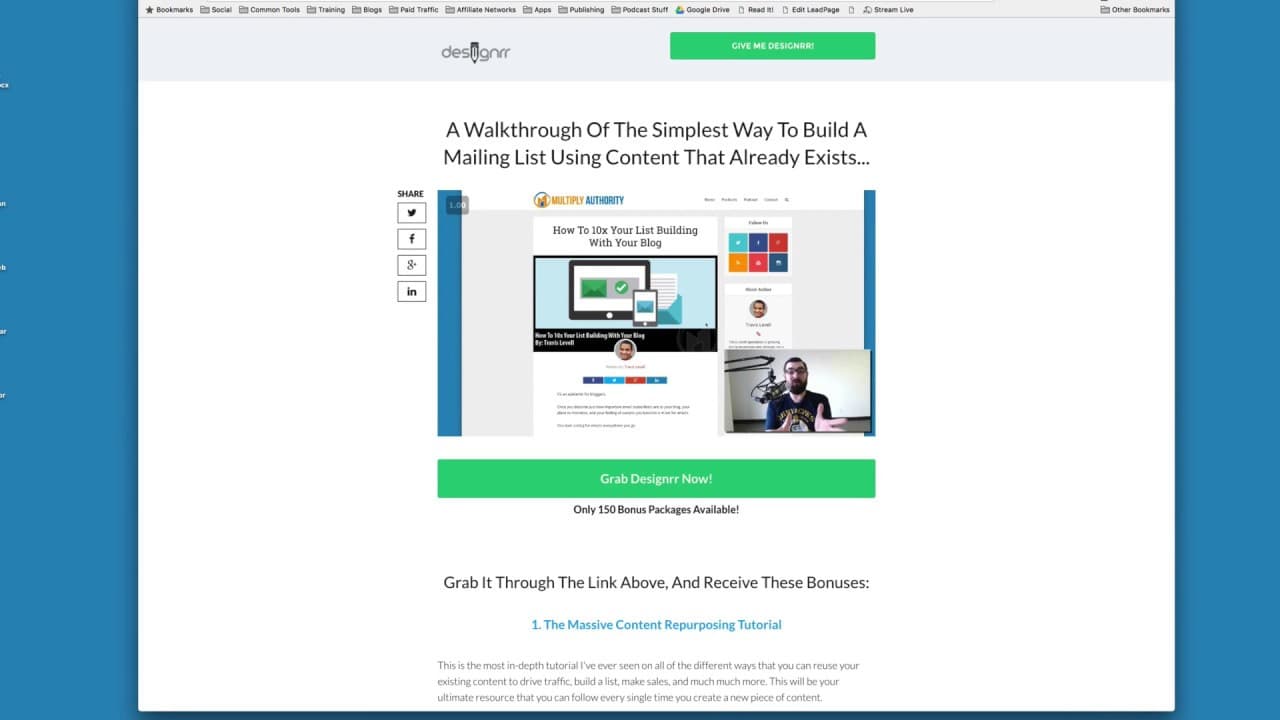
You can download videos from websites by using Google Chrome's inspect tool to find the video URL. Simply right-click, inspect, search for '.mp4', copy the complete URL, and paste it into a new tab to save the video. This method lets you create a personal swipe file for inspiration or watch videos offline at your preferred speed using a player like VLC.
Transcript
hey Matt wolf here again with another little marketing tip trick tactic hack whatever you want to call it today I want to talk a little bit about how to download videos off of other people's pages all right so when you go to somebody's sales page or opt-in page or whatever and it's got a video on it you actually want to download it I'm going to sho... Read More
Key Insights
- 🎮 Downloading videos from other websites can provide inspiration for your own marketing content.
- 🎮 Keeping a swipe file of successful marketing videos can be beneficial for creating effective sales videos or opt-in videos.
- 😒 Using Google Chrome and the inspect tool allows you to locate the video URL and download it for personal use.
- ⌚ Watching downloaded videos offline can save time and allow for personalized playback speeds.
- 🎮 VLC is a popular video player that can be used to watch downloaded videos at your preferred speed.
- 🎮 Downloaded videos can be saved to a desktop folder or any other desired location for future reference.
- 🧑🤝🧑 Building a swipe file can help marketers stay up to date with current marketing trends and strategies.
Install to Summarize YouTube Videos and Get Transcripts
Explore YouTube Video Summarizer or Get YouTube Transcript Extractor
Questions & Answers
Q: Why would someone want to download videos from other websites?
There are two main reasons - to create a swipe file for inspiration and to watch videos offline at your preferred speed using a video player.
Q: What is a swipe file?
A swipe file is a collection of marketing materials, including screenshots and videos, used for inspiration when creating your own sales videos, opt-in videos, or any other marketing content.
Q: Can any web browser be used to download videos?
The tutorial in the video specifically uses Google Chrome as the web browser for downloading videos from other websites.
Q: How can I watch downloaded videos offline?
Downloaded videos can be played offline using media players like VLC, which allow you to change playback speed and watch videos offline without buffering.
Summary & Key Takeaways
-
You can download videos from other websites for personal use, such as creating a swipe file or watching them offline using a player like VLC.
-
By using Google Chrome and the inspect tool, you can find and copy the video URL from the webpage.
-
Once you have the URL, you can open it in a new tab, save the video to your desktop, or play it in a video player.
Read in Other Languages (beta)
Share This Summary 📚
Summarize YouTube Videos and Get Video Transcripts with 1-Click
Try YouTube Summary with ChatGPT & Claude or YouTube Transcript Generator
Explore More Summaries from Matt Wolfe 📚






Summarize YouTube Videos and Get Video Transcripts with 1-Click
Try YouTube Summary with ChatGPT & Claude or YouTube Transcript Generator