How Does Animation Work in SwiftUI?
TL;DR
Animation in SwiftUI is a way to provide a smooth visual transition for changes in the UI over a set duration. There are two types of animations: implicit, which automatically occurs with modifier changes, and explicit, where developers specify the animation and its duration. Transitions are used to animate the appearance and disappearance of views but require the views to be within a container that's already on screen.
Transcript
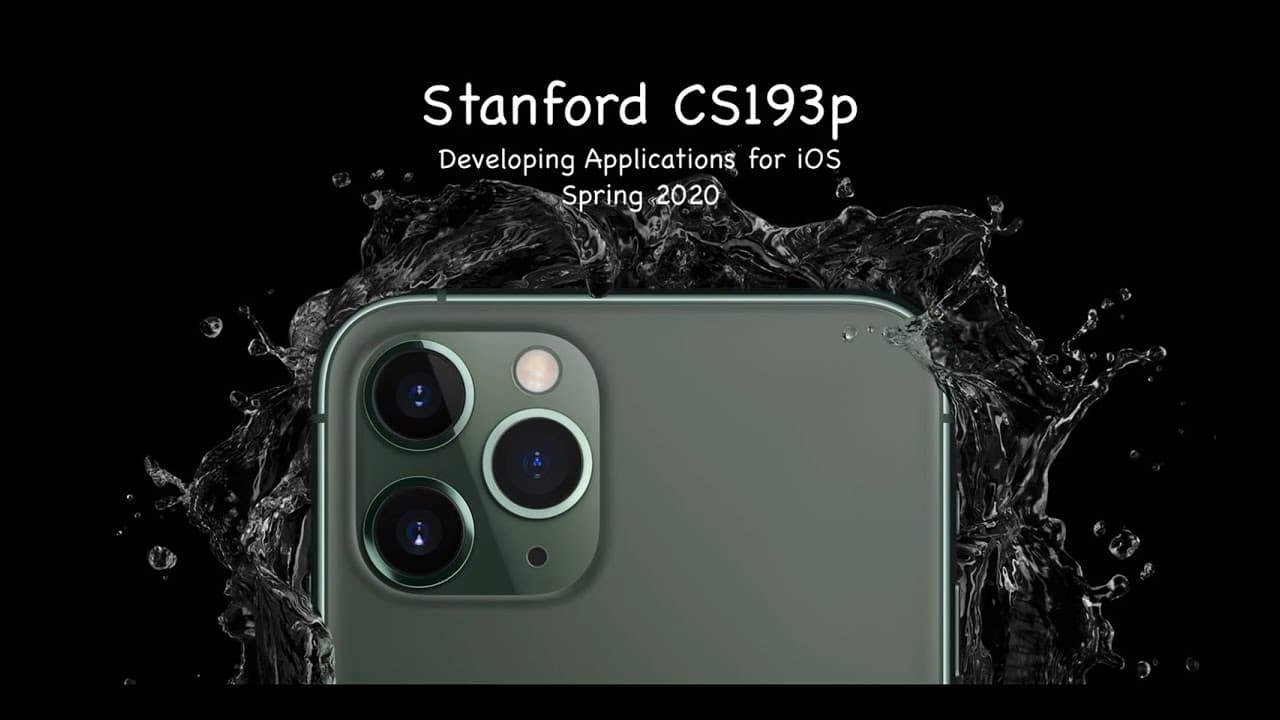
(gentle music) - [Narrator] Stanford University - [Instructor] CS193P Spring of 2020. This is lecture six and today I'm gonna cover two brief topics, either brief because they're minor topic like property observer, or I'm only gonna get into so much detail in them like @State. And then we're gonna dive into our main topic today, which is animation,... Read More
Key Insights
- 🅰️ SwiftUI provides two types of animation: implicit and explicit.
- 🫵 Implicit animation is automatically applied to a view whenever a modifier on that view changes.
- 🫵 Explicit animation is used when you want to specify the exact animation and duration for a group of views.
- 🫵 Transitions specify how to animate the arrival and departure of views and can be used with explicit animations.
Install to Summarize YouTube Videos and Get Transcripts
Explore YouTube Video Summarizer or Get YouTube Transcript Extractor
Questions & Answers
Q: What is the difference between implicit and explicit animation in SwiftUI?
Implicit animation applies to a single view and is automatically triggered whenever a modifier on that view changes. Explicit animation, on the other hand, is used to animate a group of views simultaneously and is triggered by calling the withAnimation function.
Q: How can you animate the appearance and disappearance of views in SwiftUI?
You can use transitions to animate the arrival and departure of views. The appearance and disappearance of views can also be animated by changing arguments of animatable view modifiers like opacity and rotation.
Q: What are some examples of temporary storage that views might need in SwiftUI?
Views might need temporary storage for situations like entering an editing mode, displaying alerts, or coordinating animations.
Q: How can you create custom animations in SwiftUI?
You can create custom animations by implementing the Animatable protocol in custom view modifiers or shapes, which allows them to participate in the animation system. This involves implementing the animatableData property, which determines how the view or shape is drawn during the animation.
Summary & Key Takeaways
-
Property observers allow you to watch a variable for changes and take some action when it changes.
-
SwiftUI views are read-only by default because immutability is preferred in functional programming.
-
Views can have temporary storage using the @State property wrapper.
-
Animation in SwiftUI is a way to smoothly portray changes in the UI over a configurable period of time.
-
Implicit animation is automatically applied to a view whenever a modifier on that view changes.
-
Explicit animation is used when you want to specify the exact animation and duration for a group of views.
Read in Other Languages (beta)
Share This Summary 📚
Summarize YouTube Videos and Get Video Transcripts with 1-Click
Try YouTube Summary with ChatGPT & Claude or YouTube Transcript Generator
Explore More Summaries from Stanford 📚



Summarize YouTube Videos and Get Video Transcripts with 1-Click
Try YouTube Summary with ChatGPT & Claude or YouTube Transcript Generator