How to Use MCP for Lead Generation in 2026
TL;DR
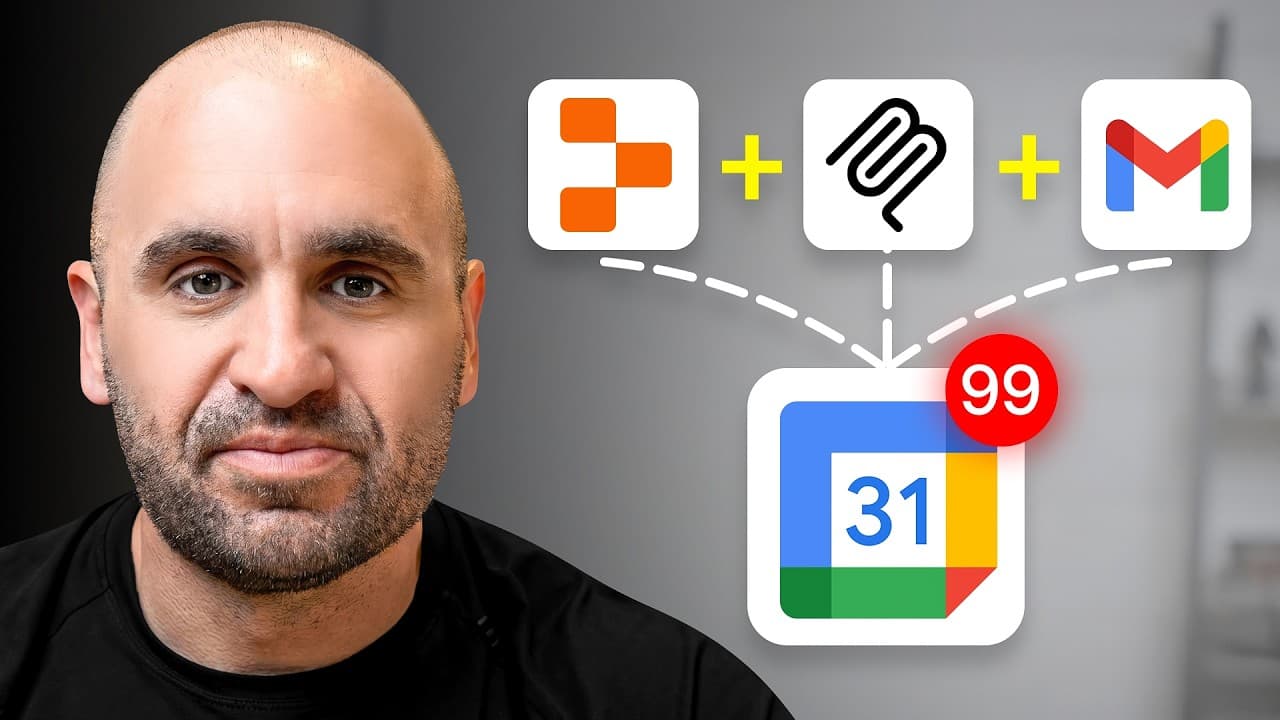
Use MCP for lead generation by connecting Instantly’s MCP server to an AI agent such as Claude, granting appropriate permissions, and asking the agent to perform outreach tasks. The demonstrated setup uses one custom connector URL plus an API key and can retrieve campaign analytics for the past 7 days, create campaigns, and manage leads. Read on for the configuration steps, tool-selection precautions, and practical prompts.
Transcript
Launching cold email campaigns just got a whole lot easier. And it honestly could not be a better time than now to leverage what I'm about to show you. What I'm referring to is the MCP, otherwise known as the model context protocol. And with Instantly's new MCP server, URL Brown's just got a whole huge upgrade. In this video, I'm going to show you ... Read More
Key Insights
- MCP is a protocol that connects AI agents with tools for automated workflows.
- AI agents can use MCP to select and execute tasks, enhancing productivity.
- MCP servers act as toolboxes, providing API wrappers for seamless integration.
- Instantly's MCP server allows users to manage email campaigns efficiently.
- Setting up MCP involves configuring connectors and API keys in platforms like Claude.
- AI agents can automate tasks like campaign analytics and lead management.
- MCP integration with vibe coding platforms enables rapid application deployment.
- MCP enhances outbound strategies by automating repetitive tasks and scaling outreach.
Install to Summarize YouTube Videos and Get Transcripts
Explore YouTube Video Summarizer or Get YouTube Transcript Extractor
Questions & Answers
Q: How do you use MCP for lead generation in 2026?
Connect Instantly’s MCP server to an AI agent such as Claude, then give the agent access to the tools needed for outreach. You can ask it to create or activate campaigns, review campaign analytics, and add, remove, or move leads.
Q: What is MCP in AI marketing?
MCP stands for Model Context Protocol and connects AI agents with sets of software tools. The speaker describes an MCP server as a toolbox containing API wrappers and documentation that help an agent select, use, and execute the right tool.
Q: How do you connect Instantly’s MCP server to Claude?
Open Claude’s settings, choose Manage Connectors, go to Connectors, and select Add Custom Connector. Enter “instantlymcp,” add the Instantly MCP URL shown in the walkthrough, obtain your API key, and plug it in so the available tools populate.
Q: What can Instantly’s MCP tools do?
The demonstrated toolset includes activating a campaign, counting unread emails, creating an account, creating a campaign, and retrieving campaign analytics. It can also support natural-language requests to add, remove, or move a lead.
Q: How can Claude retrieve Instantly campaign analytics?
Ask Claude to use Instantly’s MCP and report campaign analytics for a specified period, such as the past 7 days. In the demonstration, Claude calls the campaign-analytics tool and returns emails sent, total replies, top-performing campaigns by replies, and active campaign sending.
Q: Why should unused MCP servers be turned off?
Unused MCP servers should be disabled because the agent can select the wrong tool when multiple servers offer similar actions. For example, a “create campaign” action in Instantly could be confused with a similar action in another automation tool.
Q: How should permissions be configured for an MCP connector?
The connector configuration can provide read-only tools or grant permissions for actions the agent needs to perform. Select permissions carefully so the agent can complete the intended workflow while retaining a human in the loop for necessary steps.
Q: How do multiple MCP servers support agentic workflows?
Multiple MCP servers give AI agents access to several specialized toolboxes. The speaker compares this setup to a mechanic’s workshop, where agents and tools are divided by specialty so complete workflows can run from start to finish.
Summary & Key Takeaways
-
MCP, or Model Context Protocol, is a framework that connects AI agents with a suite of tools to automate workflows. By using MCP with AI platforms like Instantly, users can streamline lead generation and manage cold email campaigns more effectively. The video provides detailed instructions on setting up MCP servers and leveraging AI agents to enhance marketing strategies.
-
The video explains how to configure MCP servers, manage connectors, and utilize API keys for seamless integration with AI platforms. It highlights the importance of selecting appropriate tools and setting permissions to ensure efficient task execution. Additionally, it demonstrates how MCP can automate tasks like campaign analytics and lead management.
-
MCP's integration with vibe coding platforms like Replet allows users to rapidly deploy applications and enhance outbound strategies. By automating repetitive tasks and scaling outreach, MCP enables businesses to achieve significant growth in lead generation and marketing efforts. The video emphasizes the productivity benefits of using MCP in modern marketing campaigns.
Read in Other Languages (beta)
Share This Summary 📚
Summarize YouTube Videos and Get Video Transcripts with 1-Click
Try YouTube Summary with ChatGPT & Claude or YouTube Transcript Generator
Explore More Summaries from Instantly 📚




Summarize YouTube Videos and Get Video Transcripts with 1-Click
Try YouTube Summary with ChatGPT & Claude or YouTube Transcript Generator